 how-to
Custom Home Security for Seniors: A Setup Guide
Table of Contents
- Assess Your Senior's Safety Needs and Home Layout
- Home Security Devices for Seniors: What Actually Works
- Home Security for Seniors Living Alone: Professional Monitoring and Response
- Cameras for Monitoring Elderly Loved Ones: Setup and Privacy
- Best Home Alarms for Seniors: User-Friendly Controls and Installation
- Fall Prevention and Additional Safety Upgrades Beyond Alarms
- Build Your Custom Security Plan: Decision Framework
- Frequently Asked Questions
Last Updated: October 19, 2026
Assess Your Senior's Safety Needs and Home Layout
Home security for seniors differs from standard residential systems. The goal isn't just intrusion detection, it's a safety net that maintains independence while providing peace of mind for family members.
Walk through the property with your senior loved one. Note entry points (main doors, garage doors, sliding glass doors, ground-level windows) and fall-prone areas (bathrooms, hallways, stairs).
Older homes often have unusual wiring, thick walls, or architectural features that complicate wireless sensor placement. A custom home security for seniors plan accounts for these realities rather than forcing a one-size-fits-all system into place.
Document existing health concerns. Limited mobility requires different monitoring than full activity, and cognitive changes make simpler controls critical.
Home Security Devices for Seniors: What Actually Works
The most common mistake is installing too many devices, seniors often abandon complex systems within weeks. Focus on devices that solve real problems: knowing who's at the door, securing entry points, and getting help quickly in an emergency.
Door and window alarms
Door and window alarms are the foundation of any home security for seniors living alone.
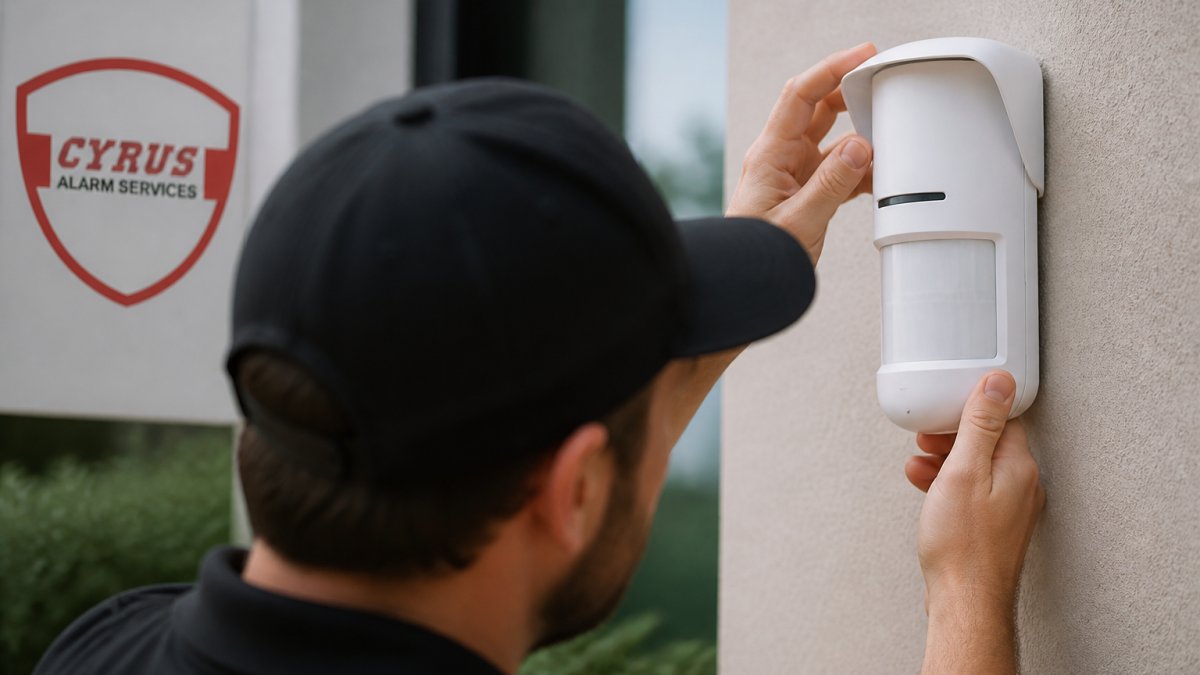
Wireless magnetic sensors are easiest to install, they stick to frames with adhesive, no drilling required.
Prioritize doors over windows. Front, back, and garage doors are entry points an intruder would use, followed by ground-floor windows. Upper-floor windows rarely need sensors unless accessible from a deck or roof.
The real value emerges with professional monitoring.
Video doorbells and visitor screening
The device mounts above the existing doorbell.
For seniors with hearing loss, the visual component is even more valuable, they can see the visitor's lips and body language to assess whether the person is legitimate.
Install the video doorbell where it captures the visitor's face clearly, avoiding backlighting from bright sun that creates silhouettes.
Smart locks and access control
A smart lock eliminates fumbling with physical keys. Your senior enters a code or uses their phone to unlock the door, and family members can unlock it remotely for emergency access.
Your senior doesn't need to hide a spare key where intruders look first.
Battery life typically runs 6-12 months, and most smart locks alert you when it's low.
Home Security for Seniors Living Alone: Professional Monitoring and Response
A system without monitoring is just an alarm that makes noise. Professional monitoring transforms it into an active safety layer, when a sensor triggers or an emergency button is pressed, a trained operator responds immediately.
24-hour professional monitoring benefits
This matters because your senior might not be able to call 911, they could be injured, unconscious, or too panicked to think clearly. The monitoring center handles that step automatically.
The monitoring center also knows your senior's medical history, emergency contacts, and special instructions.
Response times vary by location, but most professional monitoring centers dispatch emergency services within 60 seconds of confirming an emergency, a life-or-death difference in medical emergencies or active break-ins.
Medical alert integration and emergency response
Many home security systems now integrate medical alert buttons. Your senior wears a wristband or pendant they can press if they fall, have chest pain, or experience any medical emergency, alerting the monitoring center like a triggered alarm.
The monitoring center asks if they need medical help.
Medical alert integration works best when your senior actually wears the device. Resistance is common, seniors worry about looking old or forget to wear it.
Caregiver alerts and family notifications
Home security for seniors should notify family members when something happens.
These notifications let you check in without being intrusive. If your senior usually disarms at 7 AM and it's still armed at 9 AM, you can call to make sure they're okay.
Set up notifications carefully, too many create alarm fatigue, too few and you miss genuine emergencies. Work with your senior to define which events warrant notification: usually entry point openings, emergency button presses, and disarm failures.
Cameras for Monitoring Elderly Loved Ones: Setup and Privacy
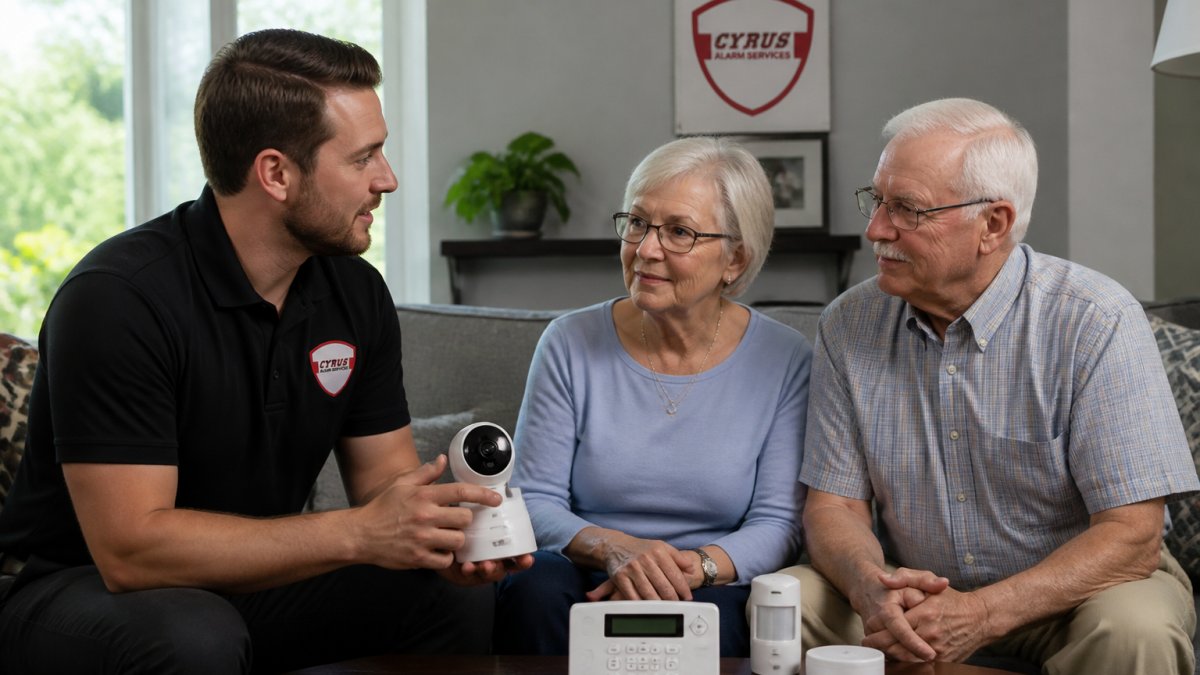
Cameras provide visual confirmation of what's happening. Unlike sensors that only detect motion or door openings, cameras show the actual situation, invaluable for understanding emergencies and reviewing incidents afterward.
Indoor wellness cameras vs. outdoor surveillance
Indoor wellness cameras are designed to check on your senior's wellbeing, not catch intruders.
Outdoor cameras focus on perimeter security, entry points, driveways, yards. They deter break-ins and capture footage of anyone approaching the home, and need weatherproof housings and infrared capability for night vision.
For most seniors living alone, one or two indoor wellness cameras in high-risk areas combined with outdoor cameras at entry points provides comprehensive coverage, catching both internal emergencies and external threats.
Real-time checks and remote monitoring via mobile app
A mobile app lets you check on your senior anytime, view live camera feeds, see sensor status, check if doors are locked, and communicate through two-way audio.
Real-time access doesn't mean constant surveillance.
The app also stores video clips. If your senior falls or something unusual happens, you can review the footage to understand what occurred, helping responders and doctors assess the situation.
Balancing monitoring with privacy and consent
This is where many families stumble. Installing cameras without your senior's knowledge or consent damages trust, even well-intentioned monitoring can feel controlling or infantilizing.
Have an honest conversation about monitoring before installing anything.
Respect boundaries. Your senior doesn't need cameras in bathrooms or bedrooms unless they've agreed specifically.
Document that your senior consented to monitoring. This protects both of you legally and reinforces that this is a collaborative decision, not something imposed on them.
Best Home Alarms for Seniors: User-Friendly Controls and Installation
The best alarm system for seniors is one they'll actually use. Complex control panels with dozens of buttons frustrate seniors and lead to abandonment. Simplicity and reliability matter more than advanced features.
Simple setup and easy-to-use control panels
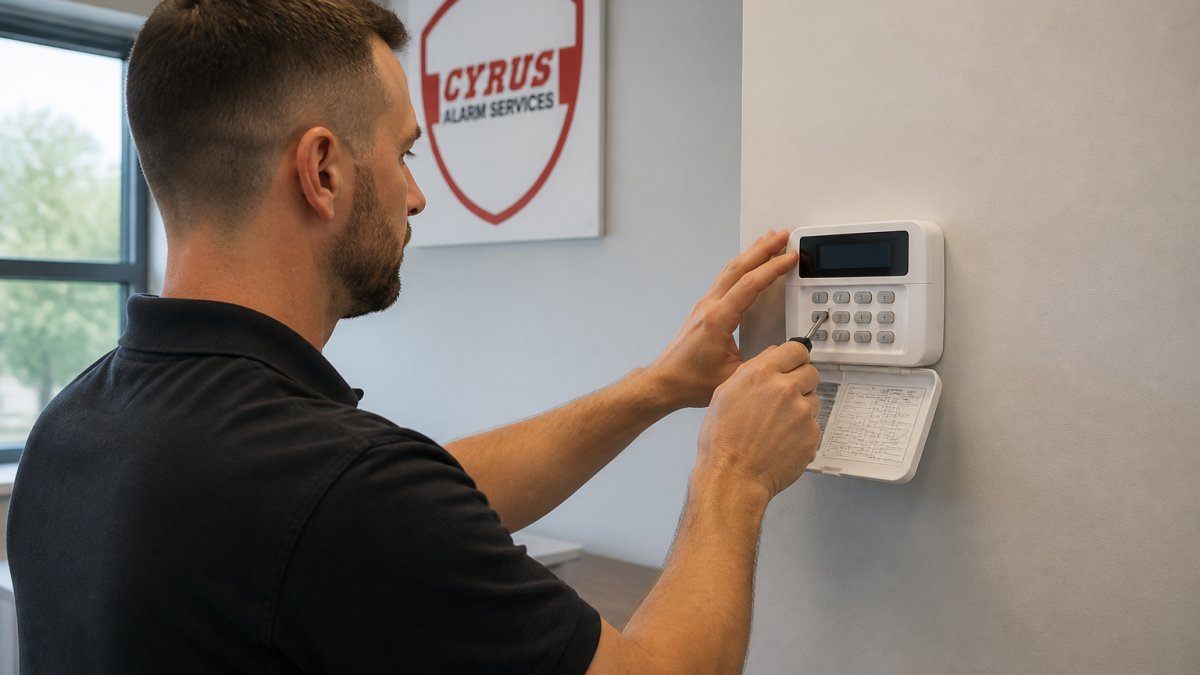
Look for control panels with large buttons, clear displays, and minimal menu navigation.
Voice control is increasingly valuable for seniors. "Alexa, arm my security system" is simpler than remembering a code and navigating a keypad, and many modern systems integrate with voice assistants.
The mobile app should also be simple, large buttons, clear status indicators, and straightforward navigation.
Test the system thoroughly with your senior before the monitoring center goes live.
Professional installation and in-home testing
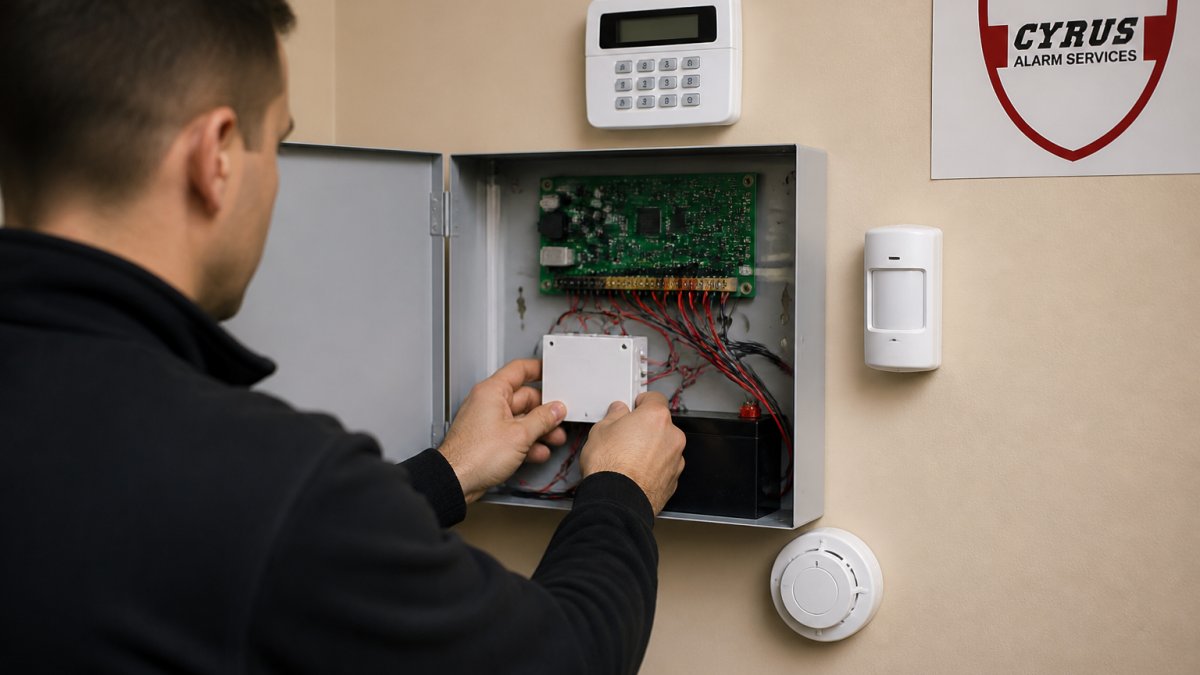
Professional installation is worth the investment for seniors. A technician visits your home, assesses the layout, places sensors optimally, tests every component, and explains how everything works.
In-home testing catches problems that don't show up in a lab, thick walls blocking wireless signals, interference from other devices, dead zones created by your specific layout.
Reliability during power outages and emergencies
A security system that fails during emergencies is worse than useless, it's dangerous.
Quality alarm systems have battery backup that keeps the control panel and sensors operational for 24-48 hours during power outages.
Before finalizing your system, ask about backup power and connectivity. How long will it operate on battery? Does it have cellular backup?
Test the backup systems periodically. Simulate a power outage by unplugging the control panel, then verify that sensors still work and alerts still reach the monitoring center.
Fall Prevention and Additional Safety Upgrades Beyond Alarms
Home security for seniors extends beyond intrusion detection. Falls are a leading cause of injury for older adults (the CDC). Lighting, flooring, and environmental modifications prevent falls more effectively than any alarm.
Hallway and bathroom lighting automation
Darkness causes falls. Your senior gets up at night to use the bathroom and can't see clearly, tripping on a step, missing a handrail, or slipping on a wet floor.
Install lights at low levels along hallways. Bright overhead lights can disorient seniors and make obstacles harder to see; low-level lighting provides safe illumination without glare.
Bathroom lighting should illuminate the floor clearly, showing wet spots, obstacles, and uneven surfaces that could cause falls.
Smart home safety features that prevent accidents
Beyond lighting, smart home features create safer environments.
Stove monitors prevent cooking fires. Many seniors forget they're cooking and leave stoves unattended. A smart stove monitor alerts you and can shut off the stove remotely if needed.
Smart medication dispensers remind your senior to take medications and alert family members if doses are missed, preventing common and dangerous medication errors.
These features work together to create a comprehensive safety system.
Build Your Custom Security Plan: Decision Framework
Creating the right custom home security for seniors means matching solutions to specific needs rather than buying everything available. This framework guides that decision.
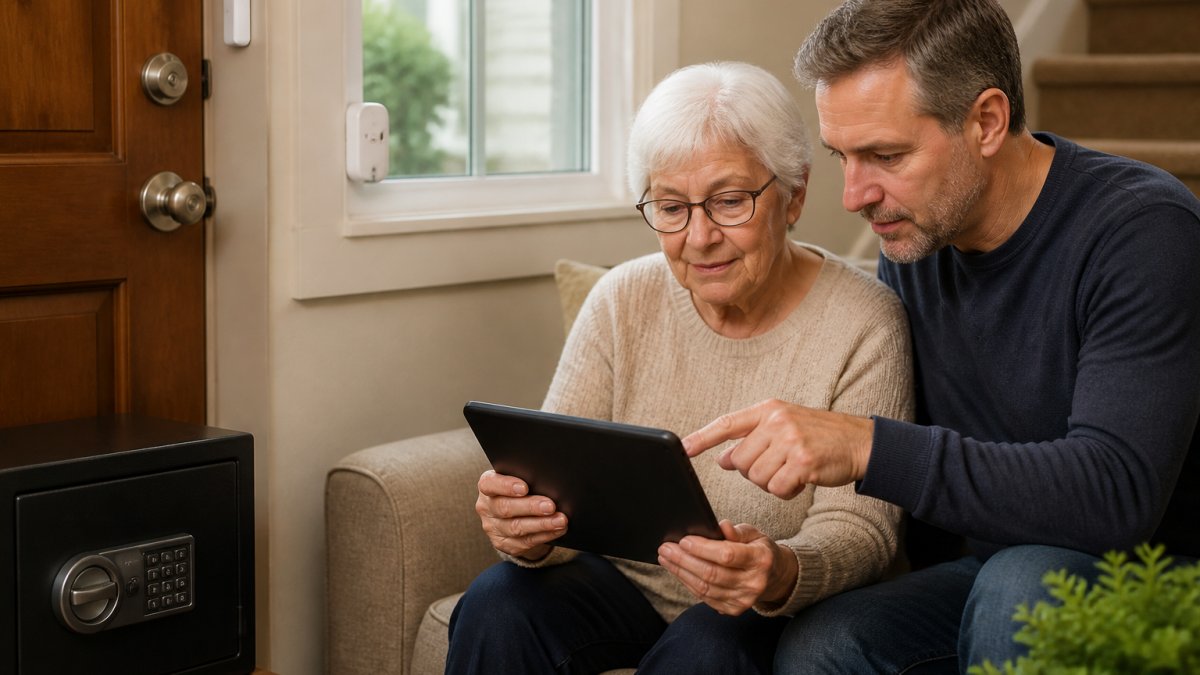
Start with your senior's living situation. Are they alone most of the time or do they have regular visitors? Do they have mobility issues or cognitive changes?
Next, identify the top three safety concerns. For someone living alone with mobility issues, fall detection and emergency response are critical.
Choosing between DIY and professional installation
DIY systems are cheaper upfront but require your senior to understand technology, self-installation, troubleshooting connectivity, and managing updates. For tech-savvy seniors or younger family members handling setup, DIY can work.
Professional installation costs more but eliminates technical complexity.
Professional installation also means accountability. If something doesn't work right, you have a service provider to call, rather than troubleshooting alone at 2 AM when an alert fails.
Evaluating contract length and monitoring service options
Monitoring contracts typically run 12-36 months. Shorter contracts offer flexibility but higher monthly rates; longer contracts save money but lock you in.
Understand what's included in monitoring. Some services monitor intrusion only; others add medical alerts, fire detection, and environmental monitoring. Some offer 24/7 monitoring; others have limited hours. More comprehensive monitoring costs more but provides better protection.
Ask about false alarm policies. Police respond to false alarms but eventually stop if there are too many.
Testing your system and setting up caregiver protocols
Before relying on your system, test it thoroughly. Have your senior practice arming and disarming. Test the emergency button. Verify that alerts reach your phone.
Create written protocols for caregivers, family members, and emergency contacts. Who has access codes? Who gets alerts? What's the response procedure if an alarm triggers?
Update protocols as circumstances change.
Protecting your senior's safety requires thinking beyond traditional alarms, understanding their specific vulnerabilities, choosing devices that actually improve their life, and creating systems they'll use reliably.
Frequently Asked Questions
What home security devices are easiest for seniors to use?
Door and window alarms with simple on-off switches, video doorbells with large buttons, and control panels with large text are most senior-friendly. Avoid systems requiring frequent app navigation. Professional monitoring services handle alerts automatically, so seniors don't need to respond to every notification. Two-way audio on cameras lets seniors communicate without picking up a phone. Test all controls with your senior before finalizing installation.
How can family members monitor a senior's home while respecting privacy?
Use wellness cameras in common areas (living room, kitchen) rather than bedrooms or bathrooms. Discuss monitoring openly and get explicit consent before installation. Set up caregiver alerts that notify family of unusual activity (door opening at odd hours, motion detected) rather than continuous live feeds. Mobile app access lets family check in without constant surveillance. Establish clear rules about when cameras record and who can view footage.
What should I do if my senior lives alone and has a medical emergency?
Integrate a medical alert system with your home security setup. Professional 24-hour monitoring can dispatch emergency services immediately when an alarm is triggered. Caregiver alerts notify family members in real-time. Ensure your senior wears a wearable pendant or has easy access to emergency buttons. Test the full response chain quarterly: alert trigger, monitoring center response, family notification, and emergency dispatch. Confirm that monitoring service has current emergency contact information and medical details.
Will a custom home security system work if the power goes out?
Quality systems include battery backup that keeps the alarm and monitoring connection active during outages, typically for 24-48 hours. Cellular backup ensures the monitoring center receives alerts even if internet is down. Test backup power during installation to confirm it works. Ask your installer about backup duration for your specific system. Keep backup power specifications in writing, and verify that your monitoring service supports cellular failover.