 how-to
Business Alarm System Maintenance Tips: 2026 Guide
Table of Contents
- Why Regular Security System Maintenance Matters for Your Business
- Creating a Commercial Alarm System Maintenance Checklist
- How to Test a Business Alarm System Safely
- Business Alarm System Battery Replacement and Maintenance
- Cleaning Sensors, Detectors, and Cameras for Optimal Performance
- Signs a Business Alarm System Needs Replacement
- Documenting Maintenance and Building System Reliability
- Frequently Asked Questions
Last Updated: October 11, 2026
Why Regular Security System Maintenance Matters for Your Business
A business alarm system is only as reliable as the last time someone tested it. When maintenance gets pushed aside, sensors drift out of alignment, batteries lose charge, and communication paths fail silently. By the time you need protection, your system might not deliver it.
At Cyrus Alarm Services, we understand the importance of regular maintenance. The cost of failure can far exceed the time spent on preventive maintenance.
Regular alarm system maintenance isn't just about avoiding problems. It's about confidence. When you know your door contacts work, your motion detectors respond, and your monitoring connection stays solid, you can focus on running your business instead of worrying about gaps in your security.
Here's what ongoing maintenance actually prevents:
- Equipment failure during critical moments
- False alarms that waste police resources and damage your credibility
- Slow response times when real threats occur
- Costly emergency repairs instead of planned upkeep
- System downtime that leaves your business exposed
The businesses that maintain their alarm systems see consistent performance. Their sensors stay clean and responsive. Their batteries hold their charge. Their communication paths stay open to the central monitoring station. That reliability is worth the effort.
Creating a Commercial Alarm System Maintenance Checklist
A structured maintenance schedule keeps your business alarm system in peak condition. Rather than guessing what needs attention, a formal checklist ensures nothing gets overlooked. The best approach combines monthly quick checks with deeper quarterly and annual reviews.
Monthly Inspection Tasks
Monthly checks catch small issues before they become big problems. These tasks take 15 to 20 minutes and should happen on the same day each month.
Start by visually inspecting all entry points. Walk around your building and look at every door contact and window contact. Make sure they're aligned properly and free of dirt or debris. Contacts that sit crooked won't trigger reliably when a door opens.
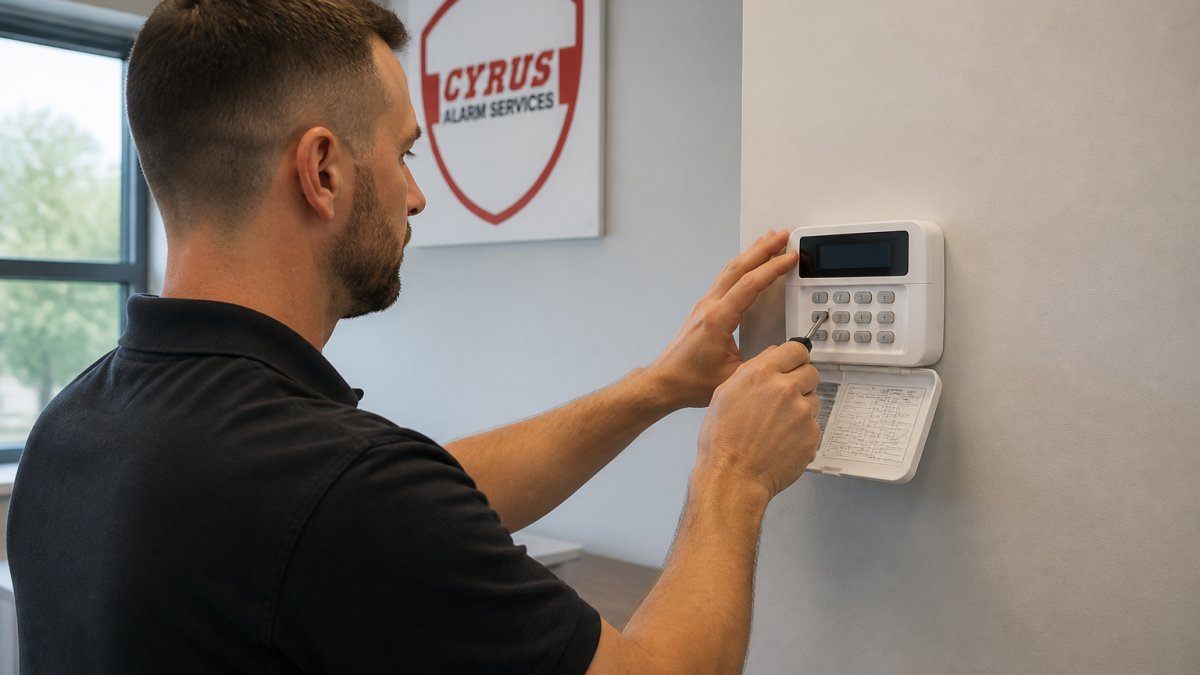
Next, test your alarm panel. Arm and disarm the system to confirm it responds normally. Check that the control panel display shows no error messages. If you see warnings about low battery or communication issues, address them immediately.
Verify that your monitoring connection is active. Most modern systems display a signal strength indicator or connection status on the panel. A weak or missing signal means alerts won't reach the central monitoring station.
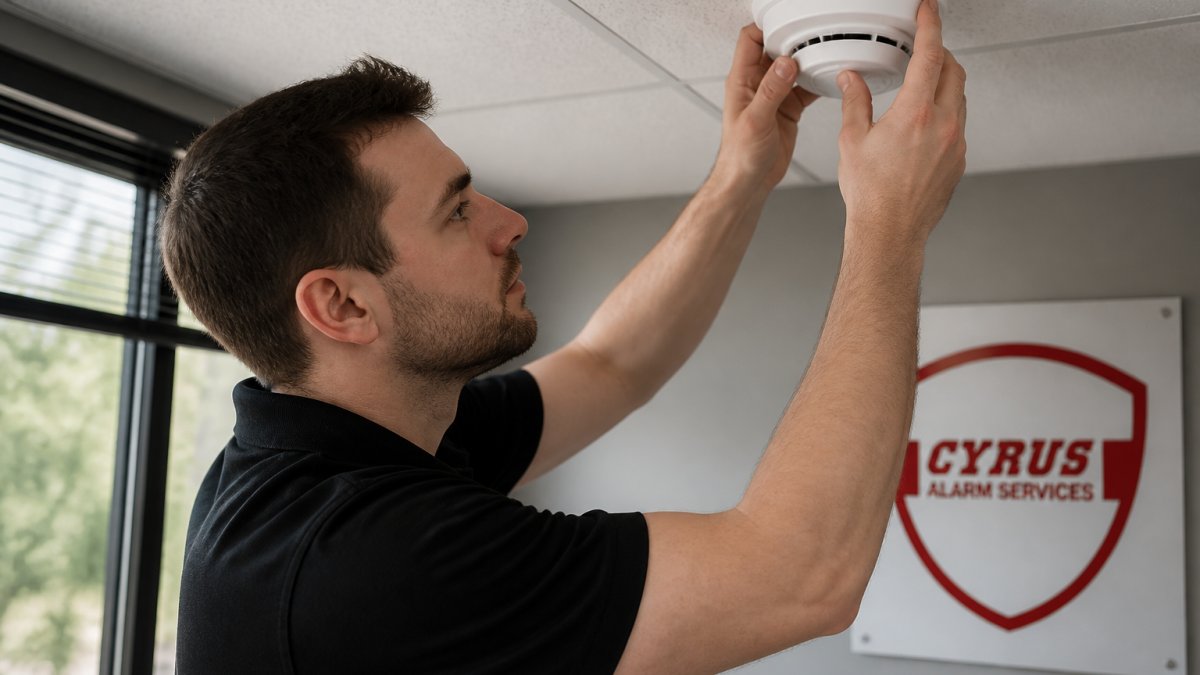
Walk through each room with motion detectors. Look for obstructions that might block the detector's view. Dust, spider webs, and shifted furniture can all reduce a motion detector's sensitivity.
Check your backup battery. Most systems show battery status on the control panel. If the indicator shows low charge, plan to replace it within the next few weeks.
Monthly maintenance checklist:
- Visual inspection of all door and window contacts
- Test arm/disarm cycle on alarm panel
- Verify monitoring connection status
- Check motion detector sight lines for obstructions
- Review backup battery indicator
Quarterly and Annual Reviews
Quarterly reviews go deeper. Every three months, perform all monthly tasks plus these additional checks.
Test your glass-break detectors by gently tapping the sensor itself, not the glass. The detector should trigger. If it doesn't, clean the lens and test again.
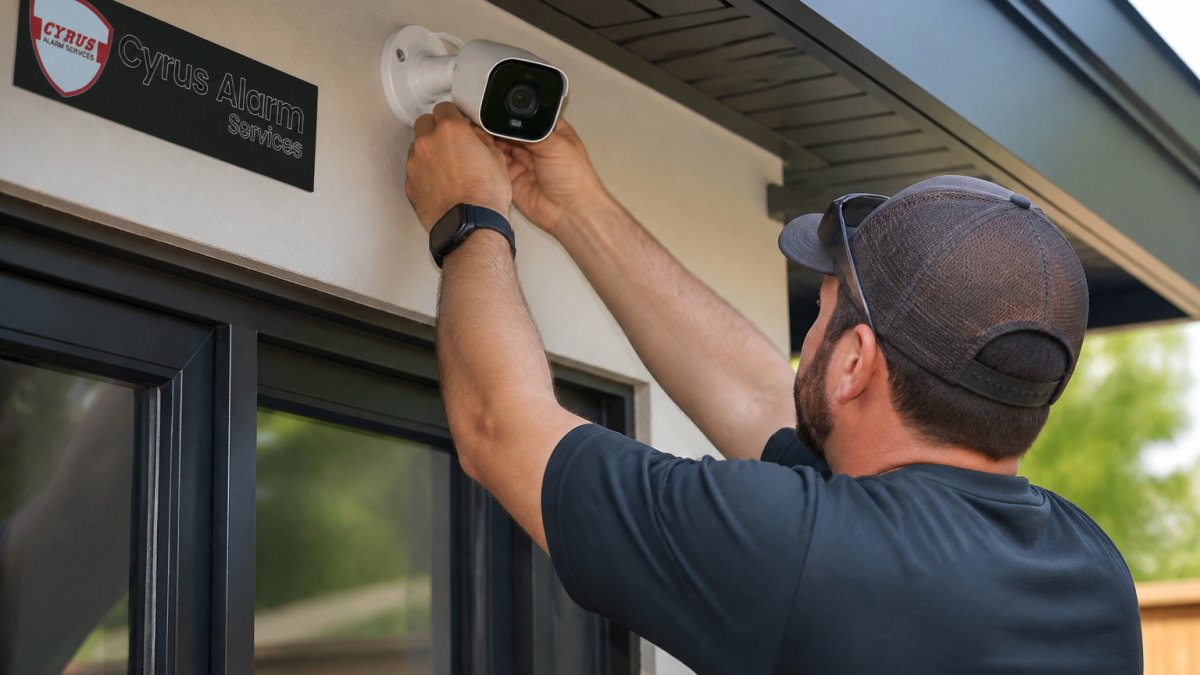
Inspect your CCTV cameras. Check that each camera lens is clean and the view is unobstructed. Look at the camera views on your system to confirm the image quality is clear. Grainy or blurry footage is useless in an actual incident.
Review your contact information on file with the monitoring provider. Make sure phone numbers, email addresses, and emergency contacts are current. If the monitoring center can't reach you, response times suffer.
Annually, schedule a professional inspection with a qualified technician.
Quarterly and annual tasks:
- Test glass-break detectors
- Clean and inspect all CCTV cameras
- Verify camera view clarity and image quality
- Update emergency contact information with monitoring provider
- Schedule annual professional system test
How to Test a Business Alarm System Safely
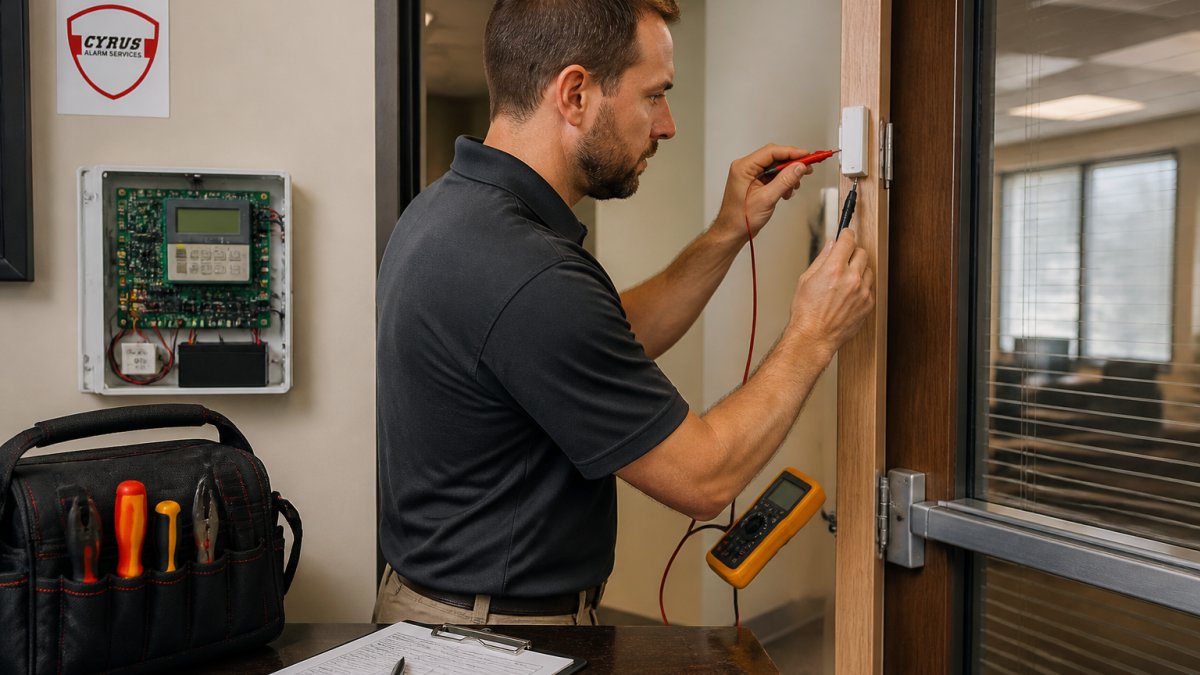
Testing your alarm system is essential, but testing incorrectly causes false alarms that waste police time and damage your relationship with emergency responders. The key is coordination and careful execution.
Coordinating with Your Monitoring Provider
Before you test anything, contact your monitoring provider. Tell them the date and time you plan to test your system. Provide a specific window, like "We'll test between 2 PM and 2:30 PM on Tuesday."
The monitoring center will place your account on test mode. In test mode, alerts trigger normally but don't dispatch emergency responders. Without this step, every test sends a police unit to your location.
Document this communication. Keep a record of when you notified the monitoring provider and who you spoke with. This protects you if a false alarm somehow gets reported.
Notify your staff that testing will happen. If employees don't know about the test, they might panic when the siren sounds or try to silence the alarm before you've completed your checks.
Testing Each Component Without False Alarms
Start with door and window contacts. Open a door slowly and watch your alarm panel. The system should show that contact as open. Close the door. The panel should return to normal. Repeat this for several entry points.
For motion detectors, walk slowly through the detector's range. The system should trigger. Wait for the alarm to sound, then disarm it using your code. Never cover a motion detector lens during testing, as this can damage the sensor.
Test your glass-break detectors by tapping the sensor itself gently with a small tool. The detector should activate. A real glass-break detector responds to the sensor, not to actual broken glass.
Test your backup battery by disconnecting power to the control panel for 30 seconds. The system should continue operating on battery power. Reconnect power. The panel should return to normal operation.
After each component test, disarm the system and wait for it to reset fully before testing the next component. This prevents multiple alarms from triggering at once.
Once all components have been tested, contact your monitoring provider again to confirm testing is complete and request that test mode be turned off.
Testing sequence:
- Notify monitoring provider and request test mode
- Test door and window contacts
- Test motion detectors
- Test glass-break detectors
- Test backup battery operation
- Disarm system and allow reset between each test
- Notify monitoring provider when testing is complete
Business Alarm System Battery Replacement and Maintenance
Your backup battery keeps your system running if main power fails. Most backup batteries last three to five years before losing capacity. Check the battery indicator on your control panel monthly. When the indicator shows low charge, plan replacement within two weeks.
To replace the backup battery, first disarm your system. Locate the battery compartment on your control panel. Remove the old battery and note its model number. Purchase an identical replacement from your monitoring provider or an authorized dealer.
Install the new battery, making sure the connections are secure. Power up the system and verify that the battery indicator shows a full charge. The system should operate normally.
Keep spare batteries on hand for critical sensors. Motion detectors and wireless door contacts also use batteries. Replace them every 12 to 18 months, or sooner if you see low battery warnings on your panel.
Document every battery replacement. Record the date, battery model, and which component received the new battery. This log helps you predict when other batteries will need replacement.
Cleaning Sensors, Detectors, and Cameras for Optimal Performance
Dust and dirt reduce sensor sensitivity. Clean your sensors and detectors every three months as part of your quarterly review.
Use a soft, dry cloth to gently wipe each motion detector lens. Avoid harsh chemicals or abrasive materials. A motion detector lens can scratch easily, reducing its ability to detect movement.
Clean door and window contacts the same way. A light wipe removes dust that might prevent proper contact closure.
For CCTV cameras, use a microfiber cloth to clean the lens gently. Dirty lenses produce grainy footage that's difficult to use in investigations. If a lens shows stubborn dirt, use a small amount of lens cleaner designed for camera equipment.
Check the camera mounting to confirm it hasn't shifted. A camera that's tilted or rotated captures the wrong area of your business.
Glass-break detectors should be cleaned quarterly. Use a soft cloth to wipe the sensor surface. Never use compressed air, as this can force dust into the sensor.
Signs a Business Alarm System Needs Replacement
With proper maintenance, replacement becomes more cost-effective than repair. Watch for these warning signs.
If your system generates frequent false alarms despite regular maintenance, the control panel or sensors may be failing. False alarms damage your credibility with emergency responders and indicate underlying equipment problems.
When your monitoring provider tells you that your system uses outdated technology they no longer support, replacement is necessary. Older systems may lack integration with modern apps, remote access, or cloud-based monitoring features that newer systems offer.
If repairs become frequent or expensive, calculate the cost of replacement. A new system with current technology often costs less over five years than continuous repairs to aging equipment.
Slow response times or communication failures suggest your system can't maintain a reliable connection to the monitoring station. This is a safety issue that requires immediate attention.
When your business changes, your security needs may outgrow your current system. Expansion, new entry points, or additional cameras require a system with more capacity.
Documenting Maintenance and Building System Reliability
Maintenance records are your proof that your alarm system works. Keep detailed logs of every inspection, test, battery replacement, and professional service visit.
Record the date, time, and specific tasks completed during each maintenance session. Note any issues found and how they were resolved. Include the names of anyone who performed the work.
Document your communication with your monitoring provider. When you notify them of testing, keep a record of the date, time, and name of the person you spoke with. When they confirm that test mode is active or complete, save that confirmation.
Take photos of your system components, especially cameras and sensors. These images help you remember exactly where each device is located and how it's mounted.
Maintenance records serve multiple purposes. They help you track patterns in equipment performance. They provide evidence that you've taken reasonable steps to maintain your security. They help your insurance company understand your risk profile.
Create a simple spreadsheet or log book for your records. Include columns for date, task completed, person responsible, and notes. Update it after every maintenance session. Review it quarterly to identify any components that need attention or replacement.
Maintaining your business alarm system keeps your property protected and your staff safe. Regular checks catch problems before they become emergencies. Coordinated testing confirms that your system actually works when you need it. Professional maintenance and clear documentation build the reliability your business depends on.
At Cyrus Alarm Services, we understand that your security system is only as good as its maintenance routine. Our team can help you design a maintenance schedule tailored to your business and ensure your system stays in peak condition.
Frequently Asked Questions
How often should a business alarm system be tested?
Most security professionals recommend testing your alarm system monthly to ensure all sensors, detectors, and communication paths function correctly. Quarterly professional inspections catch issues early, and annual comprehensive reviews with your monitoring provider verify that your system meets current security standards and responds as expected during emergencies.
How do you test a business alarm system without triggering a false alarm?
Contact your monitoring provider before testing and request a test mode or temporary bypass. Most providers allow you to enter a test code on your alarm panel that prevents real alerts from being sent to central monitoring while you verify sensor operation. Always inform staff of testing windows and document results in your maintenance log to track system performance over time.
What are signs a business alarm system needs replacement?
Replace your system if sensors fail to respond consistently, the control panel shows frequent error messages, backup batteries no longer hold charge, or the system cannot integrate with modern monitoring technology.
What does commercial alarm system maintenance involve?
Maintenance includes monthly sensor cleaning and contact verification, quarterly battery checks and backup power tests, annual professional inspections of all detectors and cameras, and documentation of all service records. Regular preventive maintenance reduces equipment failure, minimizes false alarms, and ensures your monitoring connection stays reliable so response times remain fast during actual emergencies.