 how-to
How to Stop False Alarm Triggers: 2026 Fix Guide
Table of Contents
- Why Your Alarm Keeps Triggering and Where to Start
- Common Causes of False Security Alarms
- Step-by-Step Diagnostic Flowchart for False Alarm Triggers
- Security System Maintenance Checklist
- Pet-Specific and Smart Home False Alarm Fixes
- False Alarm Fines and Ordinances: What Homeowners Need to Know
- When to Call a Professional for Persistent False Alarm Triggers
- Frequently Asked Questions
Last Updated: September 14, 2026
Why Your Alarm Keeps Triggering and Where to Start
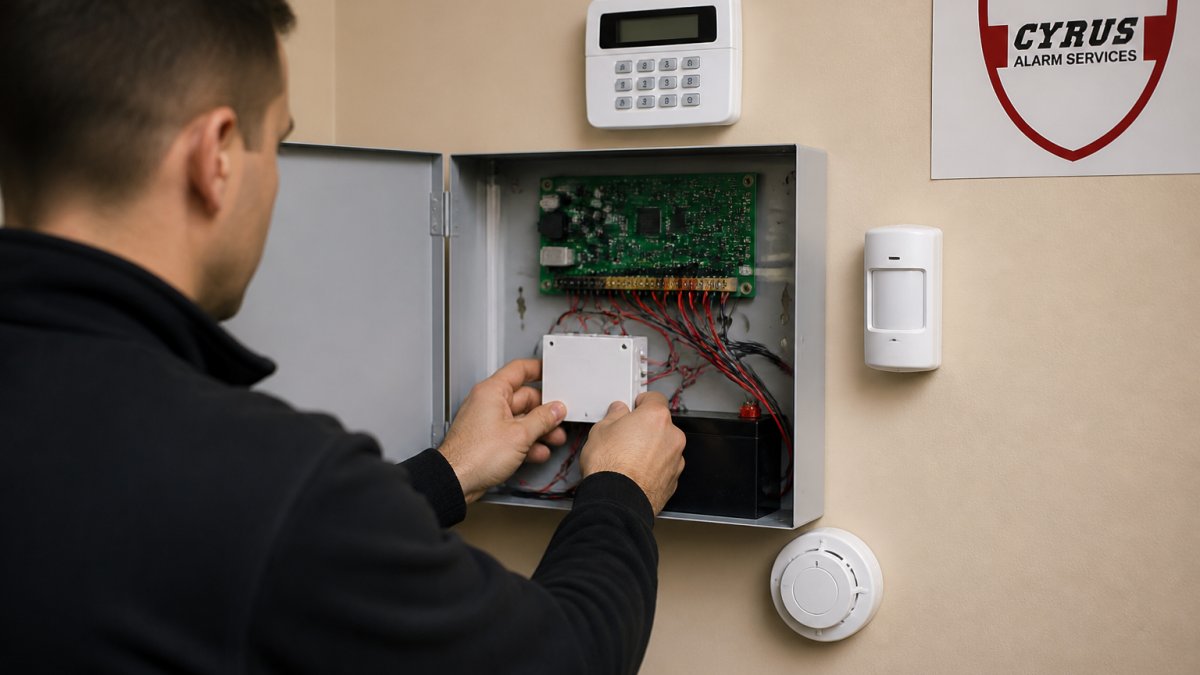
A false alarm triggers when a sensor mistakes ordinary conditions for a genuine threat, and the fix almost always starts with identifying which device sent the signal. Learning how to stop false alarm triggers begins with one step most guides skip: reading the event log before touching any hardware.
A false alarm trigger is any event that causes a security system to sound or send a notification when no actual intrusion, fire, or emergency exists. It is not a malfunction by default. Dust, a pet, a mis-entered access code, or a door left ajar can all produce the same signal as a break-in.
That distinction matters because the fix depends entirely on the cause. A dirty smoke detector needs cleaning. A motion detector that trips when the cat walks past needs repositioning or a pet-immune lens. A system that arms itself while you're still inside needs a programming change, not a service call.
Below, we'll walk through a diagnostic sequence, a maintenance checklist, and the pet and smart-home conflicts that cause most repeat false alarm triggers. But first, here's what most guides get wrong: they tell you to lower sensor sensitivity. That's often the last thing you should do, because reduced sensitivity also means reduced detection when it counts.
Common Causes of False Security Alarms
The most common causes of false security alarms fall into two categories: environmental conditions that fool a sensor, and human error that trips a system that's working correctly. Separating the two saves hours of unnecessary troubleshooting.
Environmental Triggers: Dust, Humidity, and Insects
Dust accumulation inside a smoke detector is the single most frequent environmental cause we encounter. A photoelectric smoke detector works by sensing light scatter; when dust builds on the chamber walls, it mimics smoke particles and sets off the alarm (Learn More About Smoke Alarms). Insects nesting in the sensing chamber produce the same result, and spiders are repeat offenders.
Humidity levels above roughly 80% can also cause condensation inside sensors, particularly in basements and crawl spaces (Learn More About Smoke Alarms). Airflow obstruction matters too: a detector placed near a heating vent or ceiling fan gets a constant stream of airborne particles pushed through it, which shortens the time between cleanings and increases nuisance alarm frequency.
Human Error, Access Codes, and Disarming Mistakes
A surprising share of false alarm triggers come down to the user, not the equipment. Common mistakes include:
- Entering an access code with a transposed digit, then abandoning the attempt mid-sequence
- Opening a protected door during the exit delay, then closing it and re-entering
- Arming "stay" mode but walking through a motion detector zone
- Failing to disarm before letting a pet out at night
New users are the highest-risk group. If your household includes a babysitter, a housekeeper, or a relative who visits occasionally, that person needs a unique access code and a five-minute walkthrough. Shared codes hide the culprit; individual codes tell you exactly who armed or disarmed the system and when.
Step-by-Step Diagnostic Flowchart for False Alarm Triggers
Work through this sequence in order. Stop as soon as you find the cause, and log what you changed.
- Pull the event log. Every modern panel records which zone triggered, the time, and whether the system was armed. Identify the specific sensor before doing anything else.
- Check the zone type. A door/window contact triggering at 3 a.m. points to a loose fit or a shifting frame. A motion detector points to environment or pets.
- Inspect the sensor physically. Look for dust, cobwebs, insect activity, and physical damage. Check that the contact magnet still aligns with the reed switch when the door is closed.
- Review the arming history. Was the system disarmed and re-armed within a few minutes? That pattern usually means a user error, not a fault.
- Test in test mode. Most panels have a walk-test function that lets you trigger each sensor individually without sounding the siren.
- Check power and connectivity. A low-battery notification or a trouble signal on a wireless sensor often precedes erratic triggering.
- Isolate the zone. If a sensor keeps firing after cleaning and testing, bypass that zone temporarily and monitor whether the false alarms stop.
- Escalate if it repeats. A sensor that trips three or more times after cleaning is usually due for replacement, not another round of troubleshooting.
Security System Maintenance Checklist
A preventative maintenance routine catches most false alarm triggers before they happen. Run this checklist quarterly for smoke and life-safety devices, and annually for the full system.
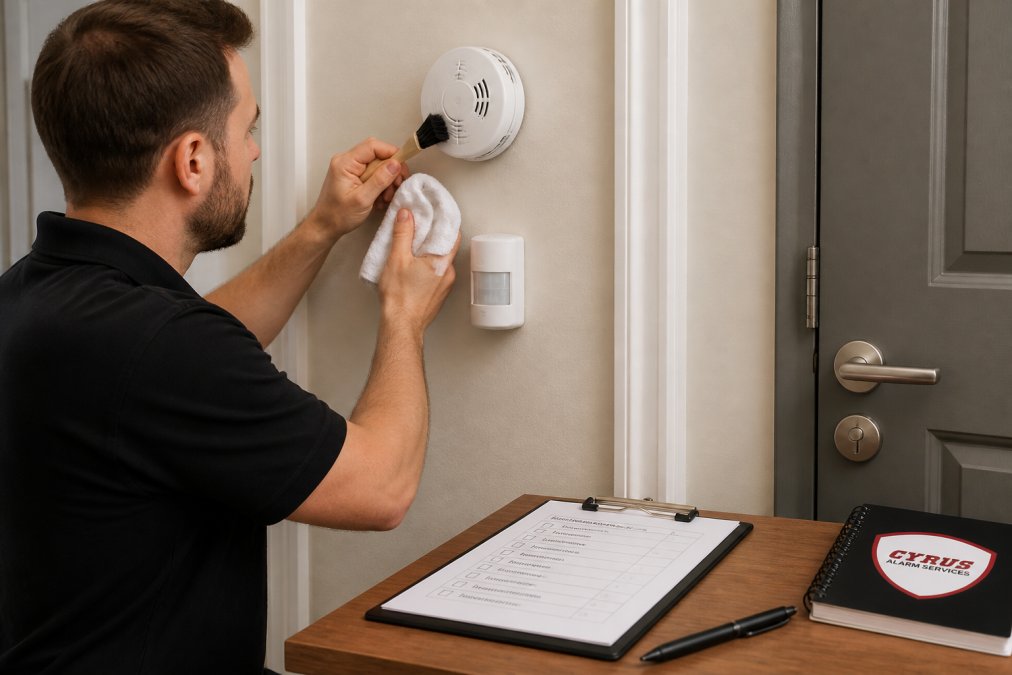
- Vacuum the exterior vents and sensing chamber of each smoke detector with a soft brush attachment
- Wipe motion detector lenses with a dry microfiber cloth; never use liquid cleaner on the lens
- Check that door and window contacts align within a quarter inch when closed
- Replace batteries on the schedule your panel recommends, and act on every low-battery notification immediately
- Clear cobwebs and vegetation away from exterior sensors, cameras, and motion detectors
- Confirm exhaust filters and HVAC vents aren't blowing directly into a detector
- Test each device in test mode and confirm the signal reaches the panel
- Review user access codes and remove anyone who no longer needs entry
- Schedule an annual inspection with a qualified technician for hardwired systems and life-safety devices
| Maintenance Task | Frequency | Typical Time | What It Prevents |
|---|---|---|---|
| Smoke detector cleaning | Quarterly | 10 min per device | Dust and insect nuisance alarms |
| Battery check and replacement | Per panel schedule | 5 min per device | Low-battery trouble signals |
| Contact alignment check | Every 6 months | 15 min total | Door and window false triggers |
| Full system test | Annually | 30-60 min | Undetected sensor and wiring faults |
| Professional inspection | Annually | Varies | Cumulative drift and aging hardware |
Pet-Specific and Smart Home False Alarm Fixes
Pets and smart home devices account for a large share of repeat false alarms, and both get far less attention than they deserve. Standard motion detectors are typically rated for animals up to about 40 pounds, but that rating assumes the pet stays on the floor and the detector is mounted at the correct height.
Smart Home Integration Conflicts
Smart home integration conflicts happen when two systems try to control the same device. A common example: your smart lock reports a door as open, your security panel reads the same door as closed, and the mismatch triggers a tamper alert or a trouble signal. Similar conflicts arise when a smart thermostat or lighting schedule changes occupancy states that your panel interprets as activity.
The fix is to designate one system as the source of truth for each device. If your panel handles arming and disarming, your smart home hub should not also send arm commands. Check for duplicate automations that disarm the system on a schedule, because a scheduled disarm followed by a re-arm can look like a false trigger in the event log.
Pet-Specific False Alarm Mitigation
Pet-specific false alarm mitigation comes down to three levers: detector placement, pet-immune lenses, and zone design.
- Mount motion detectors so the beam pattern stays above your pet's height, typically 6 to 7 feet
- Use pet-immune motion detectors rated for your pet's weight, and remember that two pets moving together can exceed the rating
- Avoid pointing detectors at furniture your pet climbs on
- Exclude rooms your pet has free access to from the interior motion zones entirely
- Consider glass-break and door contacts as your primary interior protection if you have large or climbing pets
False Alarm Fines and Ordinances: What Homeowners Need to Know
Many cities and counties across the country operate a verified response or alarm permit system, and repeat false alarms can carry financial penalties (ncsl.org). The specifics vary widely by jurisdiction, so the only reliable source is your local ordinance.
Here's what to check in your area's rules:
- Whether an alarm permit is required, and whether it must be renewed annually
- How many false alarms are permitted before a fee applies
- Whether the fee escalates with each additional false alarm
- Whether verified response is in effect, meaning police respond only after visual or audio confirmation
- What documentation you need if you appeal a false alarm charge
A false alarm fee is the cheapest consequence. Some jurisdictions suspend police response to properties with repeated false alarms, which means a genuine break-in may not get a response at all. That's the real cost, and it's why fixing a chronic false alarm trigger is a safety issue, not just a nuisance.
For current permit requirements and fee schedules, check your city or county government's website directly. The rules change, and a general guide cannot substitute for your local ordinance.
When to Call a Professional for Persistent False Alarm Triggers
Call a professional when a sensor trips three or more times after cleaning and testing, when the event log shows zones you can't identify, or when a hardwired system produces intermittent trouble signals. Those patterns point to wiring faults, panel programming errors, or end-of-life hardware that no amount of cleaning will fix.
Every device we install goes through in-home testing before the job is called done, because reliability is the whole point of a security system. A system that cries wolf gets ignored, and an ignored system protects nothing.
If your current setup produces repeat false alarm triggers, a technician can walk the zones, verify sensor calibration, and check the panel's programming against your actual household. We work with Resideo (Honeywell) products and are an authorized 2GIG EDGE Panel provider, and we handle full Alarm.com integration for remote monitoring and smart home control, so you can check your system from your phone while you're traveling.
Signs it's time to bring in help:
- The same zone triggers repeatedly after cleaning
- You see tamper alerts or trouble signals with no obvious cause
- Your panel loses wireless connectivity intermittently
- You've inherited a system with no documentation and no zone map
- Your local jurisdiction has placed your property on a no-response list
A chronic false alarm isn't a hardware problem you can ignore until it becomes one. It erodes trust in your system, wastes emergency responders' time, and in many jurisdictions puts your police response at risk. Cyrus Alarm Services designs, installs, and services residential and commercial systems with rigorous in-home testing of every device, full Alarm.com integration for remote control, and life-safety monitoring that ties smoke and intrusion detection into one panel. Get a quote from Cyrus Alarm Services and get a system that alerts you when it matters, not when the cat walks past.
Frequently Asked Questions
What is the most common cause of false alarms?
Human error tops the list, followed closely by environmental factors like dust, insects, and humidity affecting sensor sensitivity. According to industry data, user mistakes such as entering the wrong access code or failing to disarm the system before opening a door account for a large share of false dispatches. Debris accumulation on motion detectors and low-battery notifications also trigger nuisance alarms. Regular maintenance and reviewing your disarming routine can cut most of these incidents.
Can pets cause false alarm triggers?
Yes. Pets moving through a room can trip motion detectors, especially older models that lack pet-immune design. Curious cats climbing on furniture or dogs jumping near windows can also set off glass-break sensors. To reduce pet-related false alarm triggers, mount motion detectors at a height and angle that ignores floor-level activity, or use pet-specific sensors rated for animals up to 40 pounds. Keeping pets out of rooms with active sensors during armed periods is another simple fix.
How do I cancel a false alarm before the police are dispatched?
Enter your access code on the keypad within the delay window, usually 30 to 60 seconds. If you use a mobile app, open it and disarm the system immediately. Then call your monitoring company to confirm it was a false alarm and provide your account password. Some systems let you send a cancellation through the app. Acting fast prevents a false alarm fine and saves emergency responders a wasted trip.
How often should security sensors be tested?
Test every sensor at least once a year, and after any battery replacement or system change. Many security system maintenance checklist routines recommend monthly walk tests for motion detectors and entry sensors. Smoke and carbon monoxide detectors should be tested monthly and cleaned every six months. If you have a hardwired system, an annual professional inspection can catch faulty wiring or sensor calibration drift before it causes a false trigger.