 listicle
SimpliSafe Alternative for Home Security: 7 Top Options
Table of Contents
- Why Homeowners Look for a SimpliSafe Alternative for Home Security
- Best Self-Monitored Home Security Systems Compared
- DIY vs Professionally Installed Security Systems: What Changes
- Home Security System Monitoring Costs: What You Pay and Why
- Smart Home Integration and Privacy: What Competitors Overlook
- Long-Term Reliability and Hidden Expansion Costs
- How Cyrus Alarm Services Fits as a SimpliSafe Alternative
- Conclusion: Choosing the Right SimpliSafe Alternative
- Frequently Asked Questions
Last Updated: October 4, 2026
Why Homeowners Look for a SimpliSafe Alternative for Home Security
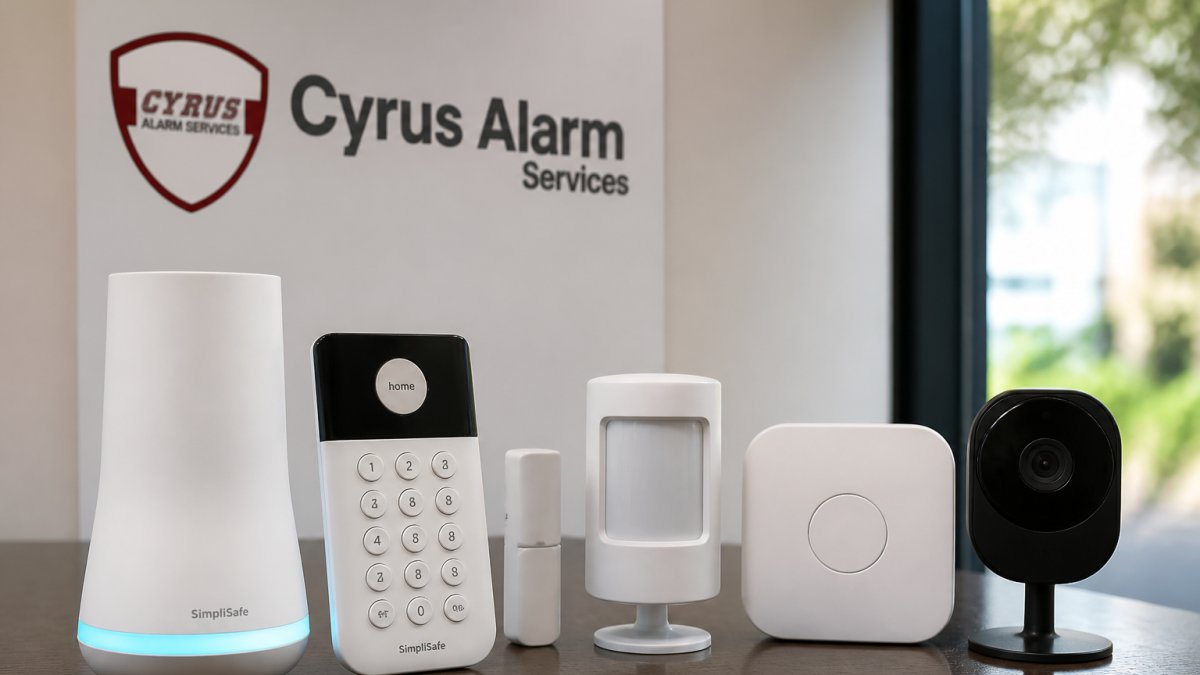
A SimpliSafe alternative for home security is any system that replaces SimpliSafe's hardware, monitoring, or app experience with different equipment, pricing, or privacy terms.
Most shoppers start with price and stop there. That's a mistake.
The real differences show up in three places: how the system handles video storage, whether professional monitoring is optional or baked in, and how easily you can add sensors later without replacing the whole panel.
Below, we break down what each system does well, where it falls short, and which type of household it actually fits.
Best Self-Monitored Home Security Systems Compared
The best self-monitored home security systems let you skip monthly contracts and manage alerts through an app, though you trade away professional dispatch. The four below are the strongest picks in 2026 for different budgets and priorities.
| System | Starting Monitoring | Storage Type | Best For |
|---|---|---|---|
| Abode | Free tier | Cloud + optional local | Smart home tinkerers |
| Eufy | No monthly fee | Local | Privacy-focused buyers |
| Ring Alarm | Free tier | Cloud | Existing Ring camera owners |
| Wyze | Low-cost tier | Cloud | Tightest budgets |
Abode: The Free-Tier Leader
Abode stands out because its free self-monitoring tier isn't crippled. You get app alerts, remote access, and automation rules without paying a cent. The trade-off is setup complexity. If you're comfortable mapping out automations, Abode rewards you. If you want plug-and-play, look elsewhere.
Eufy: Local Storage With No Monthly Fees
Eufy stores footage on a local base station instead of the cloud, which means no subscription and no footage sitting on someone else's server. The catch: no professional monitoring option, so you're the one watching alerts at 2 a.m.
Ring Alarm: Deep Camera Ecosystem Integration
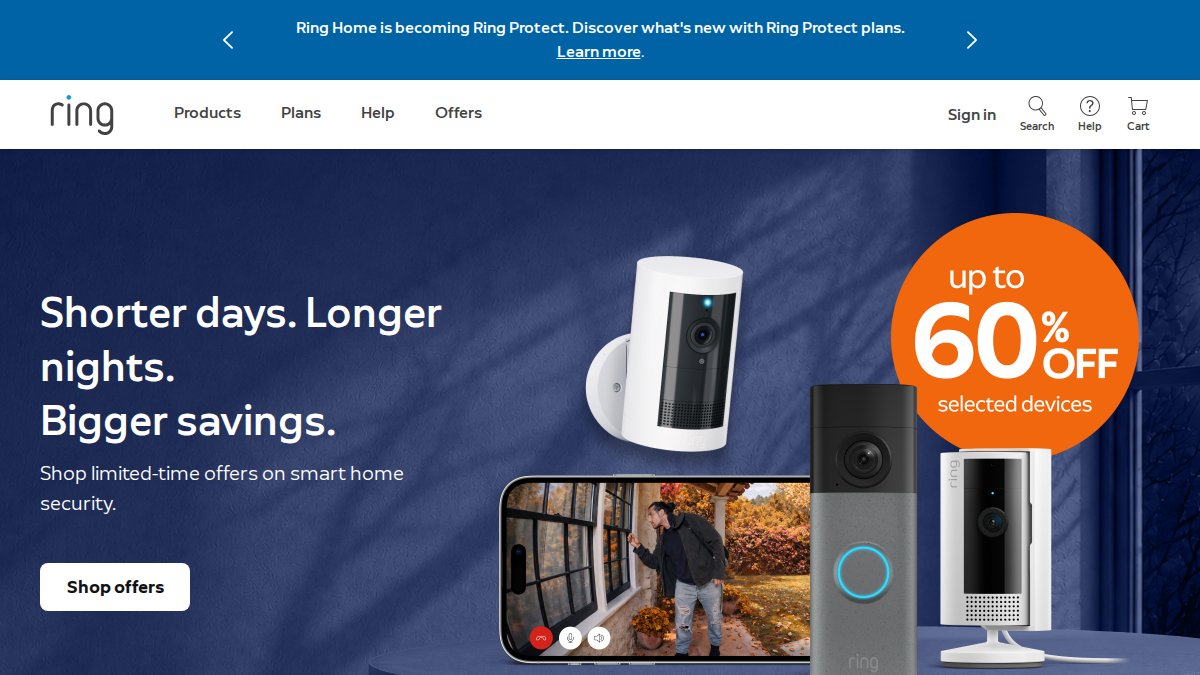
If you already own Ring doorbells or cameras, Ring Alarm slots in cleanly. The app ties everything together, and monitoring is affordable. The trade-off is privacy: footage lives in Amazon's cloud, and some buyers aren't comfortable with that.
Wyze: The Lowest Entry Price
Wyze wins on cost. Sensors, cameras, and monitoring are all cheaper than the competition. What you give up is polish: alerts can lag, and the app isn't as refined.
DIY vs Professionally Installed Security Systems: What Changes
DIY vs professionally installed security systems comes down to who does the work and who owns the outcome. DIY saves money upfront and gives you flexibility to move sensors. Professional installation costs more but delivers correctly placed sensors, tested signal strength, and someone to call when something breaks.
Here's what actually changes between the two:
- Placement accuracy: A pro knows where motion detection triggers false alarms and where it misses entirely.
- Sensor range: DIY kits often ship with sensors that struggle at the far end of a large home.
- Cellular backup: Pros configure it correctly; DIY users frequently forget it exists.
The FCC guide on alarm system communications is worth reading before you buy, since cellular backup rules affect how your system behaves during outages.
Home Security System Monitoring Costs: What You Pay and Why
Home security system monitoring costs range from nothing to premium monthly fees, and the gap almost always reflects three things: who responds when an alarm triggers, how your system talks to the monitoring center, and how much video history you want to keep.
Here's the tier structure most DIY brands use, and what each tier actually gates:
- Self-monitoring (free to low-cost): App push alerts, live camera view, and arm/disarm from your phone. No one calls you. No one calls the police. If you miss the notification, nothing happens.
- Standard professional monitoring: A monitoring center receives the signal, attempts to reach you by phone or text, and dispatches police if you don't respond or can't provide a safe word. This is the tier most buyers actually want.
- Premium / interactive monitoring: Adds video verification (the center can view a clip before dispatching), smart lock control, geofencing-based automation, and longer cloud video history. This is where the monthly price typically doubles.
What drives the price up:
- Cellular backup adds cost because it requires a cellular radio in the base station plus a data plan. It's the single most important feature during a power outage or when a burglar cuts your internet line, and it's frequently the first thing stripped out of a budget tier.
- Video storage in the cloud is a recurring expense tied to retention length. Seven days of history costs less than 30 or 60 days. Local storage (SD card or NVR) removes the recurring fee but shifts the burden of backup and drive replacement onto you.
- Contract vs. month-to-month: Contract plans usually advertise a lower monthly rate in exchange for a 12- to 36-month commitment. Month-to-month plans cost slightly more per month but let you cancel without a buyout. Run the math on total cost over the contract term, not the sticker monthly rate.
A common mistake is buying the cheapest tier, then discovering remote access, video history, or smart lock integration sits behind an upgrade.
One more cost most reviews ignore: monitoring price increases. A plan that costs one rate today can rise after the first year, and contract customers often can't leave without paying out the remainder. Ask the sales rep directly whether the rate is locked, and for how long.
Smart Home Integration and Privacy: What Competitors Overlook
Smart home integration is where most mainstream systems quietly fall short. They promise compatibility with the major ecosystems, then limit you to a handful of approved devices.
The bigger issue is privacy. Cloud storage means your footage and motion logs live on a company server, governed by a privacy policy most buyers never read.
For buyers who care about encryption and data ownership, local storage and open platforms matter more than app polish.
Long-Term Reliability and Hidden Expansion Costs
Long-term reliability is the angle most reviews skip entirely, and it's where the real money and frustration live.
What actually fails, and when. A common pattern across DIY systems is that the first 12 to 18 months are smooth. Problems tend to surface in years two through five:
- Backup batteries in the base station and sensors degrade and need replacement, often every two to three years. Some are user-replaceable; some require a new sensor.
- Wireless radios and antennas in older panels can lose range or drop devices off the network as interference from Wi-Fi, mesh routers, and smart appliances increases.
- App and firmware support is the quiet killer. When a manufacturer sunsets an older panel, you may lose remote access or integration with voice assistants even though the hardware still functions.
Before buying, check two things: the length of the hardware warranty (one year is common; three to five years is a meaningful advantage) and whether the manufacturer has a track record of supporting older panels with firmware updates.
The hidden cost of expansion. Base kit prices are the marketing number. The real cost shows up when you add coverage:
- Extra entry sensors are cheap individually but add up fast. A home with 12 windows and three exterior doors needs 15 sensors, not the two or three in the starter kit.
- Doorbell and outdoor cameras often require a higher monitoring tier to unlock recording or person detection, so the hardware cost is only part of the increase.
- Glass break sensors, motion sensors, and environmental sensors (water, freeze, smoke) are frequently sold separately and can cost as much as the original kit when bought together.
- Panel device limits are the trap. Some base stations cap the number of paired devices, commonly around 10 to 20, and once you hit the cap, adding coverage means replacing the panel, not just buying a sensor.
A privacy angle most buyers miss. Cloud storage means your footage and motion logs live on a company server, governed by a privacy policy most buyers never read. Local storage, an SD card in the camera or a local NVR, sidesteps that entirely and removes the recurring cloud fee, but it's rare outside a few brands. If data ownership matters to you, local storage and open platforms should rank above app polish in your decision.
For advanced users: integration with open home automation platforms like Home Assistant or Hubitat is the feature mainstream reviews ignore.
How Cyrus Alarm Services Fits as a SimpliSafe Alternative
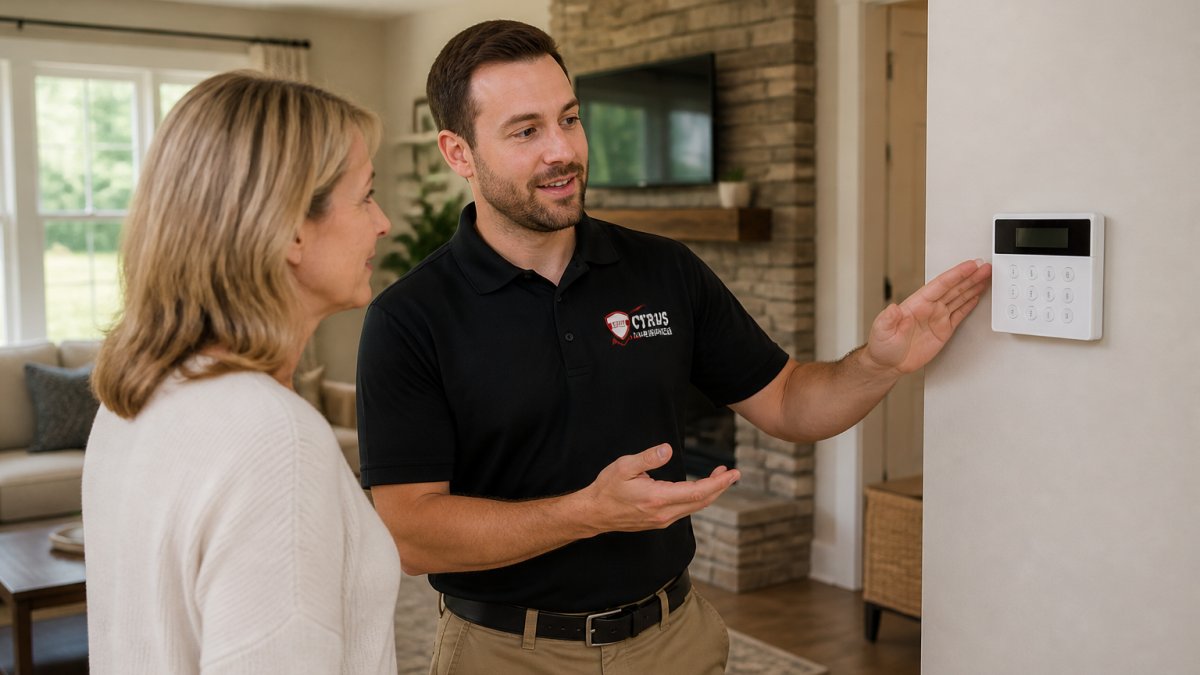
For Denver-area homeowners who want a SimpliSafe alternative without the DIY guesswork, Cyrus Alarm Services delivers a different model entirely.
What sets us apart:
- Full Alarm.com integration for remote access, smart lock control, and app alerts from anywhere.
- AI-powered panels that reduce false alarms by distinguishing real threats from pets and shadows.
- Life-safety monitoring that ties smoke, CO, and intrusion alerts into one system.
- Custom consultation and servicing, including older buildings with unusual wiring.
We partner with Resideo (Honeywell) products and are an authorized 2GIG EDGE Panel provider. If you've been burned by false alarms or grainy CCTV footage, that's exactly the problem we solve.
Conclusion: Choosing the Right SimpliSafe Alternative
Picking a SimpliSafe alternative comes down to what you value most: the lowest monthly cost, local storage, or a system someone else installs and supports. DIY options work well for renters and tinkerers.
Cyrus Alarm Services builds custom systems with AI-powered panels, full Alarm.com integration, and life-safety monitoring, all backed by in-home testing before installation. Get a quote and see what a properly designed system looks like for your home.
Frequently Asked Questions
Does Eufy have professional monitoring options?
Eufy does not offer professional monitoring. It is built around local storage and self-monitoring through the Eufy Security app, so you receive alerts and review footage yourself. If you want 24/7 monitoring by a central station, you would need a different system or a local provider like Cyrus Alarm Services that includes professional monitoring with cellular backup and app alerts. Eufy works best for people who want to avoid monthly fees and review their own footage.
What is the best budget-friendly home alarm system?
Wyze starts around $10 per month for monitoring, making it the lowest-cost option among the systems compared here. Cove begins at $19.99 per month and includes a touchscreen panel. Ring Alarm and Abode both offer free self-monitoring tiers, so you can skip monthly fees entirely if you are willing to handle alerts yourself. The best fit depends on whether you want professional monitoring or just app alerts and local storage.
Are there professional security systems that offer better reliability than DIY kits?
Yes. Professionally installed systems from providers like Cyrus Alarm Services include in-home testing of every device, custom configuration for older buildings, and ongoing service. DIY kits from Ring, Wyze, and Eufy are reliable for standard layouts but may struggle with unusual wiring, thick walls, or sensor range issues. If you have had false alarms or coverage gaps, a professional installation with motion detection tuning and entry sensor placement often resolves those problems.
How do self-monitored security systems compare to professionally monitored ones?
Self-monitored systems send app alerts and let you view cameras remotely, but no one dispatches police if you miss a notification. Professionally monitored systems route alarms to a central station that contacts you and emergency services. Monthly fees reflect that difference. Self-monitoring suits renters and frequent travelers who check their phones often; professional monitoring suits families and business owners who want a guaranteed response when they cannot respond themselves.
Which is better for smart home integration: Eufy or SimpliSafe?
Eufy offers more flexibility for local storage and works with voice assistant compatibility through Alexa and Google Assistant. SimpliSafe integrates with Alexa and Google but limits third-party device support. If you want a system that ties into an open-source home automation platform or a broader smart home ecosystem, Abode and Eufy give you more options. For full Alarm.com integration with smart lock and automation control, a provider like Cyrus Alarm Services is worth a consultation.