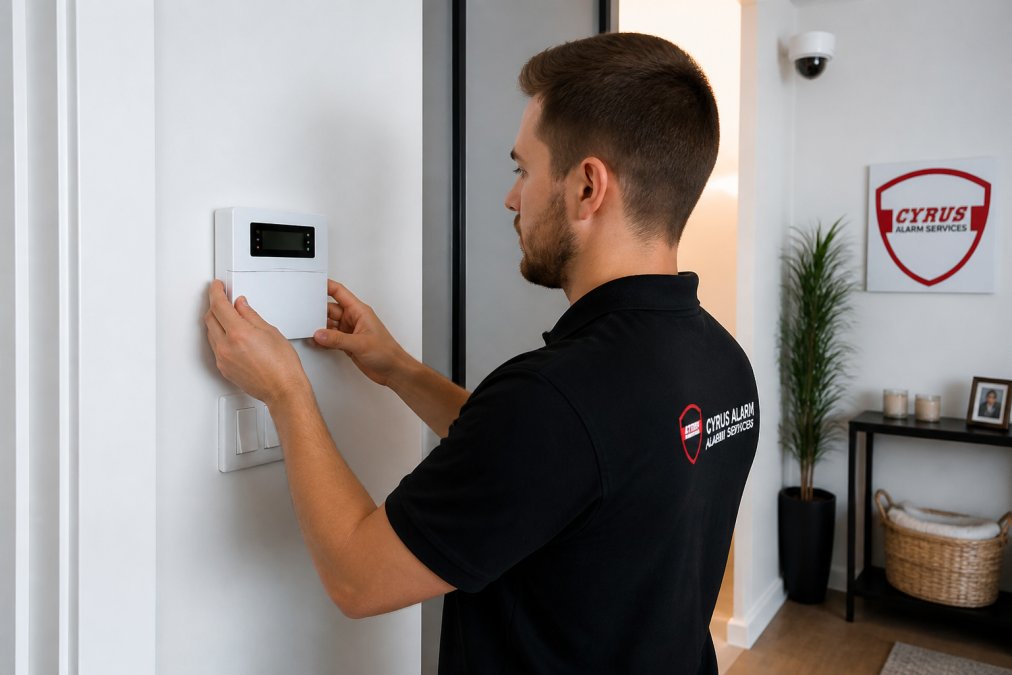
 how-to
Smart Home Security Installation Service: A How-To Guide
Table of Contents
- Understanding Smart Home Security Installation Service
- DIY vs Professional Security Installation: What's Right for You
- Professional Home Security Installation Cost: What to Budget
- What to Expect During Professional Setup
- Smart Home Security System Setup Checklist
- Post-Installation Troubleshooting and Maintenance
- Privacy and Data Security Protocols
- Frequently Asked Questions
Last Updated: September 23, 2026
Understanding Smart Home Security Installation Service
A smart home security installation service is the professional setup and configuration of integrated security systems that combine alarm monitoring, video surveillance, smart locks, and mobile app controls into a unified platform. Unlike DIY systems you assemble yourself, professional installation includes site assessment, equipment placement optimization, network configuration, and comprehensive testing to ensure every component works seamlessly together.
The difference between a professionally installed system and a DIY one often comes down to reliability. A technician evaluates your home's layout, identifies vulnerabilities, places sensors and cameras in optimal locations, and ensures your network can handle the bandwidth demands of continuous video streaming. They test everything before handing over the keys, not just once, but rigorously.
This guide covers the entire process: when to go professional versus DIY, what installation actually costs, what happens during setup, and how to maintain your system afterward.
DIY vs Professional Security Installation: What's Right for You
The choice between DIY and professional installation isn't about capability, it's about trade-offs. Both approaches work. The question is which one matches your situation.
When DIY Makes Sense
DIY installation works well if you're technically comfortable, have a straightforward home layout, and understand basic networking. You control the timeline, avoid scheduling technician visits, and typically spend less upfront on labor.
DIY systems like Ring Alarm Pro and Abode are designed for self-installation. They come with clear instructions and mobile app guidance. You'll place door and window sensors yourself, mount cameras where you want them, and connect everything to your home Wi-Fi network.
The real cost of DIY isn't money, it's time and troubleshooting. If your Wi-Fi signal is weak in certain rooms, you'll discover this during setup, not before. If a camera angle doesn't capture what you expected, you'll adjust it. If the system drops offline, you'll diagnose why. For some people, this hands-on control is preferable. For others, it's frustrating.
DIY makes sense if:
- You're technically confident with home networking
- Your home has straightforward wiring and layout
- You have time to research and test thoroughly
- You want to avoid scheduling appointments
- You're willing to troubleshoot issues yourself
When Professional Installation Is Worth It
Professional installation eliminates guesswork. A technician assesses your property, identifies security gaps, recommends camera placement based on field of view and lighting, and ensures your network can support the system's bandwidth demands.
This matters more than it sounds. A camera mounted six inches too high or angled slightly wrong can miss critical footage. A motion sensor placed near a window might trigger false alarms from outdoor movement. A control panel installed in a poor Wi-Fi zone becomes unreliable. Professionals avoid these mistakes through experience.
Professional installation also means accountability. If something doesn't work after setup, the installer fixes it. You're not troubleshooting alone at 11 PM on a Saturday. Cyrus Alarm Services performs rigorous in-home testing of every device before handing off the system, ensuring you receive only dependable protection.
Professional installation is worth it if:
- Your home has complex wiring, multiple floors, or difficult layouts
- You want expert recommendations on camera placement and sensor positioning
- You need same-day service or can't wait for self-installation
- You want the installer to handle all network configuration and testing
- You prefer having someone accountable if something fails after setup
- You value peace of mind over cost savings
Professional Home Security Installation Cost: What to Budget
Professional installation costs vary based on system complexity, equipment choices, and labor time. Rather than quoting specific figures that change frequently, focus on understanding what drives costs.
Installation fees typically depend on:
- System size: A two-story home with multiple entry points costs more than a small apartment
- Equipment package: Basic door/window sensors cost less than a full setup with multiple cameras and smart locks
- Network infrastructure: If your home needs Wi-Fi upgrades or hardwired connections, that adds labor
- Smart home integration: Systems that integrate with Alarm.com or other platforms require additional configuration time
- Monitoring service: Professional 24/7 monitoring adds a recurring monthly cost
For current pricing specific to your situation, contact Cyrus Alarm Services for a custom quote. They'll assess your property and provide transparent pricing based on your actual needs.
The key insight: don't compare installation costs without comparing what's included. A cheaper installer might skip network testing or use lower-quality equipment. A more expensive installer might include premium cameras, redundant monitoring, and rigorous testing. The real value is in what you get after the technician leaves.
What to Expect During Professional Setup
Professional installation typically unfolds in three phases: consultation, equipment placement and configuration, and testing.
Pre-Installation Consultation and Site Assessment
Before any equipment arrives, the installer conducts a walkthrough of your property. They identify entry points, assess lighting conditions, check Wi-Fi coverage, and understand your security priorities.
During this consultation, they'll ask:
- Which areas are most vulnerable?
- Do you travel frequently and need remote access?
- Are there areas with poor lighting that need night vision capability?
- How many doors and windows need sensors?
- Do you want smart locks, and if so, which entry points?
- What's your network setup, do you have strong Wi-Fi throughout the home?
This conversation determines the system configuration. A family with young children might prioritize life-safety devices and motion sensors. A frequent traveler needs reliable remote access and two-way audio on cameras.
The installer also checks for physical constraints. Older homes might have plaster walls that are difficult to drill. Apartment dwellers need landlord approval and non-permanent mounting. Homes with metal siding or concrete walls affect Wi-Fi signal strength and camera placement options.
Equipment Placement and Network Configuration
Once you've agreed on the system, the technician places and installs each component.
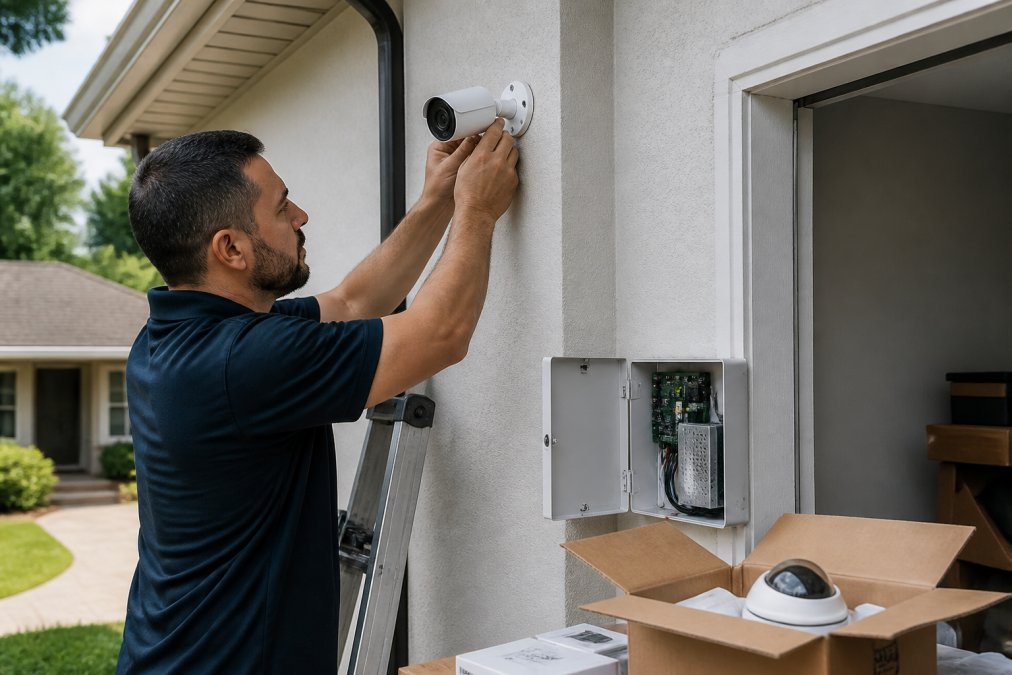
Cameras are positioned based on field of view, lighting, and coverage goals. An exterior camera covering the front entrance needs clear sightlines and protection from direct sunlight that can wash out footage. A driveway camera needs to capture license plates, which requires specific mounting height and angle. Interior cameras for monitoring while you're away need to avoid bedrooms and bathrooms.
Door and window sensors are mounted at entry points. Motion sensors are placed to detect movement in key areas without triggering false alarms from pets or outdoor activity visible through windows.
The control panel is installed in a central, accessible location, usually near the main entrance or in a hallway. The technician connects it to your home network, tests connectivity, and ensures it can communicate with all sensors and cameras.
Smart locks are installed on entry doors. The technician ensures they function smoothly, test the backup battery, and configure them to work with your system's mobile app.
All wiring is routed neatly and secured. Hardwired systems use existing home wiring when possible; wireless systems rely on battery-powered sensors communicating with the control panel via encrypted signals.
System Testing and Mobile App Integration
Before leaving, the technician tests every component. They trigger motion sensors, open and close doors, verify camera feeds, and confirm that alerts reach your mobile app.
They walk you through the mobile app, show you how to arm and disarm the system, demonstrate live camera viewing, and explain how to receive alerts. They test remote access to ensure you can control the system from anywhere with an internet connection.
Smart Home Security System Setup Checklist
After professional installation, confirm that these elements are in place and functioning:
- All door and window sensors installed and tested
- Motion sensors positioned and calibrated to avoid false alarms
- All cameras mounted with clear field of view and proper night vision capability
- Control panel powered and connected to home network
- Smart locks installed and functioning smoothly
- Mobile app installed on your phone and receiving alerts
- Remote access tested from outside your home network
- Professional monitoring service activated and tested
- Two-way audio working on cameras (if included)
- All equipment batteries tested and backup power confirmed
- System documentation and access codes provided and stored securely
- Technician contact information saved for future support
Post-Installation Troubleshooting and Maintenance
Most systems run smoothly after professional installation, but issues occasionally arise. Common problems have straightforward fixes.
Privacy and Data Security Protocols
Smart home security systems collect sensitive data: video footage, access logs, and location information. Understanding how this data is protected matters.
Frequently Asked Questions
What is included in a professional smart home security installation service?
A professional smart home security installation service includes a site assessment to identify entry points and vulnerabilities, placement of motion sensors, cameras, and smart locks, hardwiring or wireless configuration based on your property layout, integration with a control panel and mobile app, system testing to ensure all devices communicate properly, and technician training on how to operate and monitor your system. Professionals also handle network connectivity setup.
How much does professional home security installation cost?
Professional home security installation cost varies based on property size, system complexity, equipment choices, and whether you need hardwired or wireless setup. Factors include the number of cameras, sensors, and smart devices; and integration with existing smart home systems. Contact Cyrus Alarm Services for a custom quote, as pricing depends on your specific security needs and property layout rather than a one-size-fits-all rate.
Is it better to hire a professional for smart home security setup?
Professional installation is worth considering if you have a complex property layout, want hardwired systems, or require same-day service. Professionals handle equipment placement for optimal camera field of view, ensure proper motion sensor positioning to reduce false alarms, and integrate your system with professional monitoring services. They also test every device in your home before leaving, unlike DIY setups where you troubleshoot issues after installation.
Can I install a smart home security system myself, or do I need a professional?
DIY installation works for simple wireless systems in straightforward layouts, but professional installation is recommended for hardwired systems or homes with challenging wiring. Professionals ensure optimal camera placement for maximum field of view, proper motion sensor calibration to prevent false alarms, and secure network configuration to protect your data. They also provide ongoing support if troubleshooting is needed after setup.