 ultimate-guide
How to Hire a Security System Installer
Table of Contents
- Why Professional Security System Installation Matters
- Types of Security Systems and Installation Approaches
- Professional CCTV Installation Cost 2026
- Residential Security System Installation Checklist
- Security System Maintenance and Testing Services
- What to Look for When Hiring a Security System Installer
- DIY vs. Professional Installation: What You Need to Know
- Frequently Asked Questions
Last Updated: September 27, 2026
Why Professional Security System Installation Matters
A professional security system installer brings expertise DIY approaches cannot match: system design, local building codes, and property vulnerability assessment. You're investing in comprehensive evaluation, not just equipment placement.
Properly installed systems show immediate results: fewer false alarms, faster response times, and no coverage gaps. Professional installers test every device before completion, catching problems before emergencies.
A professional security system installer prevents these problems from the start.
Types of Security Systems and Installation Approaches
Security systems fall into distinct categories, each requiring different installation expertise and ongoing maintenance protocols.
Hardwired vs. Wireless Systems
Hardwired systems use permanent wiring installed during construction or renovation. A professional security system installer routes cables through walls and attics safely, protecting structural and electrical integrity.
Wireless systems use radio signals between devices and a hub, faster to install but requiring attention to signal strength, interference, and battery management. Many installers combine both approaches for reliability and flexibility.
Older buildings with plaster walls typically favor wireless; new construction accommodates hardwired infrastructure more easily.
Residential vs. Commercial Security Solutions
Residential security prioritizes life safety and intrusion detection, focusing on entry points, motion detection, and smart home integration. You want phone alerts and automatic police dispatch when needed.
Commercial security demands access control, comprehensive CCTV coverage of merchandise and cash areas, and after-hours intrusion prevention. A professional security system installer understands traffic flow, camera sight lines, and retail, office, or warehouse vulnerabilities.
Commercial work requires IT coordination, multiple access points, and 24/7 operation with minimal downtime.
Professional CCTV Installation Cost 2026
CCTV costs vary by camera count, resolution, storage needs, and whether upgrading or building new. A professional security system installer provides detailed quotes after assessment.
Standard definition cameras cost less but make suspect identification difficult. High-resolution cameras with AI analytics provide clear video and threat detection but require more storage and bandwidth. Professional installers balance image quality to your actual needs: retail prioritizes facial recognition, warehouses focus on motion and perimeter coverage.
Installation labor depends on complexity: surface-mounted cameras cost less than running new conduit or roofline mounting. Professional installers factor in site accessibility, weather, and existing electrical capacity.
Cloud storage simplifies management but adds monthly fees; local storage reduces recurring costs but requires maintenance. A professional security system installer explains the trade-offs.
Residential Security System Installation Checklist
A methodical installation process ensures nothing gets overlooked. This checklist reflects how professional installers approach residential projects.
Pre-Installation Assessment and Design
A professional security system installer conducts a thorough walkthrough, identifying entry points, assessing lighting for cameras, checking signal obstacles, and discussing your routines to determine motion detection needs.
The installer creates a system diagram showing sensor placement, camera zones, and control panel location. This reveals coverage gaps: high-mounted cameras might miss porches, motion sensors might trigger from pets.
Assessment identifies structural challenges: plaster walls require different techniques than drywall; brick or stone need specialized hardware. A professional security system installer plans accordingly.
Installation Day Expectations
On installation day, the technician arrives with all equipment, tools, and materials. They start with the control panel placement, typically near the main entry and power source. From there, they run wiring for hardwired sensors and mount wireless devices according to the pre-design diagram.
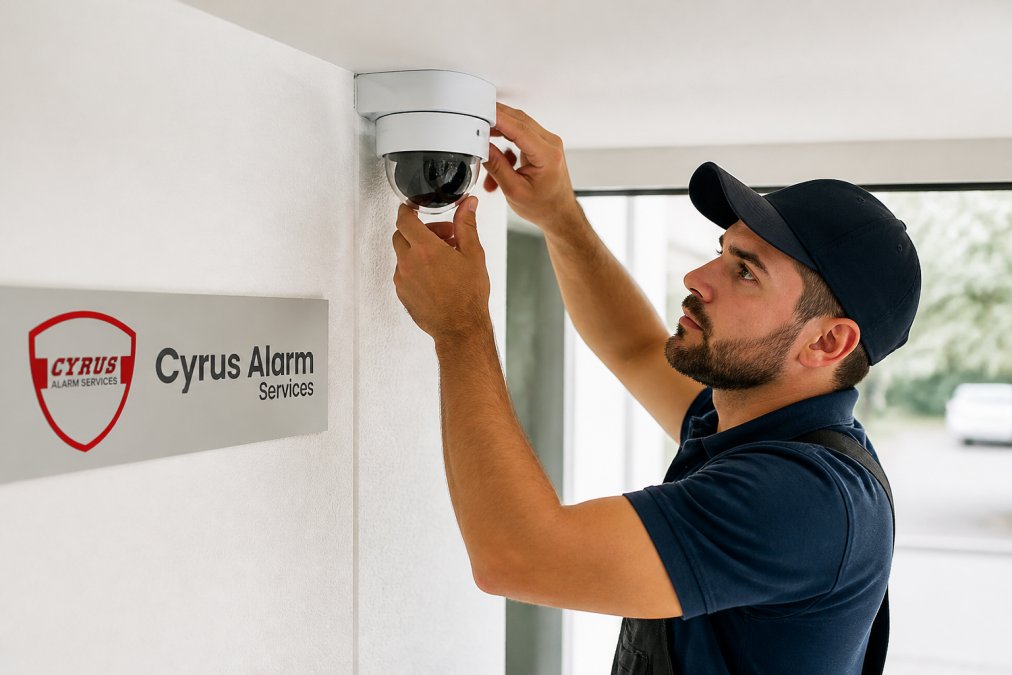
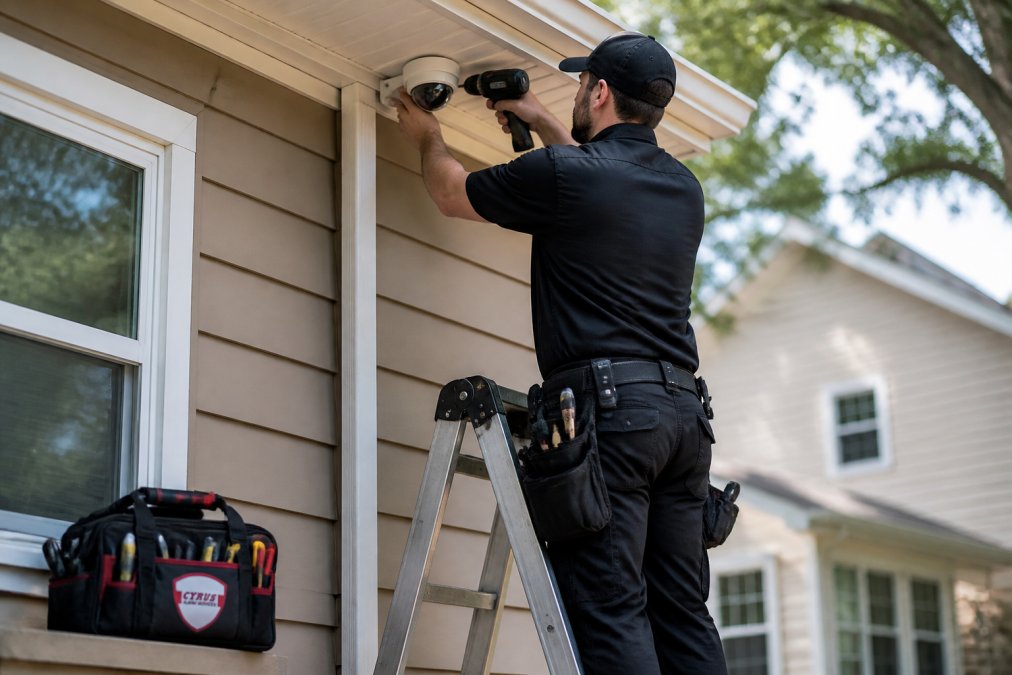
Camera installation involves ladder work, power tools, and precise positioning. The installer tests each camera's view in real-time, adjusting angles to eliminate glare and maximize coverage. They verify that night vision functions properly and that weather sealing is complete.
Sensor installation happens next. Door and window sensors get mounted at the frame and door edge so they trigger when opened. Motion sensors get positioned to cover entry routes without false triggers from pets or outdoor movement visible through windows.
The entire process typically takes 4-8 hours for a residential system, depending on complexity. The installer tests each component as they go, catching problems immediately rather than discovering them later during actual emergencies.
Post-Installation Testing and Training
After physical installation, the real work begins. The professional security system installer runs comprehensive testing of every device. They open every door and window to verify sensors trigger. They walk through motion sensor coverage zones to confirm detection patterns. They test cameras under different lighting conditions and verify that video records properly.
The installer then trains you on system operation: how to arm and disarm, what alerts mean, how to access video footage, and what to do if a sensor malfunctions. They walk through the mobile app if your system supports remote access, showing you how to check cameras and receive notifications while away from home.
This training phase matters more than most homeowners realize. A system you don't understand becomes a system you don't trust, and an untrusted system often gets disabled or ignored.
Security System Maintenance and Testing Services
A professional security system installer provides ongoing support that keeps your system reliable. Regular maintenance catches problems before they compromise your security.
Testing should happen at least annually. The installer verifies that all sensors still trigger properly, cameras still focus and record, and the control panel communicates with the monitoring center. Battery-powered devices get their batteries tested and replaced if needed. Wiring gets inspected for damage or corrosion.
Software updates maintain compatibility with monitoring services and patch security vulnerabilities. A system running outdated firmware becomes increasingly vulnerable to hacking and less compatible with newer devices you might add later.
Professional maintenance also includes cleaning camera lenses, which accumulate dust and spider webs that degrade image quality. It includes checking that cables haven't shifted or gotten pinched, and that environmental changes, tree growth blocking camera views, new construction blocking signal paths, haven't degraded coverage.
What to Look for When Hiring a Security System Installer
Not all installers deliver the same quality. Several factors distinguish professionals who do the work right from those who cut corners.
Credentials and Certifications
Look for installers certified by recognized organizations in the security industry. Certifications demonstrate that someone has studied proper installation techniques, understands electrical and building codes, and can troubleshoot problems systematically.
Ask about licensing. Many states and municipalities require security system installers to hold specific licenses. Verify that your installer's credentials are current and in good standing. A professional security system installer will provide this information readily, if they deflect or seem evasive, that's a red flag.
Insurance matters too. Professional installers carry liability insurance that protects you if something goes wrong during installation. This protects both you and the installer.
Local Experience and References
An installer with experience in your area understands local building codes, permit requirements, and common property layouts. They know which materials work best in your climate and which installation approaches work with your region's typical construction.
Ask for references from recent projects. Contact those customers and ask specific questions: Did the installer show up on time? Did they explain what they were doing?
Smart Home Integration and Remote Access Capabilities
Modern security systems integrate with smart home platforms, allowing you to control locks, view cameras, and receive alerts through a single app. Ask whether the installer supports the platforms you use or plan to use, Alarm.com, Google Home, Amazon Alexa, Apple HomeKit, or others.
DIY vs. Professional Installation: What You Need to Know
The DIY route appeals to budget-conscious homeowners, but it carries real risks that often outweigh the savings.
| Installation Type | Best For | Key Consideration |
|---|---|---|
| Hardwired Systems | Permanent installations in new construction or major renovations | Requires wall penetration and professional routing |
| Wireless Systems | Rental properties or quick deployments | Battery management and signal reliability |
| Hybrid Approach | Most residential properties | Balances reliability with installation flexibility |
| Commercial CCTV | Retail, warehouses, offices | Access control and 24/7 monitoring integration |
| Credential Type | What It Means | Why It Matters |
|---|---|---|
| Industry Certification | Formal training in installation standards | Demonstrates systematic knowledge |
| State License | Legal permission to perform security work | Ensures compliance with local regulations |
| Liability Insurance | Protection if installation causes damage | Protects you and the installer |
| Manufacturer Certification | Authorized to install specific brands | Ensures warranty coverage and support |
Frequently Asked Questions
What should I look for when hiring a security system installer?
Verify that your security system installer holds current licensing and certifications required in your state. Check references from recent residential or commercial installations similar to your project. Confirm they offer 24/7 monitoring services, custom system design based on your property layout, and post-installation testing of all devices. Ask about their experience with smart home integration and whether they provide ongoing maintenance and support through a service agreement.
How much does professional CCTV installation cost in 2026?
Professional CCTV installation cost varies based on the number of cameras, resolution quality, system type (hardwired or wireless), and your property size. Factors affecting pricing include whether cameras require weatherproofing, distance from the recording device, and if cloud storage or local backup is needed. Contact your installer for a detailed quote that reflects your specific requirements and site conditions.
What is the difference between DIY and professional security installation?
Professional installation ensures proper system design, correct placement of sensors and cameras for complete perimeter protection, and rigorous testing of all devices before handoff. Professionals handle integration with 24/7 monitoring services, mobile app control, and smart home automation. DIY installation is cheaper upfront but often results in false alarms, missed coverage areas, and lack of professional support. Professional installers also provide system maintenance and real-time alerts through monitored response protocols.
How long does a professional security system installation typically take?
Most residential security system installations take 4-8 hours depending on system complexity, property size, and whether the system is hardwired or wireless. Commercial installations and those requiring extensive cabling may take longer. Your installer should provide a timeline during the pre-installation consultation and conduct full testing and training before leaving your property.