 ultimate-guide
Temporary CCTV for Construction Sites: 2026 Guide
Table of Contents
- Why Temporary CCTV for Construction Sites Beats Empty Lots and Guesswork
- Best Security Cameras for Construction: Features That Actually Matter
- Solar Powered Construction Site Cameras: When They Work and When They Don't
- Connectivity and Power: 4G, Wi-Fi, Solar, Battery, and Mains Compared
- Construction Site Video Surveillance Regulations: What You Must Know Before Installing
- Deployment, Integration, and Remote Monitoring in Practice
- What Temporary CCTV for Construction Sites Really Costs
- Frequently Asked Questions
Last Updated: September 28, 2026
Why Temporary CCTV for Construction Sites Beats Empty Lots and Guesswork
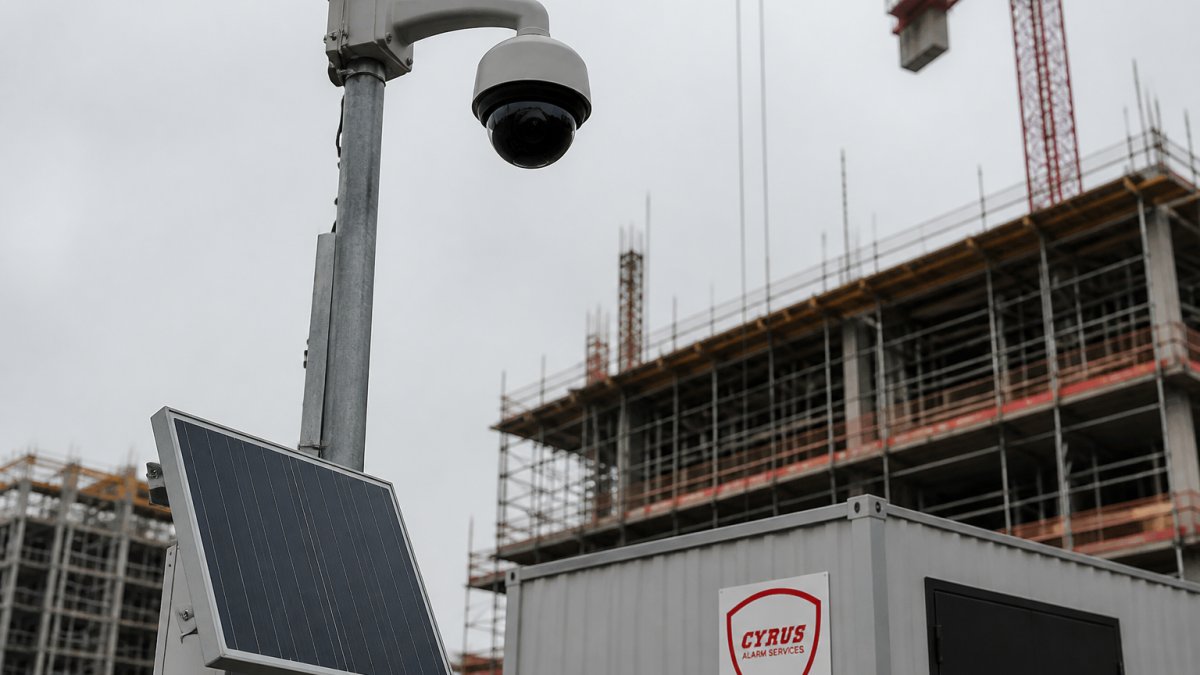
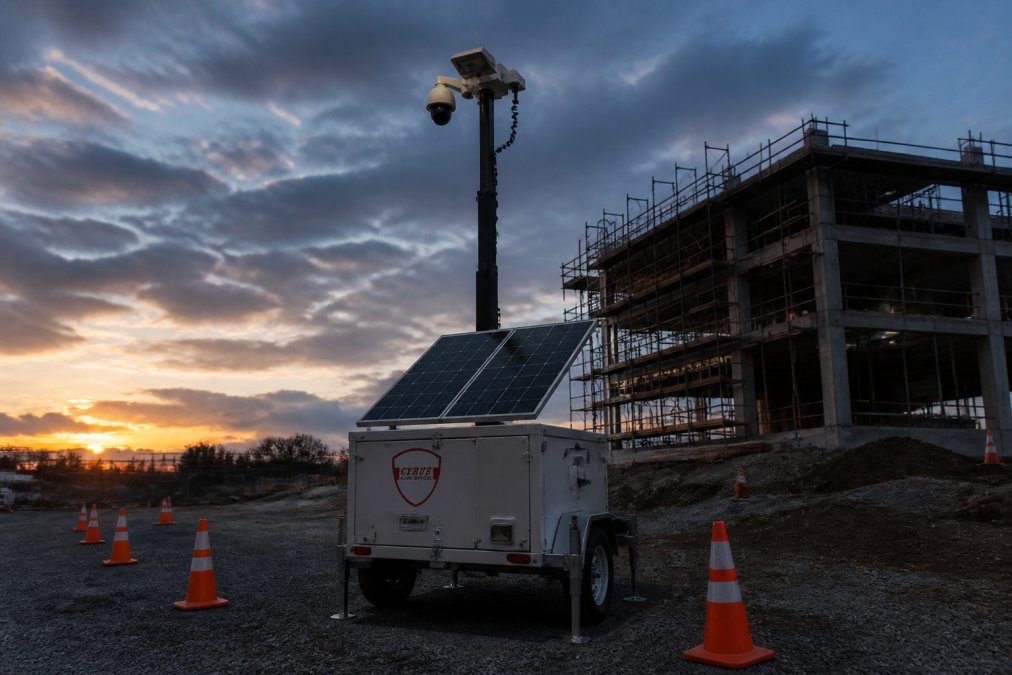
Temporary CCTV for construction sites is a rapidly deployable camera system, usually mounted on mobile towers or existing structures, that monitors a job site for the duration of a project and then moves to the next one. Cyrus Alarm Services provides comprehensive security solutions for residential and business properties, specializing in expert alarm system design, CCTV installation, and life safety monitoring.
The Real Cost of Construction Site Theft
The direct loss is only part of the bill. When tools disappear, work stops until replacements arrive; when copper is stripped from a panel, an electrician has to redo the run. Insurance may cover the hardware but rarely the schedule slip, and repeated claims push premiums up. A monitored camera system deters theft and produces timestamped evidence that speeds claims and identifies who was on site.
What Makes Temporary Surveillance Different
Permanent systems assume a building that stays put. Temporary surveillance assumes the opposite: the site changes weekly, power may not exist yet, and the network is whatever you can create. Mobile security towers, battery backup, cellular modems, and ruggedized enclosures matter more than a sleek indoor camera. The goal is autonomous surveillance that survives dust, rain, and a generator failure.
Best Security Cameras for Construction: Features That Actually Matter
The best security cameras for construction prioritize durability and connectivity over resolution alone. A 4K camera that fogs up in the rain is worth less than a 1080p unit that keeps recording through a storm. Three specs decide survival on a job site: ingress protection rating, night vision range, and network-outage handling.
Weatherproofing and IP Ratings
Ingress protection, written as IP plus two digits, rates how well an enclosure keeps out solids and liquids. IP66 means dust-tight and resistant to powerful water jets, the realistic minimum for an exposed construction camera. IP67 adds temporary immersion protection. Anything below IP65 will fail in a Denver-area spring storm or a pressure-washer rinse.
Night Vision and Infrared Illumination
Most site theft happens after dark. Infrared illumination lets a camera see in zero light, and the range figure matters more than marketing copy. A camera rated for 30 meters of IR protects a gate or tool container; 100 meters covers a laydown yard. Pairing IR with motion sensors and video analytics reduces false alerts from blowing tarps and wildlife.
Solar Powered Construction Site Cameras: When They Work and When They Don't
Solar powered construction site cameras work well when the panel gets several hours of direct sun and the camera transmits only on motion. They struggle in deep shade, in winter when snow covers the panel, and on sites that stream 24/7. Solar is a power strategy, not a guarantee, and it needs a battery backup sized for two or three cloudy days.
Here is the decision framework that matters most:
| Power Source | Best For | Main Limitation |
|---|---|---|
| Solar plus battery | Remote sites with no power drop | Needs sun and panel cleaning |
| Battery only | Short projects, quick redeployment | Requires scheduled recharging |
| Mains power | Sites with an existing service panel | Cable runs and trenching cost |
| Generator | Sites already running one overnight | Fuel, noise, and downtime risk |
Connectivity and Power: 4G, Wi-Fi, Solar, Battery, and Mains Compared
4G connectivity is the default for construction surveillance because it works before the site has internet. Wi-Fi is cheaper and faster but only reaches where the access point reaches, which rarely matches a job site's layout. Use 4G for the cameras and reserve Wi-Fi for the site trailer and office.
Construction Site Video Surveillance Regulations: What You Must Know Before Installing
Construction site video surveillance regulations in the United States are a patchwork of federal, state, and local rules, and no single law covers every camera. The core obligations are consistent: do not record where people have a reasonable expectation of privacy, post clear notice that recording is happening, and secure the footage you collect. Getting this wrong can turn a theft case into a liability problem.
Signage, Privacy, and the Reasonable-Expectation Line
Signage is the simplest control and the most commonly skipped. Post visible notices at entrances and near restrooms, break areas, and any space where workers change clothes. Cameras should not point into neighboring properties, and audio recording carries its own legal risk in many states, so disable microphones unless you have a specific reason to keep them on.
Worker Monitoring and Biometric Privacy
A construction camera that captures faces is capturing biometric-adjacent data. Illinois' Biometric Information Privacy Act (BIPA) and similar statutes in Texas and Washington impose notice, consent, and retention rules when biometric identifiers are collected, and plaintiffs' firms actively pursue these claims. If you use facial recognition, license-plate recognition, or gait analysis, get written consent from workers and subcontractors, document the business purpose, and set a deletion schedule.
CCPA, CPRA, and Treating Footage as Regulated Data
The California Consumer Privacy Act (CCPA), as amended by the California Privacy Rights Act (CPRA), gives California residents rights to know, delete, and opt out of the sale or sharing of personal information (California Consumer Privacy Act (CCPA) | State of California - Department of Justice). Recorded video of an identifiable person is personal information under that framework, which means:
- Maintain a retention schedule. A common pattern is 30 to 90 days unless footage is tied to an active incident or claim.
- Honor verified deletion requests where no legal hold applies. Litigation holds and insurance claims override deletion.
- Do not sell or share footage with third parties for advertising or analytics. Marketing use of site video is a compliance trap.
- Limit access. Every person who can pull a clip is a data-handling risk.
Cybersecurity and Access Control
Cybersecurity deserves equal attention. A remote camera is a network device, and a default password is an open door. Change every default credential, keep firmware current, put cameras on a separate network segment, and use encrypted cloud storage. If the site connects to a client's systems, check their contract for additional data-handling requirements. Enable multi-factor authentication on the video platform and audit user accounts monthly so departed subs lose access.
A Practical Compliance Checklist
- Post signage at every entrance and near any area with a reduced privacy expectation.
- Disable audio unless you have a documented reason and state-law clearance.
- Disable biometric analytics unless you have written consent and a retention policy.
- Set a 30-to-90-day retention default with legal-hold exceptions.
- Segment cameras from the business network and enforce MFA.
- Document camera locations, purposes, and access lists in a written policy.
California Attorney General guidance on CCPA
Deployment, Integration, and Remote Monitoring in Practice
Deployment starts with a site walk, not a purchase order. Identify entry points, laydown yards, fuel and tool storage, and blind spots behind partially built structures. That survey determines how many towers you need and where perimeter detection lines should run.
A typical rollout looks like this:
- Site survey and camera plan. Map entries, assets, and sightlines. [Time: 1-2 hours]
- Tower placement and anchoring. Position mobile towers for overlapping coverage. [Time: 2-4 hours]
- Connectivity and power check. Confirm signal strength and battery charge before mounting. [Time: 1 hour]
- Analytics configuration. Draw perimeter detection zones and set motion sensitivity. [Time: 1-2 hours]
- Remote monitoring setup. Connect feeds to the mobile app and set alert rules. [Time: 1 hour]
- Signage and documentation. Post notices and log camera locations. [Time: 30 minutes]
What Temporary CCTV for Construction Sites Really Costs
Pricing for temporary CCTV for construction sites depends on quantity, dates, and delivery. There is no honest single number, because a two-camera setup on a fenced residential lot and a twelve-tower deployment across a multi-phase commercial project are different jobs. Understand the cost drivers and build a defensible ROI case: the real question is not what the system costs but what it saves.
The Cost Drivers
Four variables move the number most:
- Number of cameras and towers. Each additional tower adds hardware, cellular data, and monitoring labor.
- Power and connectivity on site. If a service panel and network already exist, you skip trenching, generators, and cellular modems.
- Rental term versus purchase. Short projects favor rental; multi-year programs often favor purchase with a service contract.
- Monitoring level. Self-monitored alerts are cheapest. A staffed monitoring center that dispatches police adds a recurring monthly cost per camera or per site.
A common pattern is a monthly rental bundling hardware, cellular data, cloud storage, and basic monitoring into one line item, with discounts for longer terms. Ask any vendor to break the quote into hardware, connectivity, monitoring, and service so you can compare apples to apples.
A Theft-Prevention ROI Framework
You do not need a vendor's calculator. Build the case from your own loss history:
- Annualized loss. Add up the replacement cost of stolen tools, copper, fuel, and equipment over the past 12 to 24 months. Include the labor to redo work.
- Schedule impact. Estimate the days lost per incident and multiply by your daily burn rate. This is usually the largest hidden number.
- Insurance effect. Ask your broker how a monitored, documented surveillance program affects your premium and deductible. Many carriers offer credits for verified monitoring and faster, better-documented claims.
- Deterrence factor. A visible tower with signage changes behavior. Most practitioners find that a monitored, well-signed site sees fewer attempts than an unmonitored one, though the exact reduction varies by location and asset mix.
- Compare. If annualized loss plus schedule impact exceeds the annual rental cost, the system pays for itself. If it does not, you are buying peace of mind, which is a legitimate but different decision.
What the Math Usually Shows
On sites with recurring theft, the loss-plus-schedule number typically dwarfs the rental cost, and the insurance conversation often closes the gap further. On low-risk, well-fenced sites with little valuable material, payback is slower and self-monitoring may be the right tier. ROI is site-specific, and the framework above makes it defensible to a CFO or owner.
Frequently Asked Questions
What features should I look for in temporary construction site CCTV?
Prioritize weatherproofing (IP66 or higher), night vision with infrared illumination, and 4G connectivity for remote locations. Motion sensors and video analytics reduce false alerts. Look for tamper-proof housings and battery backup. Cloud storage keeps footage safe even if the camera is damaged. A ruggedized enclosure protects against dust and impacts on active job sites.
Are solar-powered security cameras effective for remote construction sites?
Yes, when sized correctly. Solar powered construction site cameras work well in areas with decent sunlight and no grid access. They pair with battery backup to keep recording through cloudy periods. For sites with heavy shade or high power demands, a hybrid solar-battery setup or a generator-backed system may be more reliable. Discuss your site conditions with an installer before choosing.
Do you legally have to tell people you have CCTV on a construction site?
In most U.S. states, yes. Posting visible signage that informs workers and visitors of video recording is standard practice and often required by state law. Some states require consent for audio recording. Check your state's wiretapping and privacy statutes. For construction site video surveillance regulations, always consult a local attorney, especially if you operate across state lines or record in areas where privacy expectations exist.
Can temporary CCTV systems be integrated with AI-powered alarm monitoring?
Yes. Modern temporary CCTV for construction sites can connect to AI-powered alarm monitoring that detects intrusions, loitering, or perimeter breaches in real time. Video analytics filter out harmless motion like animals or passing cars, reducing false alarms. Integration with site management software lets you tie camera alerts to access control logs. This gives managers a single dashboard for security and operations.