 ultimate-guide
Does Professional Alarm Installation Really Matter?
Last Updated: November 1, 2026
Quick Summary
Professional alarm installation matters because where each device sits, how it's configured, and whether anyone verified it works determines if your system protects your family or triggers false alarms. A premium panel installed carelessly underperforms a mid-range panel installed well. Trained technicians assess the site, customize coverage, and test every device before leaving.
- A trained technician starts with a site assessment, mapping entry points and where signals will and won't reach.
- Motion detectors cover a cone, not a room, so stairs, skylights, garages, and basement windows are classic blind spots.
- False alarms often trace back to installation decisions like sensors placed near heat registers or windows.
- At handover, ask for the event log and repeat the walk test yourself rather than trusting a verbal confirmation.
- Re-test coverage after any renovation, battery replacement, or firmware update to confirm zones still behave as expected.
Table of Contents
- Why Professional Alarm Installation Matters More Than the Equipment
- DIY vs Professional Security System Installation: Where the Outcomes Diverge
- The Home Security System Installation Process, Step by Step
- Sensor Placement, Coverage, and the Blind Spots Installers Catch
- Alarm System False Alarm Prevention Starts at Installation
- Questions to Ask a Security System Installer Before You Sign
- Verifying Coverage, Testing, and Long-Term System Performance
- Frequently Asked Questions
Why Professional Alarm Installation Matters More Than the Equipment
The most common mistake we see in home security is treating the box on the wall as the product. It isn't. The panel, sensors, and sirens are hardware, and hardware is the easy part.
That's the argument this guide from Cyrus Alarm Services makes, and it runs through every section below. A premium panel installed carelessly underperforms a mid-range panel installed well. Every time.
What a Trained Technician Actually Does on Site
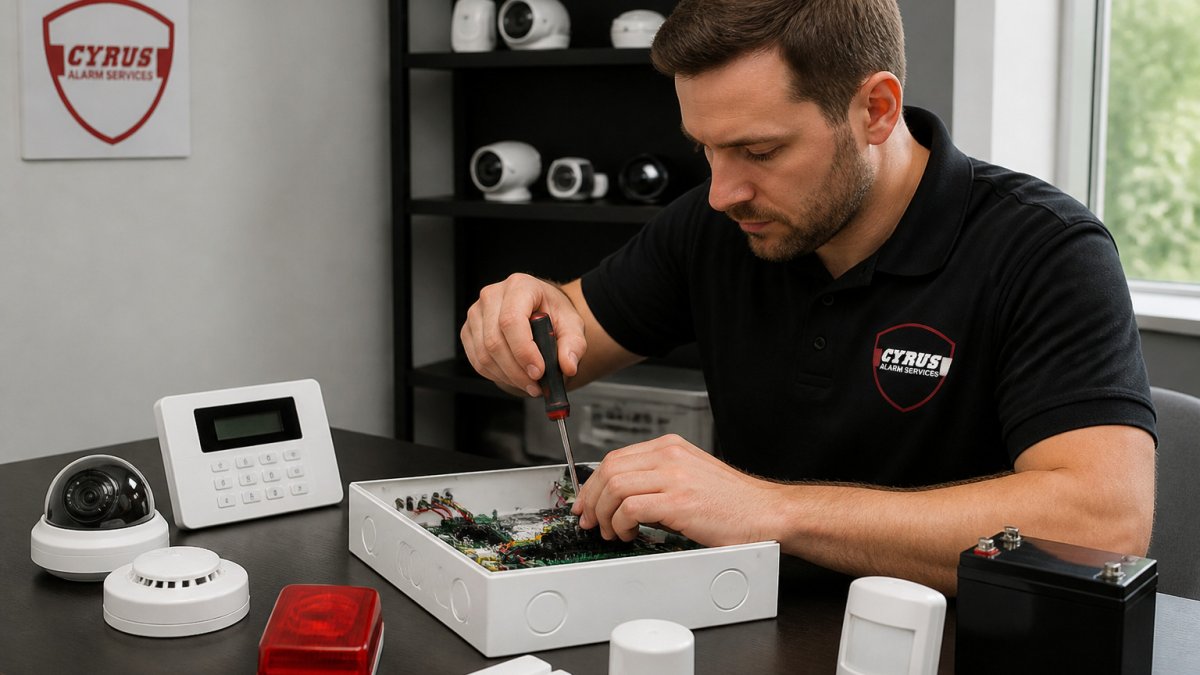
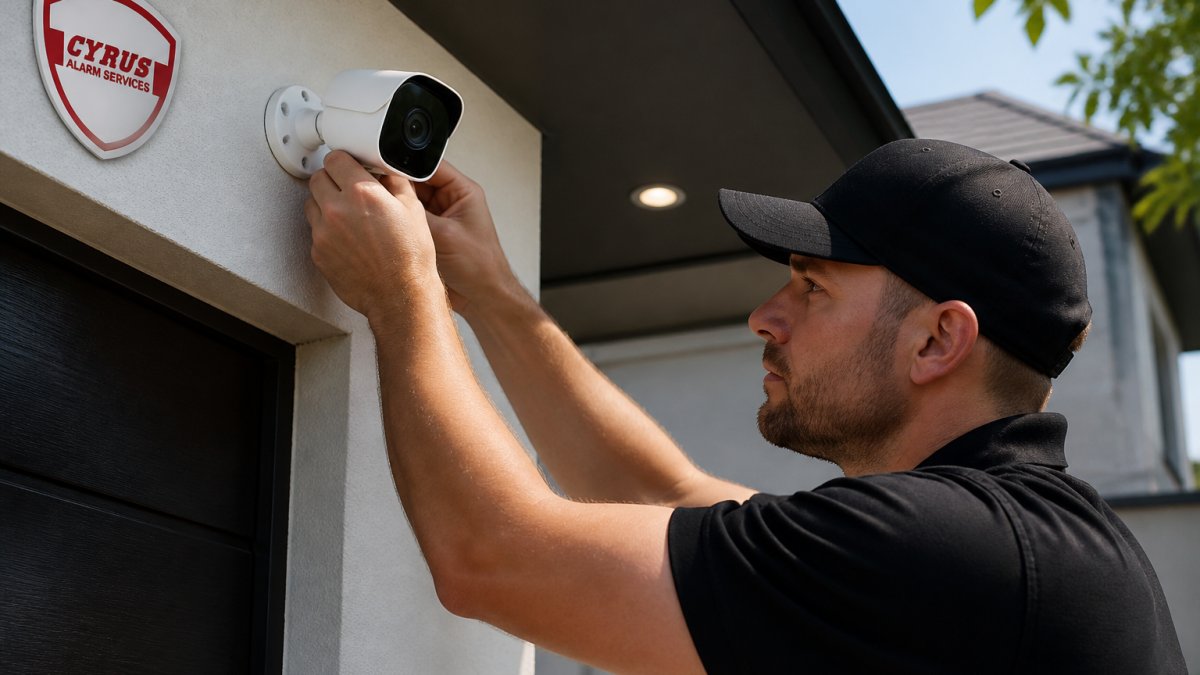
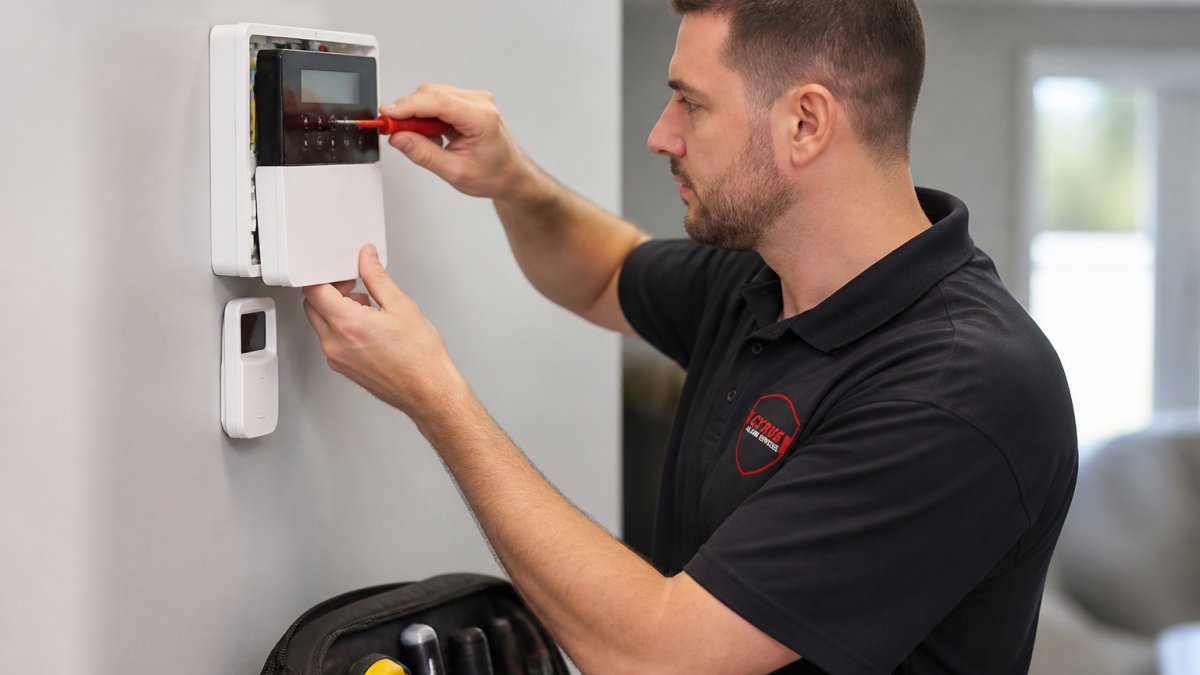
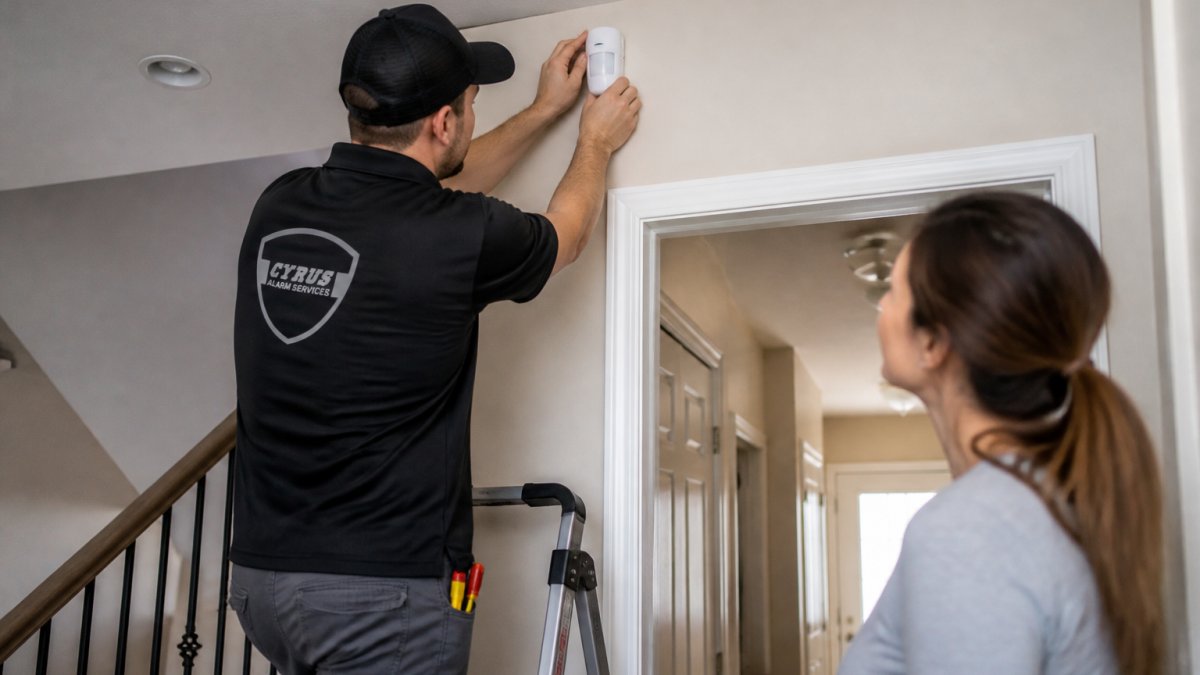
A trained technician does far more than screw sensors to doorframes. The job starts with a site assessment: walking the property, identifying entry points, checking construction materials, and mapping where signals will and won't reach. From there, the technician selects equipment for the specific layout, mounts and wires it, configures the panel and zones, integrates connected devices, and tests every device before leaving.
The FBI crime data on property crime consistently shows burglary remains one of the most reported property crimes, which is exactly why the details of installation deserve more attention than the spec sheet.
DIY vs Professional Security System Installation: Where the Outcomes Diverge
DIY vs professional security system installation is not really a debate about difficulty. The divergence shows up in outcomes: coverage, reliability, and what happens when something goes wrong.
| Factor | DIY Installation | Professional Installation |
|---|---|---|
| System design | Self-directed, often generic | Customized to the property's layout |
| Sensor placement | Homeowner judgment | Site assessment by a trained technician |
| Configuration | Default settings | Zones, notifications, and automation tuned |
| Testing | Basic walk test, if any | Full device-by-device verification |
| False alarm risk | Higher without placement expertise | Reduced through placement and configuration |
| Troubleshooting | Manufacturer support line | On-site technical support |
| Warranty and support | Product warranty only | Installation backed by the provider |
The honest case for DIY is cost and control. If you rent, move often, or want a single-room setup, a self-installed kit can make sense. The honest case against it is everything the table above shows.
The Home Security System Installation Process, Step by Step
Here's how a typical installation job runs, start to finish. Our smart home security installation service guide shows how a professional installation actually works.
-
Consultation and site assessment. Walk the property, discuss routines, pets, and travel schedules, and identify entry points and blind spots.
-
System design and equipment selection. Match sensors, panel, and cameras to the layout and the household's needs.
-
Mounting and wiring. Install door and window sensors, motion detectors, the control panel, and life-safety devices.
-
Configuration and integration. Set zones, user codes, alert notifications, and connected devices such as smart locks.
-
Testing. Trigger every device, verify signal strength, and confirm the panel reports correctly.
-
Walkthrough and handoff. Show the homeowner how to arm, disarm, and manage the system remotely.
Installation Day: A Homeowner Checklist
- Clear access to doors, windows, and the planned panel location
- Confirm the installer's credentials and scope of work in writing
- Note where pets will be during the visit
- Ask which rooms get motion coverage and which are deliberately excluded
- Get the panel and app walkthrough before the technician leaves
- Watch the full system test and ask about the backup battery
Sensor Placement, Coverage, and the Blind Spots Installers Catch
Sensor placement is where installation expertise shows most clearly. A motion detector covers a cone, not a room. Door and window sensors protect the frame, not the glass. Stairs, skylights, garages, and basement windows are the classic blind spots homeowners miss and installers check first.
Coverage also depends on the environment. Pets, ceiling fans, and sunlight through windows all create conditions that trigger false alarms if devices are aimed poorly. The integrated security system design guide on our site explains how coverage planning works across a whole property.
Alarm System False Alarm Prevention Starts at Installation
Alarm system false alarm prevention begins long before a siren sounds. Our guide on how to prevent false alarms walks through the concrete steps. False alarms can often trace back to installation decisions, such as a sensor placed too close to a heat register or a motion detector facing a window. Careful placement and configuration can reduce them. For a deeper troubleshooting guide, see how to stop false alarm triggers.
The stakes go beyond annoyance. Repeated false alarms can strain relationships with local authorities, and some jurisdictions have rules about them. Careful installation helps reduce the risk.
Questions to Ask a Security System Installer Before You Sign
Before signing an alarm contract, it helps to review the key terms carefully. The questions below are grouped by what they actually protect you against.
Credentials and liability
- Is the company licensed, and can it show the license number? Licensing requirements vary by state and county. Ask for the number and verify it with the appropriate authority before signing.
- Are technicians employees or subcontractors? Ask who will actually be in your home.
- Is the company insured, and will it provide a certificate of insurance? Ask for proof of coverage before work begins.
Scope, equipment, and ownership
- What exactly is included in the quoted price? Get an itemized list of panel, sensors, keypads, sirens, cameras, wiring, labor, and any programming or activation fees. Ask what is not included.
- Who owns the equipment at the end of the contract? Some agreements lease the panel and sensors; others sell them outright. Ownership affects what you can do if you switch providers.
- Is the equipment locked to one monitoring company? Some panels are dealer-locked and cannot be reprogrammed by another provider. Ask directly whether the panel can be reused with a different monitoring company.
Monitoring and contract terms
- Is monitoring professional or self-managed? Confirm which one the quote covers.
- What is the contract length, and what are the renewal and cancellation terms? Ask about the initial term, whether it auto-renews, the notice required to cancel, and any early-termination fee. Get the answers in writing.
- Will the price change during the term? Some contracts allow annual increases; ask whether the monthly monitoring rate is fixed.
Service and warranty
- What does the warranty cover, and for how long? Distinguish between the equipment manufacturer's warranty and the installer's workmanship warranty. Ask whether the warranty covers labor, not just parts.
- Who handles service calls, and what is the response time? Ask whether service is handled in-house or dispatched to a third party, and what the response window is for a system that is not working.
- What happens after a move or renovation? Ask whether the company will re-test and re-configure the system, and whether there is a charge.
Our guide on how to hire a security system installer covers the full vetting checklist, including how to read the monitoring agreement line by line.
Verifying Coverage, Testing, and Long-Term System Performance
Verification is the step homeowners most often skip, and it's the one that proves the system works. A technician's word that "everything tested fine" is not verification. The checks below are the ones you can watch, ask about, or repeat yourself.
Measurable checks to run at handover
- Sensor-by-sensor trigger test. Every door and window contact should be opened and closed while the panel is in test mode, and the panel should log each event. Ask the technician to show you the event log, not just the keypad beep.
- Motion zone walk test. Walk through each motion zone at normal pace and confirm the panel registers the walk. Ask which zones are pet-immune and confirm the pet threshold matches your household.
- Signal strength at the panel. For wireless devices, ask the technician to read the RF signal strength for each sensor at the panel. Weak signals are the most common cause of missed events months later.
- Backup battery check. Confirm the panel's backup battery is installed, charged, and reporting. Ask how long it will carry the system during an outage and how the panel notifies you when the battery needs replacement.
- Notification delivery test. Trigger a test alarm and confirm the alert reaches your phone and email as configured.
- Life-safety device test. If smoke or carbon monoxide detectors are part of the system, test each one and confirm it reports to the panel and to the monitoring center.
What to re-check after the technician leaves
- Re-test after any renovation or move. Adding a wall, moving furniture, or changing a door can shift coverage. Re-run the walk test after the work is done.
- Re-test after a battery replacement. A new battery can reset panel settings on some models; confirm zones and notifications still behave as expected.
- Re-test after a firmware or app update. Connected panels and cameras receive updates that can change notification behavior. Confirm alerts still reach you after an update.
Long-term performance and maintenance
Long-term performance depends on maintenance. Batteries age, sensors shift, and connected devices need firmware updates. A system that was perfect at installation can drift out of coverage over a few years. Schedule periodic inspections, and treat any unexplained false alarm or missed event as a signal to re-test rather than ignore.
The CISA guidance on securing smart home devices is worth reading if your system includes connected cameras or smart locks, since cybersecurity and privacy are part of reliability now. Change default passwords, enable two-factor authentication on the app, and review who has access to the account.
Frequently Asked Questions
Why should I have my alarm system professionally installed?
Professional alarm installation covers the parts that decide whether the system works in an emergency: correct sensor placement, panel configuration, signal strength checks, and full testing of every device before the technician leaves. The equipment is often the same hardware you could buy yourself; the difference is the site assessment and the testing that catches problems before they become missed alerts.
Can a professionally installed alarm system reduce false alarms?
Alarm system false alarm prevention is largely an installation and setup job. Motion detectors aimed at heating vents, pets, or sunlight trigger nuisance alerts, and door and window sensors mounted with too much gap do the same. A trained technician positions devices to avoid those triggers, sets pet-immune zones where appropriate, adjusts sensitivity, and tests each zone. Proper configuration at install time can help reduce false alarms.
What should I ask an alarm installer before hiring them?
Ask who performs the work (employees or subcontractors), how many years of experience the lead installer has, and whether the company handles permits and code compliance. Request a written scope covering equipment models, sensor counts, and placement. Ask what testing is done before sign-off, what the warranty covers, and how technical support works after hours. Also confirm whether the system supports remote access and smart home integration if you plan to check on the home while traveling.
How long does professional alarm installation take?
Most residential installations finish in a single visit, though time depends on home size, whether wiring is new or existing, and how many devices are involved. Ask the installer for an estimated timeframe during the site assessment so you can plan for access to the property and a brief walkthrough at the end.