 Ultimate guide
The Homeowner's Guide to Remote Home Security While Traveling
Last Updated: November 15, 2026
Quick Summary
Remote home security lets you monitor and control your property from another location through connected devices, mobile apps, and monitoring services. Before you leave, test the system, confirm cellular backup is active, and set notification rules you will not ignore. Decide in advance who responds to each alert, since a plan matters more than the equipment.
- Run your pre-travel checklist in the final 48 hours before departure.
- Program interior lights to vary rather than switching on at the same minute nightly.
- Set motion alerts for doors and the main hallway, and leave high-traffic zones on recording only.
- Place leak sensors at the water heater, washing machine, kitchen sink, and sump pump.
- Give your monitoring center and trusted contact each other's numbers and your travel dates.
Table of Contents
- Why Remote Home Security Matters When You Travel
- Your Home Security Checklist Before Traveling
- How to Monitor Your Home While Away
- The Best Home Security Apps for Remote Access
- How to Prevent Water Damage While Away on Vacation
- Responding to Alerts From Another Time Zone
- Choosing a Remote Home Security Setup That Fits Your Home
- Get a Custom Remote Monitoring Plan From Cyrus Alarm Services
- Frequently Asked Questions
Why Remote Home Security Matters When You Travel
Remote home security is the practice of monitoring and controlling a property from another location through connected devices, mobile apps, and monitoring services.
A security system often works fine while someone is home, then goes quiet the moment the family leaves.
The stakes are not abstract.
Security is more than the alarm itself. It is one layer. Connectivity, power, and notification design determine whether that alarm is useful or just noisy.
Your Home Security Checklist Before Traveling
A home security checklist before traveling is a short, ordered list of physical and digital tasks completed in the final 48 hours before departure. The goal is a house that looks occupied, stays connected, and has no obvious weak point left open.
Run it in this order:
- Walk the perimeter. Lock every window, check sliding door tracks, and confirm deadbolts throw fully.
- Test the system. Arm it, trigger one sensor, and confirm the alert reaches your phone.
- Set lighting. Program interior lights to switch on in the evening and off at bedtime.
- Pause deliveries and mail. A full mailbox is a signal no one is home.
- Check connectivity. Confirm the panel's cellular backup is active, not just the broadband link.
- Set temperature and water rules. A monitored low-temperature alert catches a failed furnace before pipes freeze.
- Share access. Give a trusted contact or house sitter a code and a phone number.
For a deeper pre-departure walkthrough, our traveler security checklist expands each step with the details that matter on travel day.
Entry Points, Locks, and Access Control
Doors and windows are where most intrusions begin, so they deserve the most attention before you leave. Reinforcement is cheap; replacement is not.
- Add a strike plate rated for the door frame, not just the lock.
- Use a keypad lock or smart lock so no key sits under a mat or with a neighbor.
- Check window locks on ground-floor units and any window reachable from a porch roof.
Smart locks can add value for travelers because access can be issued and revoked remotely. If you want the full picture on codes, schedules, and remote unlocking, our guide to smart lock access for travelers covers the setup decisions.
Mail, Packages, and Making the House Look Occupied
An occupied house has movement, and movement is what deterrence depends on. Two cheap habits do most of the work.
First, stop the deliveries. Second, put the lights on a schedule rather than a timer that clicks on at the same minute every night.
Ask a neighbor to park in your driveway once or twice. Have someone collect anything that still arrives.
How to Monitor Your Home While Away
Monitoring your home while away means watching the property through cameras, sensors, and alerts delivered to your phone, with a plan for who responds when something is wrong.
A common mistake is buying cameras first and figuring out notifications later. We would reverse that. Decide what you need to know, then choose devices that report it.
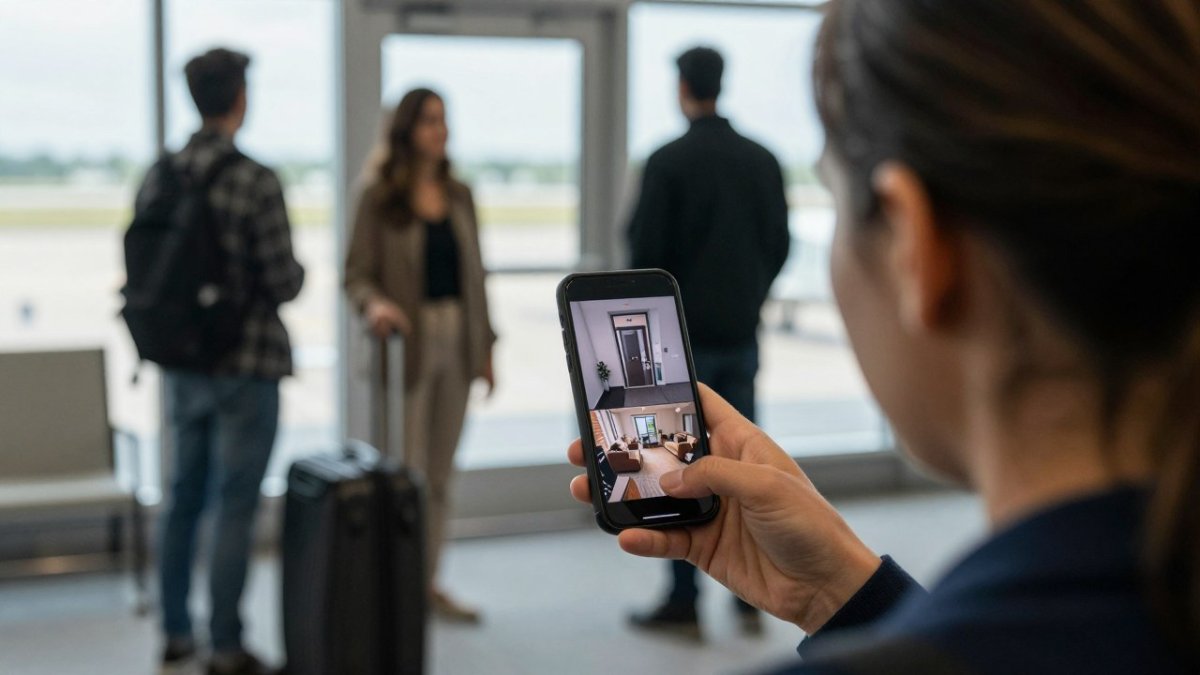
Cameras, Sensors, and Real-Time Notifications
Cameras give you eyes; sensors give you certainty. You want both, but they answer different questions.
A security camera with remote video access lets you confirm what you are seeing, which matters when a motion alert fires at 2 a.m. your time.
Real-time notifications are only useful if they are tuned. Set motion alerts for the doors and the main hallway, and leave the high-traffic interior zones on recording only.
Connectivity, Power, and Cellular Backup Planning
Cellular backup is the difference between a system that reports and one that goes dark with the internet. Most home security failures during travel trace back to connectivity, not to the intruder.
Plan for three things:
- Internet loss. Confirm the panel has a cellular radio and that the SIM is active. Many panels fall back automatically; some do not unless configured.
- Power loss. A backup battery keeps the panel alive for hours, not days. Check its age before a long trip.
- Device failure. A camera that loses Wi-Fi silently stops recording. Test remote viewing the day before you leave, not the day you land.
If you want a step-by-step setup for viewing your property from a phone, our remote home monitoring setup guide walks through the configuration.
The Best Home Security Apps for Remote Access
The best home security apps for remote access do four things well: show live video quickly, deliver alerts reliably, let you arm or disarm remotely, and give you one screen for every device. Everything else is decoration.
When we evaluate an app for a traveling homeowner, we check:
- Time to live view. How many taps from notification to video?
- Alert granularity. Can you set different rules per sensor and per camera?
- User management. Can you add a house sitter with limited access and remove it later?
Alarm.com integration can put security, video, locks, lighting, and thermostats in a single app rather than several. Fewer apps means fewer places to miss an alert.
App quality is closely tied to panel quality. A polished app on a panel with weak cellular coverage can still fail.
How to Prevent Water Damage While Away on Vacation
Water damage is the most common serious loss in an unattended home, and it is almost always preventable with one sensor and one shutoff valve. A leak under a sink can run for days before anyone notices.
The practical setup:
- Leak sensors at the water heater, washing machine, under the kitchen sink, and near the sump pump.
- An automatic shutoff valve that closes the main line when a sensor trips.
- A low-temperature alert so a failed furnace does not lead to frozen, bursting pipes.
Pair those with a monitored alert that reaches a person, not just an app. If a leak sensor trips at 3 a.m. and no one is watching the phone, the shutoff valve is what actually saves the floor.
Responding to Alerts From Another Time Zone
An alert you cannot act on is noise. The fix is deciding, before you leave, who does what when the phone rings at an inconvenient hour.
Build a simple response ladder:
| Alert type | First action | Who handles it |
|---|---|---|
| Door or window sensor | Check camera, call contact | Trusted neighbor or sitter |
| Motion, interior | Verify via video, then call | Monitoring center |
| Smoke or CO | Call emergency services | Monitoring center, immediately |
| Water leak | Confirm shutoff valve closed | Trusted contact on site |
| System offline | Check power and internet | House sitter or neighbor |
Give your monitoring center and your trusted contact each other's numbers. Tell them your travel dates and time zone. A monitoring center that knows you are away escalates faster than one that assumes you are asleep upstairs.
False alarms are the enemy of this whole plan. If your system has a history of nuisance trips, our steps to prevent false alarms are worth completing before you travel, because a contact who responds to two false alarms will hesitate on the third.
Choosing a Remote Home Security Setup That Fits Your Home
The right remote home security setup depends on three variables: how often you travel, how long you are gone, and what your home already has. A frequent flyer with a newer panel needs different work than a family leaving once a year with an aging system.
Work through these questions:
- How long are you typically away? Weekend trips need lighting and notifications. Multi-week trips need water shutoff, mail holds, and a named responder.
- What is already installed? An existing panel may support cellular backup and app control with a module rather than a replacement.
- How reliable is your internet? Older homes and detached garages often need a cellular path or a mesh access point.
- Who is your local responder? No system substitutes for a person who can walk over.
If you are comparing options for frequent travel, our breakdown of the best smart security for frequent travelers puts the trade-offs side by side.
Watch out: buying cameras and sensors from different vendors without checking panel compatibility is the most common way travelers end up with five apps and no single view of the house.
Get a Custom Remote Monitoring Plan From Cyrus Alarm Services
The gap we see most often is not missing equipment. It is a system that was never configured for an empty house.
Cyrus Alarm Services is a family-owned and operated business that offers custom consultation, installation, and servicing. Devices are tested in the home, and systems can be integrated with Alarm.com.
Travel security is a design problem, not a shopping problem.
Frequently Asked Questions
How do I secure my home while on vacation?
Work through a layered plan rather than a single device. Lock and reinforce every entry point, set smart lighting schedules so the house looks occupied, hold mail and packages, and connect cameras and sensors to a mobile app you can check remotely. Add water leak and temperature sensors, and give a trusted contact a key and your alarm code. Test every device before you leave, and confirm your system has cellular backup so it keeps reporting if the internet drops.
Can you check home security cameras remotely while traveling?
Yes. Most modern systems stream live video and recorded clips to a phone app from anywhere with an internet connection. The practical limits are your home's upload speed and the camera's connection quality, not distance. Set motion alerts to the zones that matter, like doors and driveways, so you are not flooded with notifications. Confirm your app supports remote viewing before you travel, and log in once from outside the house to prove it works.
What should I do if a home security alert comes in while I am away?
Check the camera feed or clip attached to the alert first to judge whether it is real. If it looks like an intrusion, call local police and your monitoring provider, then your trusted contact. If you use professional monitoring, the central station is already responding and can dispatch. For non-urgent alerts like a door sensor tripping in wind, adjust the zone sensitivity so the same false alarm does not repeat. Write this response order down before you leave.
What smart home devices help prevent water damage while you are away?
Leak sensors placed under sinks, behind the washing machine, near the water heater, and by the sump pump catch problems early and send a phone alert. A smart water shutoff valve can close the main line automatically when a leak is detected. Temperature sensors matter in winter, since a failed furnace can burst pipes. Pair these with a monitored alarm system so alerts reach someone even when you are asleep or offline.
How can I make my home look occupied while traveling?
Use smart lighting schedules that turn lights on and off at realistic times, and vary them by room rather than running one script every night. Leave a car in the driveway if possible, pause newspaper deliveries, and ask a neighbor to park occasionally. Interior lights on timers plus a television simulator cover the two clearest signals, light and sound. Avoid posting travel dates on social media until you are home.
What is the best security system for an unoccupied house?
The right fit depends on how long you are away and whether you want professional monitoring. For frequent travelers, a system with cellular backup, app-based remote access, door and window sensors, cameras, and environmental sensors covers the most ground. Professional monitoring adds dispatch when you cannot respond. A local installer can test devices in your actual home, which matters in older houses with unusual layouts or weak Wi-Fi coverage.