 how-to
AI Security Camera System Installation: A Step-by-Step Guide
Table of Contents
- Planning Your AI Security Camera System Installation
- Professional Security Camera Installation Cost and Budgeting
- Setting Up Remote Home Monitoring via Phone
- AI Camera Motion Detection Configuration
- Network Security and Data Protection During Installation
- Compliance, Privacy Laws, and Testing Procedures
- Common Installation Mistakes to Avoid
- Frequently Asked Questions
Last Updated: September 30, 2026
Planning Your AI Security Camera System Installation
Installing an AI security camera system requires careful planning before you buy anything.
Defining Operational and Safety Goals
Start by asking yourself: what are you actually trying to protect? Your answer shapes everything that comes next. A construction site needs wide coverage of entry points. A retail store needs facial recognition to catch repeat offenders. A home monitoring system needs reliable remote access via phone.
Write down your specific goals before anything else. Common objectives include:
- Detecting unauthorized entry or intrusion
- Identifying people or vehicles on your property
- Creating a video record for police investigations
- Deterring criminal activity through visible cameras
- Monitoring employee activity or customer behavior
- Protecting high-value assets or equipment
A vague goal like "better security" leads to wasted money. A specific goal like "detect anyone entering the back warehouse door after hours" guides every decision.
Assessing Network Infrastructure: PoE vs. Wireless
Your network choice determines installation complexity, reliability, and long-term maintenance costs.
Power over Ethernet (PoE) runs both power and data through a single Cat6 cable, providing fewer points of failure and greater reliability. Installation requires cable running but the system is more stable once deployed. Wireless cameras connect via WiFi with fast installation but depend on WiFi strength, require battery changes or separate power, and introduce latency. For professional installations, PoE is the standard. Wireless works for small setups with strong WiFi coverage.
Check your existing network setup. Can you run cables without significant construction? Some properties can't easily support PoE without major work.
Professional Security Camera Installation Cost and Budgeting
Installation costs vary dramatically based on system size, camera type, and labor. Understanding the cost breakdown helps you budget realistically.
Hardware and Equipment Expenses
Cameras are the biggest cost. AI-powered cameras with object classification cost more upfront but reduce false alarms. Recording equipment (DVR or NVR) stores video. Cabling and connectors add up quickly with PoE systems. Network hardware like switches may need upgrades for multiple 4K cameras. Backup storage and cloud integration add monthly costs.
Labor and Integration Costs
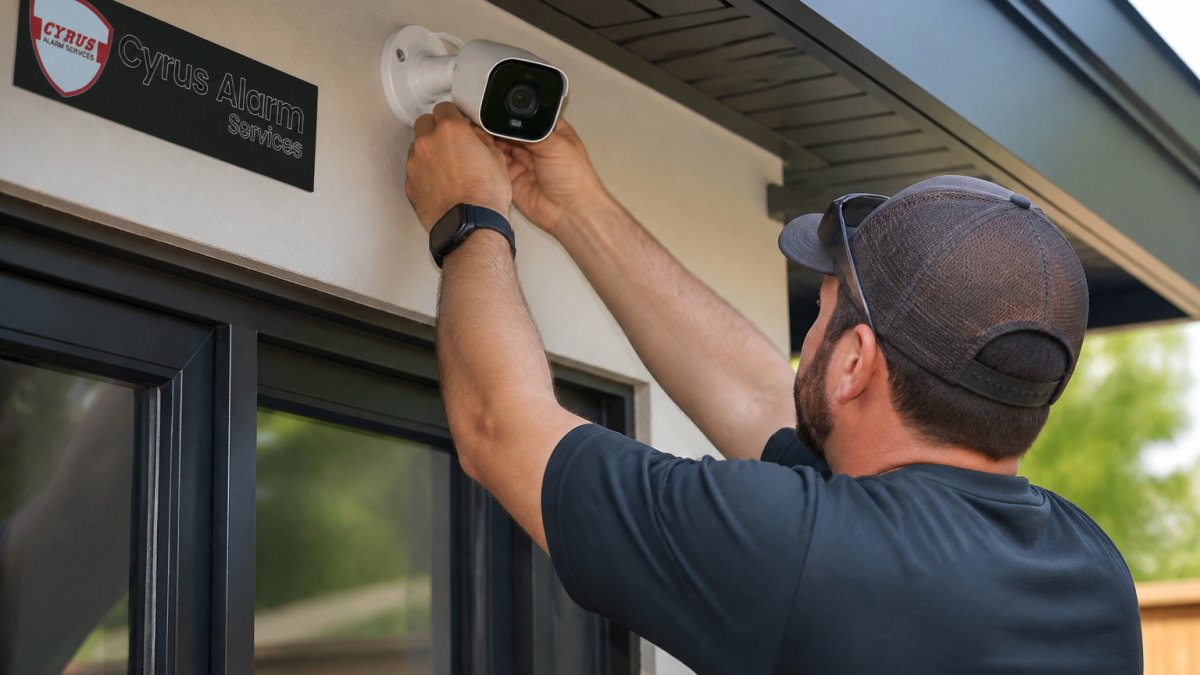
Professional installation labor includes site assessment, cable running, camera mounting, network configuration, system integration, testing, and training. Labor costs vary by location and complexity. Integration with existing systems adds cost but saves headaches later. If your AI security camera system installation needs to talk to your alarm system or access control, that integration takes expertise.
Setting Up Remote Home Monitoring via Phone
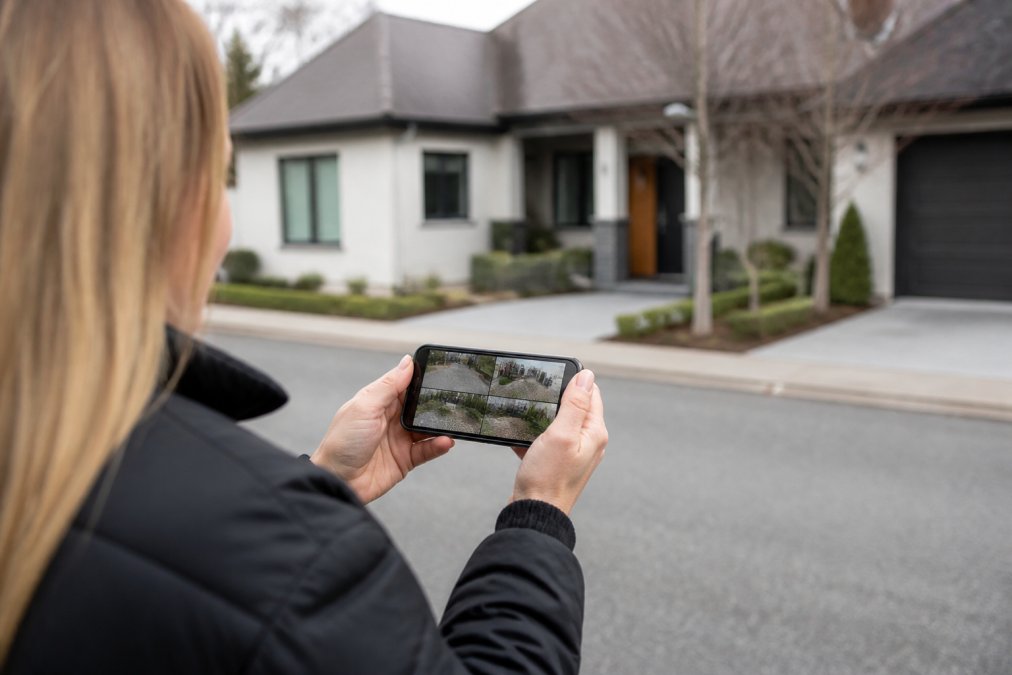
Remote monitoring is why most people choose AI security camera systems. You want to check on your property while you're away.
Cloud vs. Edge AI Processing for Real-Time Access
Cloud-based processing sends video to servers for analysis but introduces latency and privacy concerns. Edge AI processing analyzes video on the camera instantly with no cloud data unless there's an alert, offering faster response and better privacy but more complex setup. Most modern installations use a hybrid approach: edge AI for real-time detection and cloud for video storage and remote access.
Configuring Mobile App Access and Alerts
Configure your mobile app carefully. Live view should load within seconds. Alerts should notify you of real events, not false alarms. Video storage can be cloud (convenient but monthly cost) or local (cheaper but requires system online). Two-factor authentication protects your system from unauthorized access. Test remote access before relying on it, log in from different locations and WiFi networks.
AI Camera Motion Detection Configuration
Motion detection is where AI really helps. Proper configuration means alerts for real threats and silence for false ones.
Setting Detection Zones and Sensitivity Levels
Detection zones let you ignore certain areas like streets or trees. Sensitivity levels control how much motion triggers detection, high sensitivity catches subtle movement but generates false alarms; low sensitivity misses real threats. Start with moderate sensitivity and adjust after a week of testing. Time-based rules let you change sensitivity by time of day.
Reducing False Alarms with Object Classification
This is where AI earns its cost. Object classification tells the difference between a person, a vehicle, an animal, and a shadow.
Network Security and Data Protection During Installation
Your security system is only as strong as its weakest connection. A hacked system is worse than no system.
Network Segmentation and Encryption
Network segmentation isolates your security cameras from your main network. If someone hacks a camera, they can't access your computers or personal files.
Cybersecurity Hardening Checklist
Before you consider your AI security camera system installation complete, secure it:
- Change all default passwords to strong, unique passwords
- Enable two-factor authentication on your mobile app access
- Create a separate network for security devices (isolated from computers and personal devices)
- Enable encryption for all video streams
- Disable remote access if you don't use it
- Update firmware on all devices immediately when updates are available
- Use a firewall to block unauthorized access to your NVR or recording device
- Limit who has access to the system (don't share passwords)
- Review access logs monthly to spot unauthorized login attempts
- Disable UPnP on your router (UPnP auto-forwards ports and weakens security)
Compliance, Privacy Laws, and Testing Procedures
Security systems must comply with privacy laws. Failure to comply creates legal liability.
Privacy Regulations and Legal Requirements
GDPR (if you have EU customers or employees) requires consent before recording people. Visible camera notices are required.
System Testing and Calibration
Before you declare the installation complete, test everything:
- Check all cameras for clear video and proper focus
- Verify motion detection works in all zones
- Test mobile app access from multiple locations
- Confirm alerts arrive on your phone within seconds
- Check video storage and confirm old footage deletes automatically
- Test night vision or infrared if applicable
- Verify two-factor authentication works
- Confirm backup power (UPS) keeps the system running during power outages
Document test results. If something fails, fix it now while the installer is still there.
Common Installation Mistakes to Avoid
Most installation failures come from preventable mistakes.
Underestimating bandwidth is common. 4K cameras stream a lot of data. If your internet connection can't handle it, you'll get lag and dropped frames. Test bandwidth before installation.
| Step | What It Includes | Why It Matters |
|---|---|---|
| Planning | Define goals, assess network, budget | Wrong planning wastes money and time |
| Hardware Selection | Choose cameras, NVR, cabling | Quality hardware prevents failures |
| Installation | Run cables, mount cameras, configure network | Professional installation prevents problems |
| Security Hardening | Passwords, encryption, segmentation | Poor security invites hacking |
| Testing | Verify every function works correctly | Testing catches problems before deployment |
| Maintenance | Updates, cleaning, monitoring | Maintenance keeps systems working long-term |
| Feature | PoE | Wireless |
|---|---|---|
| Installation Complexity | High (cable running required) | Low (WiFi only) |
| Reliability | Excellent (wired connection) | Good (depends on WiFi strength) |
| Latency | Minimal | Potential delays |
| Power Management | Single cable powers camera | Battery or separate outlet |
| Scalability | Scales well to many cameras | Limited by WiFi capacity |
| Cost | Higher upfront labor | Lower installation cost |
| Detection Type | What It Does | Best For |
|---|---|---|
| Motion Detection | Alerts on any movement | Basic monitoring |
| Person Detection | Alerts only on people | Reducing false alarms |
| Vehicle Detection | Alerts on vehicles only | Parking lots, driveways |
| Loitering Detection | Alerts when someone stays too long | Retail, office security |
| Object Classification | AI distinguishes people, vehicles, animals | Professional installations |
Frequently Asked Questions
How do I configure AI motion detection zones after installation?
After your AI security camera system installation is complete, access the camera's settings through your mobile app or web portal. Most systems allow you to draw custom detection zones directly on the live video feed. Start with the entire frame enabled, then adjust sensitivity levels based on your environment. Exclude areas prone to false alarms, such as trees, shadows, or passing traffic. Test the configuration by walking through detection zones and monitoring alert accuracy for 24-48 hours before finalizing settings.
What's the difference between edge AI and cloud-based AI processing?
Edge AI processes video analytics directly on the camera hardware, offering faster response times and reduced latency since data doesn't travel to remote servers. Cloud-based processing sends video to external servers for analysis, which can provide more advanced features and easier updates but requires constant internet connectivity. Edge AI works better for real-time intrusion detection and false alarm mitigation, while cloud processing excels at complex object classification and historical pattern analysis. Most modern AI security camera systems support both approaches.
Do I need to follow privacy laws when installing AI security cameras?
Yes. Depending on your location and camera placement, you may need to comply with state privacy laws and federal regulations. Cameras monitoring only your own property typically have fewer restrictions, but recording audio, monitoring common areas in multi-unit buildings, or capturing footage of neighboring properties requires clear notice and sometimes consent. Some states have specific regulations around workplace monitoring and employee notification. Consult local regulations or a legal professional before installation to ensure compliance and avoid liability.
How much does professional security camera installation cost?
Professional security camera installation cost depends on system size, camera count, network infrastructure (PoE cabling vs. wireless), integration complexity, and whether you're upgrading existing hardware or starting from scratch. Typical expenses include equipment, labor for mounting and wiring, network setup, and mobile app configuration. Rather than estimate costs that may not reflect your specific needs, Get Quote for a custom quote based on your property layout, operational goals, and desired features.