 how-to
Home Security for Travelers: 7 Steps to Protect Your Property
Table of Contents
- Why Home Security Matters for Travelers
- Step 1: Install Motion Detection and Remote Surveillance
- Step 2: Set Up Smart Lock Access for Travelers
- Step 3: Enable Real-Time Notifications and Mobile App Control
- Step 4: Create a Home Security Checklist for Travelers
- Step 5: Choose Remote Home Monitoring Apps That Work
- Step 6: Add Environmental Sensors and Occupancy Simulation
- Step 7: Arrange 24/7 Professional Monitoring and Emergency Dispatch
- Frequently Asked Questions
Last Updated: October 2, 2026
Why Home Security Matters for Travelers
Empty homes attract burglars and invite undetected hazards, frozen pipes, electrical fires, water leaks, which is why home security for travelers is essential. Without monitoring, you won't know about problems until you return to damage.
Home security for travelers combines theft prevention with early detection and rapid response. Motion detection alerts you to unauthorized entry. Environmental sensors catch smoke or carbon monoxide before they become emergencies. Remote surveillance lets you verify threats in real time.
At Cyrus Alarm Services, we work with families and frequent travelers who need peace of mind while away.
The seven steps below create a layered defense that gives you 24/7 protection even when you're thousands of miles away.
Step 1: Install Motion Detection and Remote Surveillance
Motion detection triggers alerts when doors, windows, or interior movement is detected. Video cameras record what's happening so you can verify threats instantly.
Install motion sensors on all exterior doors and ground-floor windows. Add cameras at front, back, and other vulnerable access points.
Interior cameras in common areas detect intruders after entry. Choose cameras with night vision and wide viewing angles, placed where they cover the most ground without being easily disabled.
Coverage without blind spots is critical. Motion detection with video recording captures evidence regardless of which entry point a burglar tests.
Step 2: Set Up Smart Lock Access for Travelers
A smart lock lets you grant temporary access to house sitters, contractors, or family members without hiding a physical key. Control access from your phone, activate when they arrive, deactivate when they leave.
Every unlock logs a timestamp and method (key code, app, physical key), creating an audit trail so you know exactly who was in the house if something goes missing.
Choose a lock with cellular or Wi-Fi backup so it functions if internet goes down. Keypad entry lets you provide temporary codes instead of mailing keys.
Battery backup is non-negotiable, a smart lock that dies when power fails locks you out of your own home. Most quality smart locks run on batteries for months.
Step 3: Enable Real-Time Notifications and Mobile App Control
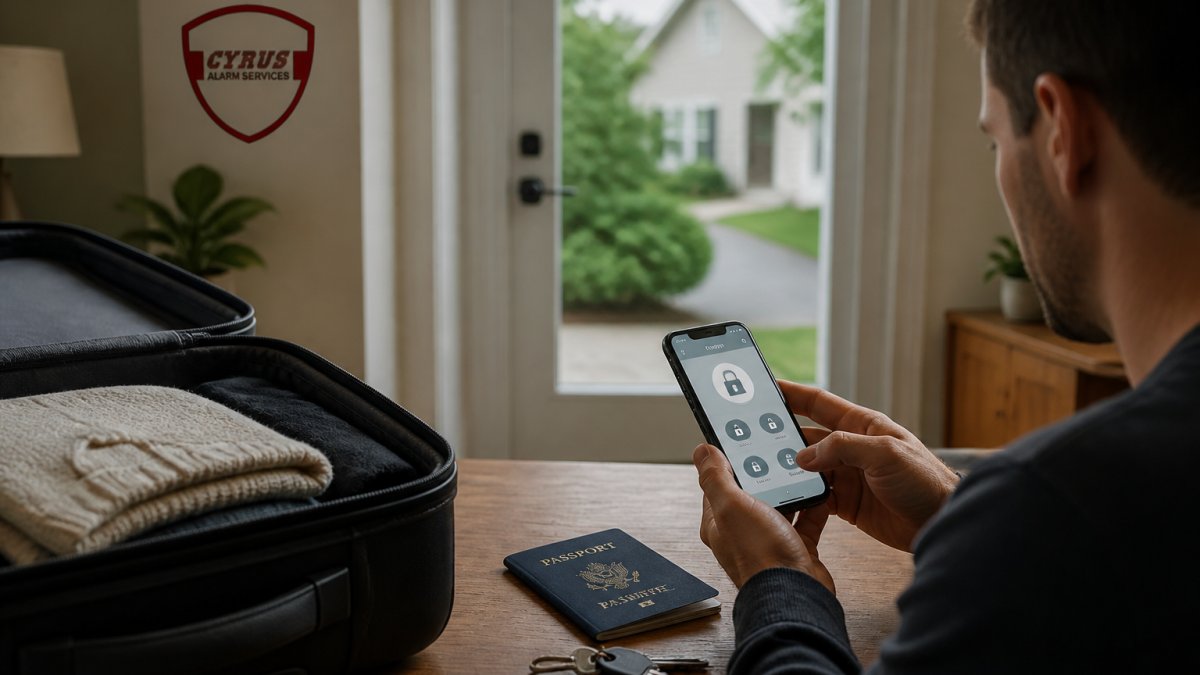
Mobile app control lets you arm/disarm your system, unlock doors remotely, check camera feeds live, and verify threats before calling police, all from anywhere.
Set up notifications with different urgency levels: high-priority alerts (door opening at 2 a.m.) trigger calls and texts; low-priority alerts (daytime motion) are logged without interrupting you.
Test app connectivity before traveling: log in from your phone, verify video streams load within seconds, and confirm commands execute instantly. Lag time means delayed action in emergencies.
Step 4: Create a Home Security Checklist for Travelers
A home security checklist for travelers ensures you don't forget critical steps. Use it every time you travel.
Before You Leave:
- Arm all motion sensors and door/window sensors
- Lock all doors and windows manually (don't rely only on smart locks)
- Close all blinds and curtains to prevent visibility into empty rooms
- Set all cameras to record mode and verify they're connected
- Test mobile app access from your phone
- Confirm push notifications are enabled
- Leave a car in the driveway or ask a neighbor to move it periodically
- Set lights on timers to turn on and off at different times
- Disable doorbell notifications if you don't want alerts for deliveries
- Leave contact information with a trusted neighbor
While You're Away:
- Check app alerts once daily
- Review camera footage if anything looks unusual
- Verify that all entry points remain secure
- Confirm battery levels on wireless sensors
When You Return:
- Disarm the system before entering
- Check for any signs of tampering or entry
- Review footage from while you were away
- Replace batteries in any low-power sensors
A checklist prevents the panic of wondering whether you armed the system. It becomes routine.
Step 5: Choose Remote Home Monitoring Apps That Work
Remote home monitoring apps are a critical vulnerability point for travelers. Public Wi-Fi networks, hotel connections, and international networks expose your credentials and video feeds to interception if the app lacks proper security controls.
Cybersecurity Threats Specific to Travelers
Attackers on public networks can intercept unencrypted traffic and view camera feeds, unlock smart locks, or disable alarms remotely.
Look for apps with end-to-end encryption for video streams, video encrypted on the camera and decrypted only on your phone.
Verify that the app supports certificate pinning, a technical control that prevents man-in-the-middle attacks.
Evaluating App Reliability for Remote Access
Cloud storage is essential, video should be stored in geographically redundant data centers.
Test the app on multiple devices and networks before traveling.
Check the app's privacy policy for data retention and third-party sharing.
Step 6: Add Environmental Sensors and Occupancy Simulation
Environmental sensors detect threats beyond intrusion. Smoke detectors alert you to fire. Carbon monoxide detectors catch a silent killer (the CDC). Water sensors detect leaks before they cause mold or structural damage.
Place water sensors near water heaters, under sinks, and in basements. Place smoke and carbon monoxide detectors on every level, especially near bedrooms and sleeping areas.
Occupancy simulation makes your home look inhabited. Automated lighting turns lights on and off at random intervals. Smart plugs can control TVs, radios, or other devices to create the appearance of activity.
A lit home deters burglars. Lights that turn on at dusk and off at bedtime signal occupancy. Lights in different rooms at different times look more natural than synchronized lighting.
Step 7: Arrange 24/7 Professional Monitoring and Emergency Dispatch
Professional monitoring means a live person watches your system 24/7, verifies threats, and dispatches emergency responders.
How Professional Monitoring Works
When a sensor triggers, the signal reaches the monitoring center within seconds. A trained operator attempts to contact you via phone. If you confirm a false alarm, they log it. If you don't answer or confirm a real threat, they dispatch police immediately.
Response times vary by provider and location. Ask your provider for their average response time in your area.
Traveler-Specific Monitoring Protocols
Before traveling, inform your monitoring provider of your travel dates, time zone, and contact information.
Discuss time zone differences explicitly with your monitoring center.
If traveling outside the country, confirm your monitoring center can dispatch police to your address.
Insurance Implications of Professional Monitoring
Many homeowners' insurance policies offer discounts for professional alarm monitoring.
Emergency Response Protocols for Remote Situations
Establish a clear protocol with your monitoring provider before traveling:
- Immediate threat (forced entry, glass break): Dispatch police without verification.
- Delayed threat (night motion): Contact you within 30 seconds; dispatch if you don't answer within 60 seconds.
- Environmental alert (smoke, carbon monoxide): Dispatch fire department immediately.
- False alarm: Log it; charges may apply if false alarms exceed your plan's threshold.
Write down your monitoring center's direct phone number and your account number.
Frequently Asked Questions
What's the best way to monitor my home security system while traveling?
Use a mobile app integrated with your security system for real-time notifications and live video feeds. Look for systems that offer 24/7 professional monitoring with cellular backup, so you get alerts instantly even if your internet goes down. Two-way audio lets you communicate through cameras, and cloud storage ensures footage is accessible from anywhere without relying on local devices.
How do smart locks improve home security for travelers?
Smart lock access for travelers eliminates the need for hidden spare keys. Grant temporary access codes to trusted friends or service providers without sharing physical keys, revoke access remotely anytime, and receive notifications when doors are unlocked. Most systems integrate with your home automation platform, so you can control locks alongside cameras and alarms from one mobile app.
Should I use DIY installation or hire a professional for traveler security?
Professional installation ensures your system is properly configured for remote access, encryption, and false alarm prevention. Professionals test every device in your home and set up cellular backup if your Wi-Fi fails. For frequent travelers who rely on their system, professional setup and ongoing monitoring provide the reliability and peace of mind DIY systems often lack.
Can occupancy simulation really prevent burglaries while I'm away?
Yes. Automated lighting, smart plugs that turn devices on and off at random intervals, and scheduled door lock patterns make your home appear occupied. Combined with motion detection cameras and visible security signage, occupancy simulation removes the obvious target appeal. Most burglars avoid homes that show signs of activity, making this a cost-effective deterrent for travelers.
Travel with confidence. Your home deserves the same protection whether you're there or not. Cyrus Alarm Services specializes in custom security solutions that integrate motion detection, remote surveillance, smart lock access, and 24/7 professional monitoring. We test every device in your home before installation to guarantee reliability. Get a quote today and protect your property while you're away.