 How-to
How to Integrate Security Cameras With Business Alarm Systems
Last Updated: November 22, 2026
Quick Summary
Security camera integration links your alarm panel, cameras, and monitoring platform so they share events in one place, letting an alarm trigger the right camera clip automatically. The panel detects, the cameras record, and the centralized platform matches events and pushes alerts to your phone. Integration is mostly a settings and permissions job, not a wiring job.
- Integration happens at the platform layer, since panels and cameras rarely talk to each other directly.
- Confirm your panel and cameras both appear on the platform's supported-device list before starting.
- Map each alarm zone to its camera from a written list, not from memory.
- Set five to ten seconds of pre-roll and thirty to sixty seconds after for alarm clips.
- Test monthly by triggering each zone and confirming the correct camera records.
Table of Contents
- Why Security Camera Integration Changes How Your Business Responds to Alarms
- What Business Security System Integration Actually Involves
- Compatibility Checks Before Integrating Surveillance Cameras With Alarm Panels
- Step-by-Step: How to Integrate Security Cameras With Your Alarm System
- Configuring Alarm-Triggered Video and Video Verification
- Cybersecurity and Privacy Safeguards for Integrated Systems
- Alarm System With Cameras Cost: What Drives the Price
- Testing, Troubleshooting, and Maintaining Your Integrated System
- Frequently Asked Questions
Why Security Camera Integration Changes How Your Business Responds to Alarms
An alarm siren tells you something is wrong. A camera tells you what.
In most buildings, a working alarm panel sits on one wall, a separate camera recorder sits in a back closet, and nobody links the two.
Below, we'll show you exactly how the connection works, what to check before you start, and how to test it so it holds up on a real night.
What Business Security System Integration Actually Involves
Business security system integration means linking your alarm panel, cameras, and monitoring platform so they share events and data in one place. The alarm panel detects. The cameras record. The platform decides what to do with both.
For a deeper look at how these pieces fit together, our integrated security system design guide walks through panel, camera, and platform architecture in detail.
The Three Layers: Alarm Panel, Cameras, and the Centralized Platform
Think of it as three layers stacked on top of each other.
- Layer one: the alarm panel. Sensors, door contacts, motion detectors, and the siren all report here.
- Layer two: the cameras. Surveillance cameras record continuously or on triggers.
- Layer three: the centralized platform. This is the software that ties events together and pushes alerts to your phone.
Integration happens at layer three. The panel and cameras rarely talk to each other directly. They both talk to the platform, and the platform does the matching. Once that link exists, you get unified security management: one login, one alert feed, one place to review an incident.
Compatibility Checks Before Integrating Surveillance Cameras With Alarm Panels
Before anyone runs a cable, confirm the panel and cameras can actually share events. Skipping this step is the most common reason integration projects stall halfway through, and it is where most guides stay vague. The checks below are the ones that decide whether integration is a settings job or a replacement job.
Protocols, Network Requirements, and Panel Support
Work through these in order, because each one can disqualify a pairing before you spend on the next.
- Panel event output. The panel has to be able to tell something else that a zone triggered. On many commercial panels that happens through a relay output, a dry-contact input on the camera recorder, or a software integration published by the panel maker. Older panels often expose only a siren output, which tells you an alarm happened but not which zone, so the platform cannot pull the right camera. Confirm the panel can report zone-level events, not just a global alarm state.
- Camera and recorder protocol. Most modern IP cameras and network video recorders support ONVIF, the open standard for device discovery and streaming. ONVIF gets you video into a platform, but it does not by itself carry alarm events. For event sharing, look for the recorder's own API, an alarm-input terminal block, or a documented integration with your alarm platform. A camera that streams fine over ONVIF can still be useless for alarm-triggered clips if nothing passes the trigger.
- Platform support list. Every monitoring and video platform publishes a supported-device list. If your panel and your camera line are not both on it, stop and pick a different pairing rather than assuming a workaround. Vendor lock-in is real here: some platforms only fully integrate cameras from the same manufacturer, and some panel makers charge a license to expose events to third-party software.
A quick rule we use: if the panel and the platform are not on each other's supported device list, stop and pick a different pairing.
Watch out: a panel that only reports a global alarm state will trigger every camera at once, which floods the platform with clips and makes video verification slower, not faster.
Step-by-Step: How to Integrate Security Cameras With Your Alarm System
Here is the workflow we follow. Set aside a full day for a small site and plan for more on a larger one.
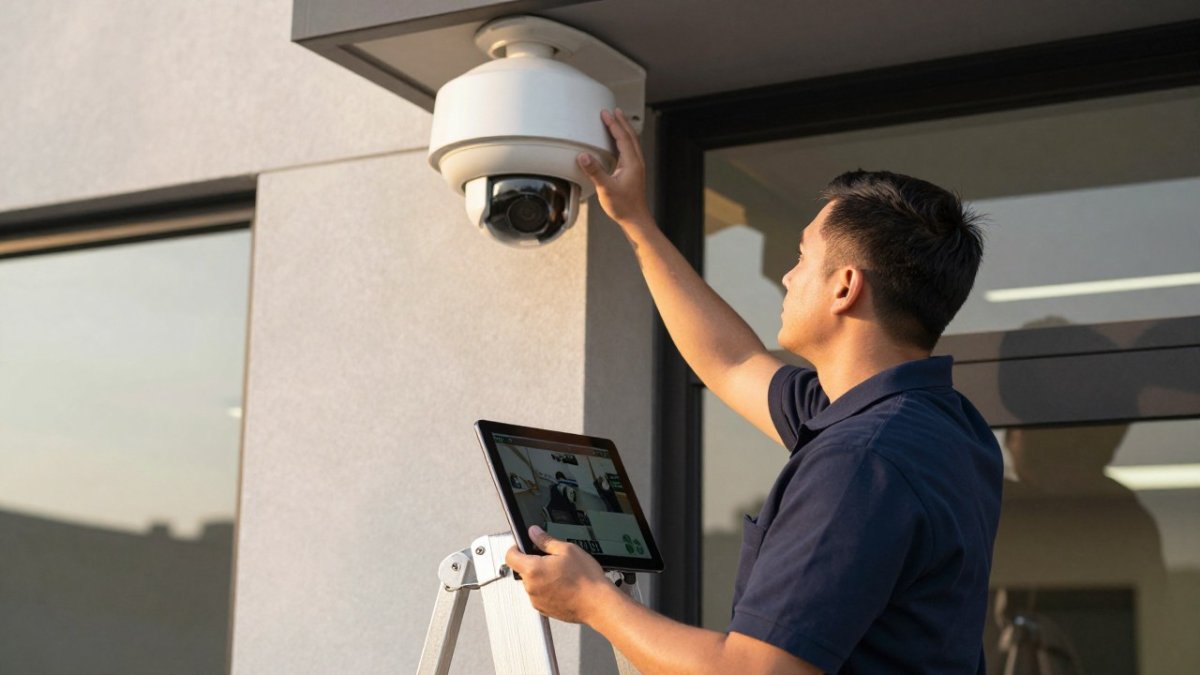
- Document the current setup. List every panel, sensor, camera, and recorder with model numbers.
- Confirm compatibility. Match each device against the platform's supported list.
- Map zones to cameras. Write down which camera covers which alarm zone. This is the step people rush, and it causes most bad alerts later.
- Connect the panel to the platform. Follow the manufacturer's enrollment steps and confirm the panel shows as online.
- Add the cameras to the platform. Import them one at a time and label each with its location.
- Build the event rules. Link each alarm zone to its camera or camera group.
- Set user permissions. Decide who can view live feeds, who can pull recordings, and who can arm or disarm.
- Test everything. Trigger each zone and confirm the right camera responds.
Watch out: if you map zones to cameras from memory instead of from a written list, you will get clips of the wrong hallway for months before anyone notices.
Configuring Alarm-Triggered Video and Video Verification
Video verification is the practice of sending a short clip alongside an alarm so a monitoring center can confirm whether the event is real. It is the single biggest false alarm reduction tool in an integrated system, but it only works if the event rules are built correctly. This is the configuration step most installs get wrong, and it is where a practical setup separates from a benefits overview.
Associating Zones With Camera Views and Recording Rules
Build the rules from a written zone-to-camera map, not from memory. For each alarm zone, decide three things: which camera or camera group covers it, how long the clip should run, and what happens next.
- Pre-roll and post-roll. Set event-triggered recording so each alarm pulls a clip that starts a few seconds before the trigger and runs for a set period after. That pre-roll matters. Without it, you get a clip of an empty doorway and no idea what set it off. A common starting point is five to ten seconds of pre-roll and thirty to sixty seconds after.
- Camera grouping. Map each zone to the camera that actually sees it, plus one wider view for context. A door contact should pull the camera over that door, not the hallway camera three doors down.
- Recording rules. Decide whether the camera records continuously, on motion, or only on alarm. Continuous recording gives you the fullest record but costs storage; alarm-only recording saves space but leaves gaps. Many sites run continuous on exterior cameras and alarm-triggered on interior ones.
Making Video Verification Work in Practice
Who monitors the alarm decides how verification works in practice. If you are weighing options, our guide to business alarm system monitoring plans compares how different plans handle video verification. And because false triggers are the main complaint we hear, our article on how to avoid false alarms in commercial security systems covers tuning motion sensitivity and pet immunity.
Watch out: if you set the same clip length and camera group for every zone, a motion detector in a busy hallway will generate more clips than the monitoring center can review, and real events will get buried.
Cybersecurity and Privacy Safeguards for Integrated Systems
An integrated system is a network of connected devices, and every connected device is a door. Treat it that way.
Start with the basics:
- Change every default password on panels, cameras, and the platform.
- Put cameras on a separate network segment from your business computers.
- Turn on two-factor authentication for platform logins.
- Limit remote access to the people who actually need it.
One insider point most installers skip: cloud-based monitoring and on-premises systems carry different risk. Cloud gives you remote access and automatic updates but depends on your internet link. On-premises keeps footage local but puts the maintenance burden on you. Neither is automatically safer.
Alarm System With Cameras Cost: What Drives the Price
The cost of an alarm system with cameras depends on scope, and pricing depends on the details of your property. Contact Cyrus Alarm Services through the website for current pricing or a quote.
What moves the number:
- Camera count and resolution. More cameras and higher resolution mean more hardware and more storage.
- Panel replacement. If your current panel cannot integrate, that is a new panel plus labor.
- Cabling and network work. Older buildings often need new runs.
- Monitoring plan. Monthly monitoring is a recurring cost that varies by how events are handled.
For a fuller breakdown of what drives business alarm pricing, see our guide to business alarm system cost. The honest answer for your building comes from a walkthrough, not a web page.
Testing, Troubleshooting, and Maintaining Your Integrated System
A system that passed testing on install day can fail silently three months later. Maintenance is what keeps the integration working.
Test monthly:
- Trigger each alarm zone and confirm the correct camera records.
- Check that alerts reach every phone on the list.
- Review a sample of clips for image quality and correct timing.
- Confirm the panel and all cameras show online in the platform.
Common problems and their usual cause:
| Problem | Likely Cause | Fix |
|---|---|---|
| No clip on alarm | Zone not mapped to camera | Rebuild the event rule |
| Wrong camera records | Zone-to-camera map is wrong | Correct the mapping and retest |
| Delayed alerts | Weak network or overloaded platform | Check bandwidth and camera load |
| Missing footage | Storage full or retention too short | Increase storage or shorten retention |
| Camera offline | Network drop or failed firmware update | Check cabling and device status |
For ongoing upkeep, our business alarm system maintenance guide covers the full schedule. One habit worth building: keep a written log of every test and every fix.
Getting cameras and alarms to work as one system is not hard once you know the order of operations.
Frequently Asked Questions
Can security cameras connect to a business alarm system?
Yes, most modern business alarm panels support security camera integration, but the connection depends on the panel and camera brands. Panels that work with a centralized platform like Alarm.com can link compatible cameras so that alarm events trigger recording and mobile alerts. Before buying, confirm your panel's supported device list and whether it uses a wired or IP-based connection. A professional compatibility check prevents buying cameras your panel cannot control.
How much does an alarm system with cameras cost?
The alarm system with cameras cost depends on camera count, resolution, whether you choose cloud-based or on-premises recording, and the labor required for network cabling and installation planning. There is no single figure that fits every building. Pricing depends on your property's layout and coverage needs. Request a quote through the Cyrus Alarm Services website for current pricing.
Can a business alarm system trigger cameras to record?
Yes. Event-triggered recording is one of the main reasons to pursue security camera integration. When a door contact, motion sensor, or glass-break detector trips, the alarm panel sends a signal to the camera system to start recording and push a mobile alert. This gives you footage of the actual alarm event instead of hours of empty hallway. Configuration happens in the security management software, where you map each sensor to specific camera feeds.
What should a business consider before integrating cameras and alarms?
Check device compatibility first, then map your security coverage so cameras cover every alarm zone. Plan network cabling and bandwidth, since video surveillance strains older networks. Decide between cloud-based monitoring and an on-premises system based on your remote access needs. Finally, set access permissions for staff and review cybersecurity safeguards before going live. A structured installation plan avoids costly rework and false alarm reduction problems later.