 How-to
Temporary Construction Site Camera Systems: A Buyer's Guide
Last Updated: November 17, 2026
Quick Summary
Temporary construction site camera systems are portable surveillance setups that watch an active jobsite for the length of a project, then move to the next one. The best system for most jobsites combines a portable camera tower, cellular connectivity, solar or battery power, and a cloud platform for live viewing and alerts.
- Time-lapse recording compresses months of footage into a short progress video for owners and lenders.
- Cameras no WiFi setups stream live video through a built-in cellular modem, with no router or IT visit.
- Wireless systems skip data cabling but still need a charged battery or solar panel.
- Rentals win on a single short project, while purchases win once you redeploy units across several projects a year.
- Walk the site with a phone on your planned carrier to confirm signal at every proposed mount.
Table of Contents
- Why Temporary Construction Site Camera Systems Pay for Themselves
- Best Temporary Construction Site Camera Systems for 2026 Jobsites
- How Construction Site Cameras No WiFi Still Deliver Live Video
- Wireless Temporary Construction Site Camera Systems: What Wireless Really Means
- Construction Site Security Camera Rentals vs. Buying
- Planning Camera Placement and Site Coverage
- Book a Site Walkthrough With Cyrus Alarm Services
- Frequently Asked Questions
Why Temporary Construction Site Camera Systems Pay for Themselves
Temporary construction site camera systems are portable surveillance setups that watch over an active jobsite for the length of a project, then move to the next one. Across construction sites, the loss is often less dramatic than relentless: a pallet of copper wire disappears overnight, a lockbox gets pried open, and fuel is siphoned from equipment parked at the fence line.
Theft, Vandalism, and Unauthorized Access on Active Jobsites
Most jobsite losses share three traits. They happen after hours, they target materials and equipment that are easy to move, and they go unreported because nobody saw anything. A camera does not stop a determined thief, but it changes the calculation. For a practical overview of how temporary site security works end to end, see our guide to temporary site security for construction.
Best Temporary Construction Site Camera Systems for 2026 Jobsites
The best temporary construction site camera system for most jobsites combines a portable camera tower, cellular connectivity, solar or battery power, and a cloud platform for live viewing and alerts. If you are comparing specific models, our roundup of the best security cameras for construction sites covers the hardware side, and this 2026 guide to temporary CCTV for construction sites goes deeper on deployment options.
What to Look For: Time-Lapse, Live Viewing, and Motion Alerts
Four capabilities separate a useful jobsite camera from an expensive paperweight:
- Time-lapse recording turns months of footage into a short progress video you can share with owners and lenders.
- Live viewing and mobile access let a project manager check the gate from a phone.
- Motion detection with real-time notifications matters only if alerts are tuned, or your phone will buzz all night.
| Capability | What It Does | Why It Matters |
|---|---|---|
| Time-lapse | Compresses weeks of footage | Progress documentation for owners |
| Live viewing | Streams video to a phone | Remote checks without a site visit |
| Motion alerts | Pushes notifications on movement | Faster response to after-hours activity |
| Dual storage | Records locally and to the cloud | Footage survives tampering |
How Construction Site Cameras No WiFi Still Deliver Live Video
Construction site cameras no WiFi setups work by using a cellular modem built into the camera or its base station. The camera connects to a mobile network the same way a phone does, then streams video to a cloud platform you open in a browser or app. No router, no cable, no IT visit. The practical constraint is signal strength: walk the site with a phone on the carrier you plan to use before you commit to a placement.
Wireless Temporary Construction Site Camera Systems: What Wireless Really Means
Wireless temporary construction site camera systems are wireless in the sense that they skip data cabling, not power. Most units still need a charged battery or a solar panel, and "wireless" rarely means "maintenance-free." Expect to swap or recharge batteries on a schedule, and expect that schedule to shorten in cold weather. If you are weighing wireless against wired options across a broader range of properties, our buyer's guide to CCTV for small business explains where each approach fits.
Construction Site Security Camera Rentals vs. Buying
Construction site security camera rentals make sense for short projects, one-off jobs, and any site where you cannot predict the timeline. Buying makes sense when you run a steady pipeline of work and will redeploy the same hardware for years. The decision is not really rent-versus-buy on the camera alone, it is total cost of ownership across the life of the project, and most contractors get it wrong by comparing only the monthly rental rate to the sticker price of a camera.
The Cost Components That Actually Drive the Decision
Every temporary camera deployment carries the same cost buckets whether you rent or buy. Build your comparison around these, not around the hardware price:
- Equipment, camera tower or mount, camera body, cellular modem, solar panel or battery, and enclosure. Rentals bundle these; purchases itemize them.
- Installation and commissioning, labor to set the tower, aim the camera, activate the SIM, and confirm the feed. Rentals often include a setup visit; purchases usually do not.
- Connectivity, a cellular data plan per camera, billed monthly. This cost exists in both models and is easy to forget when comparing purchase prices.
A Practical Break-Even Framework
Rather than quote a single number, run the comparison over your expected project duration and your expected number of redeployments.
- Estimate rental cost as monthly rate × project months, plus any setup or teardown fees, plus the data plan if it is billed separately.
- Estimate purchase cost as equipment + first installation + data plan × months + platform subscription × months + an allowance for battery service and repairs.
- Add relocation cost to the purchase side for each additional site, and add a new setup fee to the rental side for each additional site.
- Compare at the number of sites you realistically expect over the next two to three years, not just the current job.
A common pattern is that rentals win clearly on a single short project, purchases win once you are redeploying the same units across several projects a year, and the middle ground, a long single project, depends heavily on whether the rental includes monitoring and maintenance.
Watch out: a rental quote that looks cheaper per month can lose on total cost once you add the data plan, platform seats, and relocation fees that the purchase side already includes.
When Each Model Fits
- Rent when the project is short, the site is a one-off, you need monitoring bundled in, or you do not want to own battery maintenance and repairs.
- Buy when you have a steady pipeline, you will redeploy the same towers, you want to standardize on one platform across sites, and you are prepared to handle battery service and firmware yourself.
- Hybrid when you buy the towers but rent the monitoring and cloud storage, which is often the lowest-effort way to get owned hardware without owning the operational burden.
For current installation pricing benchmarks to plug into the purchase side, see our professional CCTV installation cost guide, and ask us for a quote on your specific site so the comparison uses your camera count and project timeline rather than a generic estimate.
Planning Camera Placement and Site Coverage
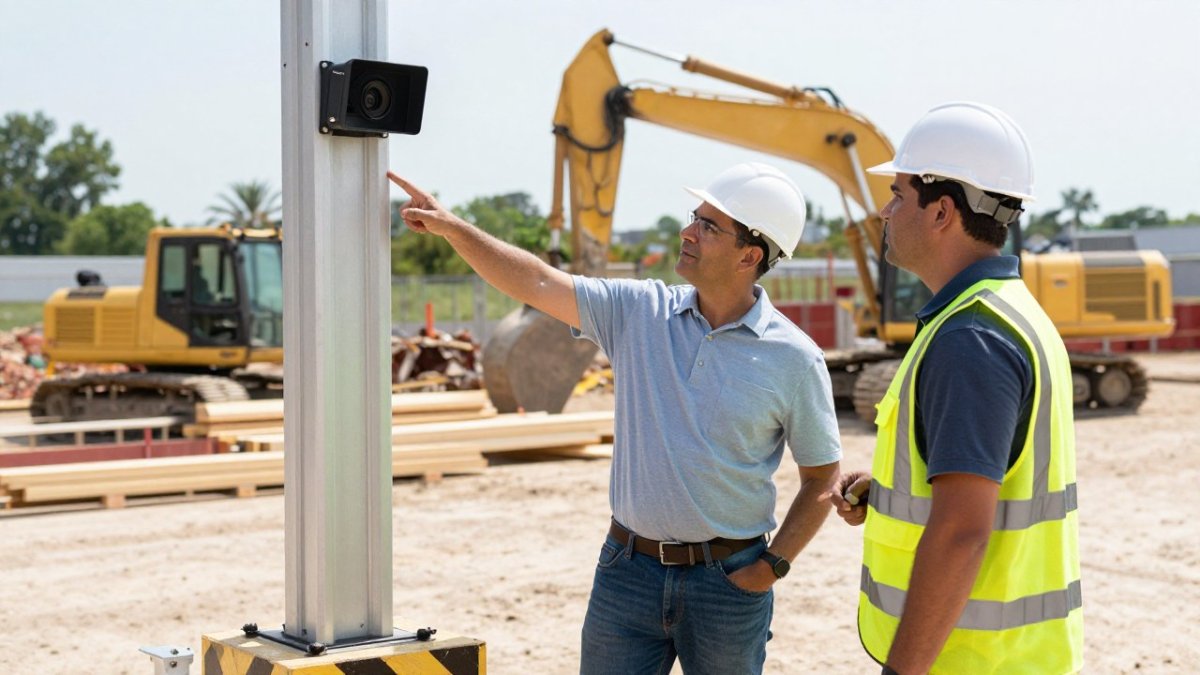
A site walkthrough beats a spec sheet every time. Before anyone mounts a camera, walk the perimeter and mark four things: entry points, material storage, equipment parking, and the blind spots between them.
A Step-by-Step Site Assessment Workflow
Run the same sequence on every site so the plan is repeatable and comparable across projects.
- Map the perimeter and entrances. Sketch the fence line and mark every gate, man-door, and vehicle opening.
- Mark high-value assets. Walk the site and tag material laydown areas, copper and wire storage, tool containers, fuel tanks, generators, and equipment parking. Note which assets are visible from outside the fence.
- Identify blind spots and approach routes. Stand at each gate and look inward. Note where a vehicle could pull up, where a person could cross without being seen, and where fencing or stacked materials block sightlines.
- Check power and signal at each candidate position. Walk the site with a phone on the carrier you plan to use and confirm signal at every proposed mount. Confirm whether the position can reach a charged battery, a solar panel with real sun exposure, or a temporary power drop.
- Set camera fields of view. Decide what each camera must see, a gate, a laydown area, a fuel island, and aim for the asset, not the horizon. A camera that sees a wide empty yard but not the tool container is wasted.
- Define the recording and alert rules per camera. Motion zones should follow the assets and paths you identified, not the whole frame, or alerts will be unusable.
- Document the plan and the as-built layout. Keep a simple map with camera positions, aims, and power sources so the next person can redeploy the system without starting over.
Coverage Mechanics That Decide Whether a Camera Is Useful
Placement is a geometry problem as much as a security problem. Three mechanics matter most:
- Distance versus identification. A camera can detect motion at a long distance but may not capture enough detail to identify a person or a vehicle plate. Place cameras for the level of detail you need at the asset, not just for a wide view.
- Light and glare. Aim away from direct sun and from bright security lighting that washes out the image at night. Check each position after dark before you commit.
- Obstruction over time. Stacked materials, scaffolding, and temporary structures move during a project. A position that works in week one can be blocked by week six, so plan a mid-project review.
Watch out: a camera aimed at the gate is worthless if the tower behind it sits in a cellular dead zone, confirm signal at the mount, not at the site trailer.
Redeployment: Planning for the Next Site
Temporary systems earn their keep by moving. Design the first layout with redeployment in mind: use mounts that can be removed without damaging finishes, label cables and power sources, and keep a photo record of each as-built position. When the project closes out, the documented plan becomes the starting point for the next site assessment rather than a fresh walk from scratch.
Privacy, Worker Notice, and Video Retention
Camera placement has a legal dimension. Post visible notice at entrances stating that the site is under video surveillance, keep cameras pointed at site areas rather than neighboring property or break areas, and set a retention period you can justify. The Federal Trade Commission's guidance on privacy and data security is a useful starting point for handling recorded footage responsibly, and your state's rules may add requirements.
Book a Site Walkthrough With Cyrus Alarm Services
The hardest part of jobsite surveillance is not buying a camera. It is placing it where it actually sees something, keeping it powered and connected, and making sure the alerts land on a phone that someone checks.
Every jobsite has a gap between where the fence is and where the cameras need to be. Cyrus Alarm Services closes it with a custom site assessment, portable camera systems you can relocate as work moves, and remote monitoring you can open from your phone.
Frequently Asked Questions
What is a temporary construction site camera system?
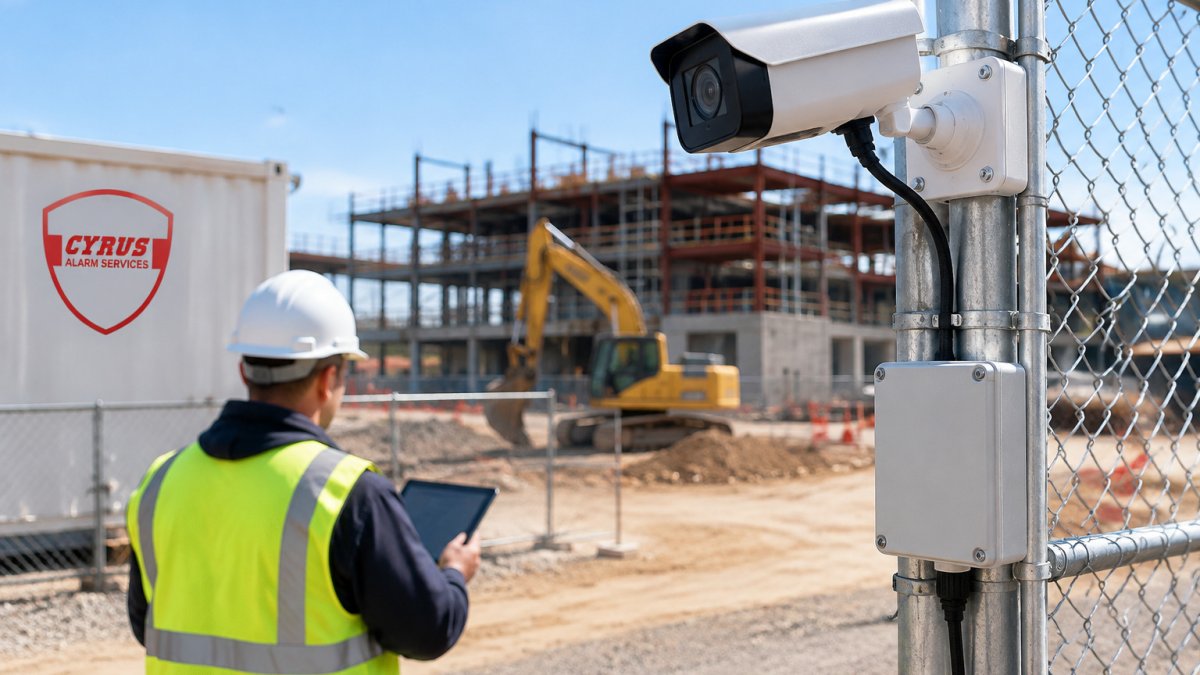
It is a portable surveillance setup built for jobsites that lack permanent power, internet, or mounting structures. A typical system pairs a weather-resistant camera with a battery or solar power source, cellular connectivity, and cloud or local storage. It can be deployed in hours, moved as the build progresses, and removed when the project closes out. Most units also record time-lapse video for progress documentation, so the same hardware serves security and project management.
How do construction site cameras work without Wi-Fi?
They use a cellular modem built into the camera or its base station, connecting over a mobile network instead of a local router. That means no cable run to a temporary office and no dependency on a jobsite network that may not exist yet. Data plans are usually bundled into the rental or subscription. Check coverage at the exact camera location before committing, since signal strength at the perimeter fence can differ from the trailer.
Should you rent or buy construction site security cameras?
Rent when the project is short, the site is remote, or you need hardware that stays current without a capital outlay. Buy when you run multiple sites year-round and can spread the cost across projects. Rental bundles typically include power, connectivity, storage, and support, which simplifies budgeting. Ownership shifts maintenance and data-plan management to you. Compare total cost across the full project duration, not just the monthly rate.
How do you choose camera coverage for a construction site?
Start with a walkthrough at the hours when theft is most likely, usually overnight and weekends. Map entry points, material storage, equipment parking, and fuel tanks, then identify blind spots behind trailers and fencing. Overlap fields of view so a person cannot cross the site unseen. Add lighting or infrared capability for night coverage, and confirm each camera has a clear line of sight to a cellular signal before mounting.