 listicle
7 Key Benefits of AI Security Cameras
Last Updated: October 26, 2026
Quick Summary
AI security cameras can analyze video and alert users to detected activity, reduce false alarms through contextual filtering, and offer features like person and vehicle detection. They distinguish themselves through processing architecture choices, edge, cloud, or hybrid, each with different trade-offs in latency, bandwidth, privacy, and cost.
- AI security cameras can classify detected activity to reduce false alarm triggers.
- Processing architecture options include edge for fastest alerts, cloud for more powerful models, and hybrid for balanced latency and cost.
- Evaluation should consider detection accuracy by lighting condition, integration with existing systems, and firmware security patch cadence.
- Total cost of ownership includes seven line items: hardware, installation, licensing, storage, connectivity, maintenance, and staffing.
- AI typically saves money through reduced alert triage time, faster video investigation, and avoided false-alarm penalties.
Table of Contents
- What AI Security Cameras Do Differently
- How AI Security Cameras Work
- AI Camera False Alarm Reduction
- AI Person and Vehicle Detection
- AI Security Camera Features That Matter
- Understanding AI Security Camera Cost
- Getting Started with AI Surveillance for Your Property
- Frequently Asked Questions
What AI Security Cameras Do Differently
AI security cameras can analyze video and alert users to detected activity.
AI security cameras may offer features for organizing and searching recorded video.
How AI Security Cameras Work
AI security cameras can analyze video and identify patterns.
AI Camera False Alarm Reduction
False alarms can be a concern for security systems. Learn how to reduce false alarm triggers in your security setup.
AI security cameras can be designed to classify detected activity.
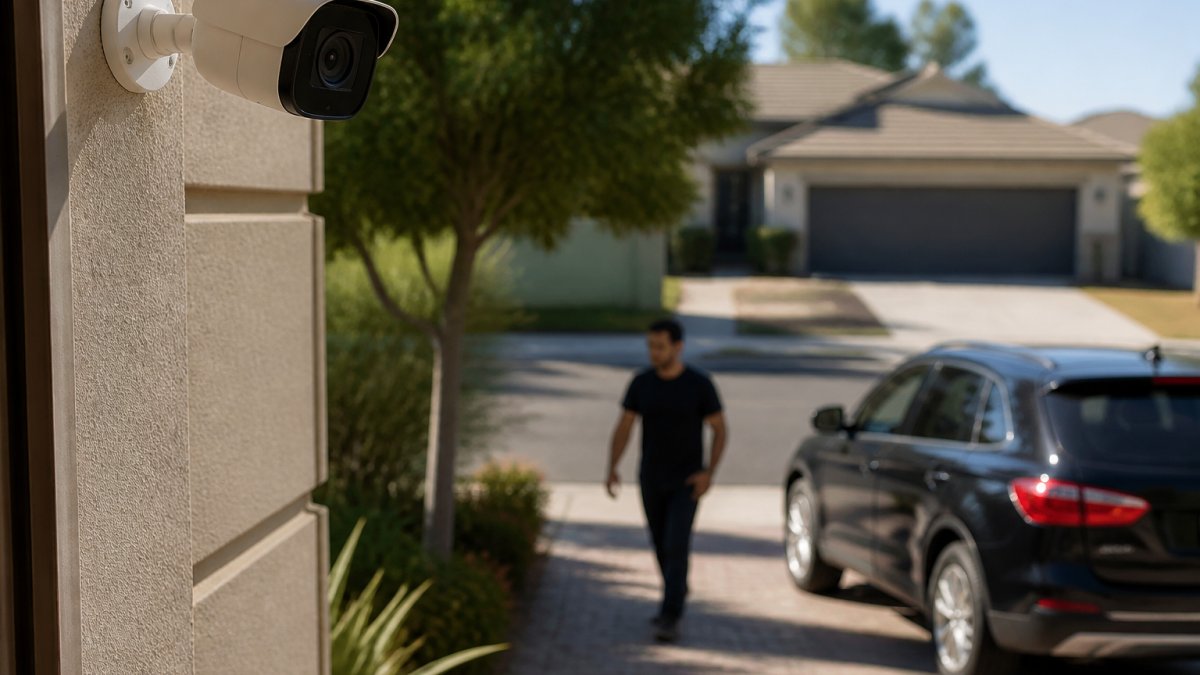
AI Person and Vehicle Detection
AI systems may be designed to distinguish between people and vehicles.
Some AI camera systems offer person or vehicle detection features.
AI Security Camera Features That Matter
When evaluating AI security cameras, consider detection accuracy, processing architecture, integration, and camera security.
Detection accuracy, and its real-world limits
Ask vendors for accuracy data by lighting condition and subject distance.
Processing architecture, edge, cloud, and hybrid
Where the AI runs changes latency, bandwidth, resilience, privacy, and cost:
- Edge (on-camera or on-site appliance), fastest alerts, works when the internet is down, keeps raw footage on site, and avoids bandwidth costs. Limited by on-device compute and storage.
- Cloud, more powerful models and easier multi-site management, but adds latency, requires upload bandwidth, and sends footage off site.
- Hybrid, edge detection with event clips pushed to the cloud. The most common pattern for small and mid-sized sites because it balances latency, resilience, and retention cost.
Match the architecture to your constraints: a site with unreliable internet should not depend on cloud processing for real-time alerts.
Integration, the difference between a camera and a system
When evaluating an AI camera, consider whether it integrates with your alarm panel, access control, or monitoring service.
Cybersecurity, the feature nobody markets
A network camera is a networked computer, and it needs to be secured like one. The features that matter:
- Encryption in transit (TLS) and at rest for stored footage.
- Strong authentication, unique credentials per device, no shared default passwords, and multi-factor access to the management interface where supported.
- Firmware update process, signed updates and a published cadence. Ask how long a model receives security patches.
- Network segmentation, put cameras on a separate VLAN from business or personal devices so a compromised camera cannot reach sensitive systems.
- Secure remote access, avoid exposing camera interfaces directly to the internet; use a VPN or the vendor's brokered remote-access service.
Customizable alerts and video search
Consider whether an AI camera system offers alert settings and video search features that suit your needs.
How to evaluate before you buy
- Request accuracy data by lighting condition and distance.
- Confirm the processing architecture and what happens during an internet outage.
- Verify documented integrations with your alarm and access-control platforms.
- Ask for the firmware support lifecycle and security patch cadence.
AI security cameras differ in where processing happens, each with distinct trade-offs:
| Processing Architecture | Key Benefit | Key Limitation |
|---|---|---|
| Edge | Fastest alerts, works offline, keeps footage on site | Limited by on-device compute and storage |
| Cloud | More powerful models, easier multi-site management | Adds latency, requires upload bandwidth |
| Hybrid | Balances latency, resilience, and retention cost | Most common for small and mid-sized sites |
Understanding AI Security Camera Cost
Total cost of ownership can include operational expenses. Consider the costs relevant to your situation when evaluating a system.
The cost stack you need to model
A complete AI camera budget has seven line items; most quotes cover only the first two:
- Hardware, cameras, NVRs or edge devices, and any AI appliance. AI-capable cameras carry a premium over conventional models because of the on-board processor and licensed analytics.
- Installation and configuration, mounting, cabling, network configuration, and detection-zone tuning. Configuration is not a one-time cost; expect a tuning pass in the first 30-60 days.
- Software licensing, many AI analytics are licensed per camera, per channel, or per site, either as a one-time fee or an annual subscription. Ask whether the license transfers if you replace a camera.
- Storage, local NVR drives, network-attached storage, or cloud retention. Retention period drives this cost more than camera count. Thirty days of continuous 4K footage across 16 cameras is a very different storage bill than seven days of event-only clips.
- Connectivity, bandwidth and upload capacity if you use cloud processing or remote viewing. Edge processing reduces this line item substantially.
- Maintenance, firmware updates, camera cleaning, drive replacement, and support contracts. Budget for at least one camera failure per 20-30 units per year as a planning assumption.
- Staffing and response, the labor to monitor alerts, review footage, and dispatch responses. This is where AI changes the math most.
Where AI changes the math
The savings case rests on three measurable shifts:
- Alert volume drops. When contextual filtering removes most nuisance triggers, the staff hours spent triaging alerts fall proportionally. If your team currently reviews 40 alerts a shift and AI cuts that to 8, you have recovered roughly 80% of triage time, a number you can multiply by a loaded hourly rate.
- Investigation time drops. Searchable, object-indexed video replaces scrubbing through hours of footage. A clip that took 45 minutes to locate manually can often be found in under five. Multiply the time saved per incident by your expected incident volume.
- False-alarm penalties drop. Many jurisdictions impose fees or permit requirements for repeated false alarms, and some suspend response after a threshold. Fewer dispatches means fewer fees and preserved police response priority.
A simple payback worksheet
You don't need a finance team to sanity-check a quote. Build a one-page model:
- Year 0: hardware + installation + first-year licensing + storage hardware.
- Years 1-5: annual licensing, storage/cloud fees, maintenance, and connectivity.
- Annual savings: (triage hours saved × loaded hourly rate) + (investigation hours saved × rate) + false-alarm fees avoided + estimated loss prevention.
- Payback period: total five-year cost divided by annual savings.
Cloud, local, and hybrid cost trade-offs
Storage and processing architecture drives much of lifetime cost. Local storage has higher upfront hardware cost but no recurring cloud fees or bandwidth bill. Cloud storage has lower upfront cost but per-camera monthly fees that compound over five years. Hybrid, edge processing with event-only cloud clips, often lands in the middle and is the most common pattern for small and mid-sized sites. Model all three against your retention requirements before choosing.
What to ask before you sign
- What is the storage cost at your required retention period, at your camera count and resolution?
- What is the support response time, and is it included or extra?
For a detailed assessment of what your specific setup would cost, contact Cyrus Alarm Services for a custom quote.
Getting Started with AI Surveillance for Your Property
Implementing AI security cameras starts with understanding what you're protecting: a residential property against break-ins, a business after hours, a construction site, or restricted areas? The answer shapes everything that follows.
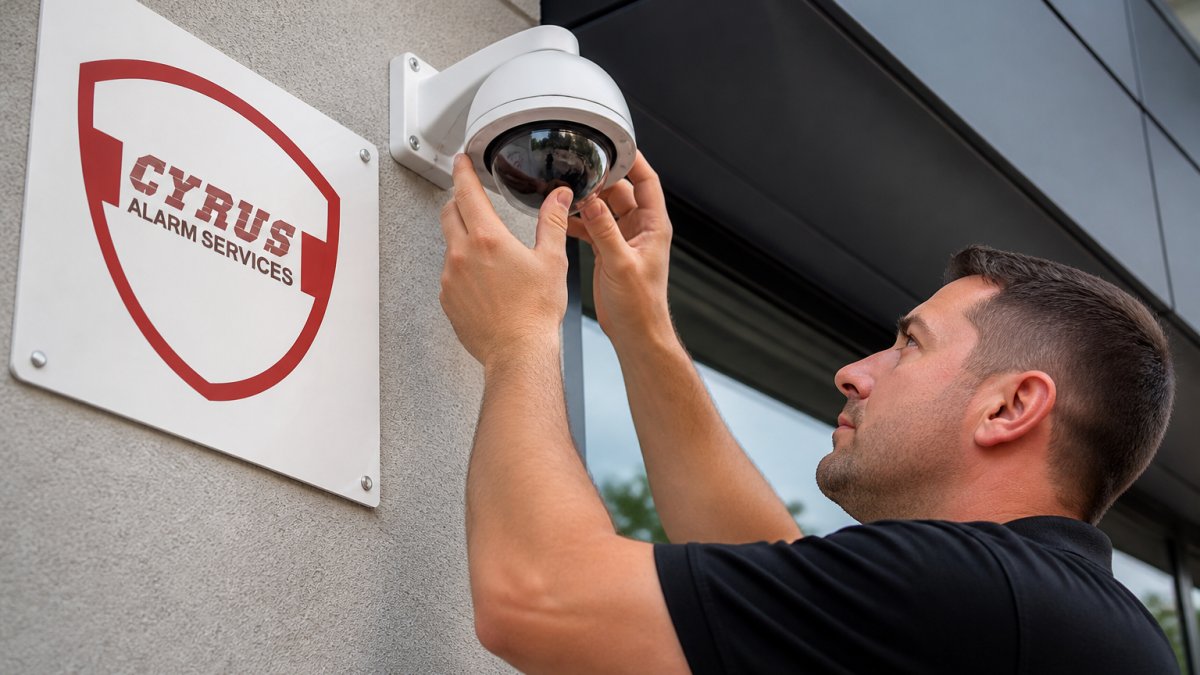
Professional installation matters. Poor placement can affect camera coverage.
Configuration is an important consideration when setting up AI security cameras. A step-by-step installation guide covers the technical process.
For businesses with multiple locations or complex needs, comparing AI security camera options for small business helps identify the right system. For residential properties, the same principles apply: understand your needs.
AI security cameras can be part of a security system.
Frequently Asked Questions
Are AI security cameras worth it?
AI security cameras may offer features such as detection and video review tools. Whether they suit your needs depends on the system and property.
How do AI security cameras reduce false alerts?
AI security cameras may offer features that classify detected activity. Available features vary by system.
Can AI security cameras recognize people and vehicles?
Some AI camera systems may offer person or vehicle detection. Features vary by system.
What should I expect to pay for an AI security camera system?
AI security camera pricing depends on the number of cameras, storage method (cloud or local), system integration, and professional installation. Monthly costs vary based on cloud storage, alert features, and monitoring services. For accurate pricing tailored to your property size and security needs, contact Cyrus Alarm Services for a custom quote.
AI security cameras give you visibility into what actually matters on your property. The right system depends on your specific layout, threats, and integration requirements. Cyrus Alarm Services designs custom AI security solutions with rigorous in-home testing of every device, ensuring your system delivers reliable threat detection and minimal false alarms. Get a quote from Cyrus Alarm Services and move from passive surveillance to active security.